







Question: Develop a project schedule using the WBS you have already created as the starting point. This should be completed using ProjectLibre. The project will
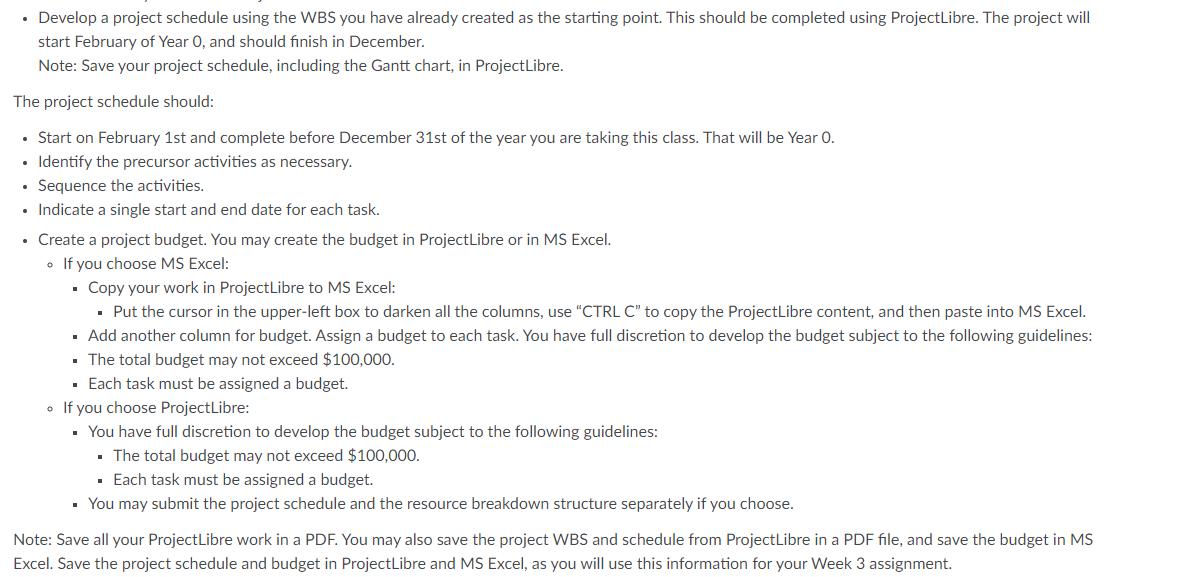
Develop a project schedule using the WBS you have already created as the starting point. This should be completed using ProjectLibre. The project will start February of Year O, and should finish in December. Note: Save your project schedule, including the Gantt chart, in ProjectLibre. The project schedule should: Start on February 1st and complete before December 31st of the year you are taking this class. That will be Year O. Identify the precursor activities as necessary. Sequence the activities. Indicate a single start and end date for each task. Create a project budget. You may create the budget in ProjectLibre or in MS Excel. If you choose MS Excel: Copy your work in ProjectLibre to MS Excel: Put the cursor in the upper-left box to darken all the columns, use "CTRL C" to copy the ProjectLibre content, and then paste into MS Excel. Add another column for budget. Assign a budget to each task. You have full discretion to develop the budget subject to the following guidelines: The total budget may not exceed $100,000. Each task must be assigned a budget. If you choose ProjectLibre: You have full discretion to develop the budget subject to the following guidelines: The total budget may not exceed $100,000. . Each task must be assigned a budget. You may submit the project schedule and the resource breakdown structure separately if you choose. Note: Save all your Project Libre work in a PDF. You may also save the project WBS and schedule from ProjectLibre in a PDF file, and save the budget in MS Excel. Save the project schedule and budget in Project Libre and MS Excel, as you will use this information for your Week 3 assignment.
Step by Step Solution
3.43 Rating (150 Votes )
There are 3 Steps involved in it
To develop a project schedule using the WBS and timeframe you have described follow these steps 1 Open ProjectLibre or MS Excel to create your project ... View full answer

Get step-by-step solutions from verified subject matter experts
 Study Help