







Question: do it using tinkercad and breadboard with arduino provide for each task a code and circuit screenshot 3.1. Write a sketch code to achieve the
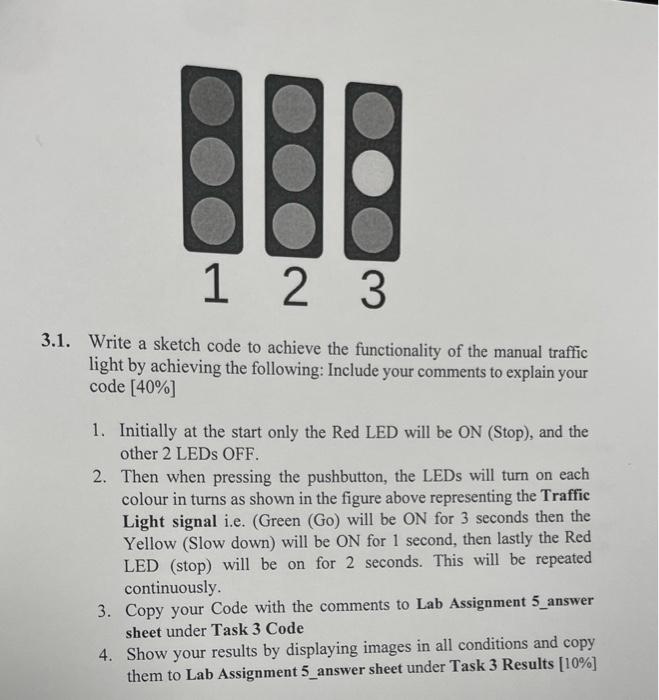
3.1. Write a sketch code to achieve the functionality of the manual traffic light by achieving the following: Include your comments to explain your code [40%] 1. Initially at the start only the Red LED will be ON (Stop), and the other 2 LEDs OFF. 2. Then when pressing the pushbutton, the LEDs will turn on each colour in turns as shown in the figure above representing the Traffic Light signal i.e. (Green (Go) will be ON for 3 seconds then the Yellow (Slow down) will be ON for 1 second, then lastly the Red LED (stop) will be on for 2 seconds. This will be repeated continuously. 3. Copy your Code with the comments to Lab Assignment 5_answer sheet under Task 3 Code 4. Show your results by displaying images in all conditions and copy them to Lab Assignment 5_answer sheet under Task 3 Results [10\%]
Step by Step Solution
There are 3 Steps involved in it

Get step-by-step solutions from verified subject matter experts
 Study Help