







Question: Draw a UML state Machine diagram for an elevator control system with the following states: Elevator Idle: By default, the elevator door is open
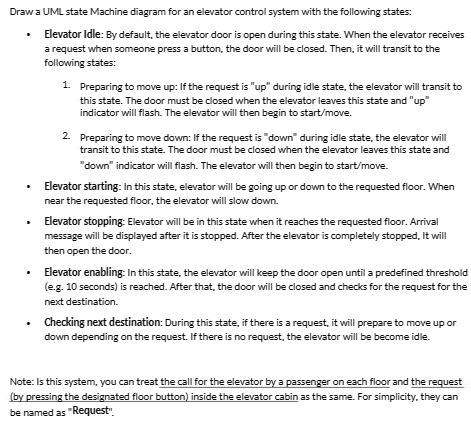
Draw a UML state Machine diagram for an elevator control system with the following states: Elevator Idle: By default, the elevator door is open during this state. When the elevator receives a request when someone press a button, the door will be closed. Then, it will transit to the following states: 1. Preparing to move up: If the request is "up" during idle state, the elevator will transit to this state. The door must be closed when the elevator leaves this state and "up" indicator will flash. The elevator will then begin to start/move. 2. Preparing to move down: If the request is "down" during idle state, the elevator will transit to this state. The door must be closed when the elevator leaves this state and "down" indicator will flash. The elevator will then begin to start/move. Elevator starting: In this state, elevator will be going up or down to the requested floor. When near the requested floor, the elevator will slow down. Elevator stopping: Elevator will be in this state when it reaches the requested floor. Arrival message will be displayed after it is stopped. After the elevator is completely stopped, It will then open the door. Elevator enabling: In this state, the elevator will keep the door open until a predefined threshold (e.g. 10 seconds) is reached. After that, the door will be closed and checks for the request for the next destination. Checking next destination: During this state, if there is a request, it will prepare to move up or down depending on the request. If there is no request, the elevator will be become idle. Note: Is this system, you can treat the call for the elevator by a passenger on each floor and the request (by pressing the designated floor button) inside the elevator cabin as the same. For simplicity, they can be named as "Request"
Step by Step Solution
There are 3 Steps involved in it

Get step-by-step solutions from verified subject matter experts
 Study Help