



Question: e Part 5: Excel Module 4 1. Go to the VegaTelescopes sheet. 2. Use the table of sales for each product by Month. Create a
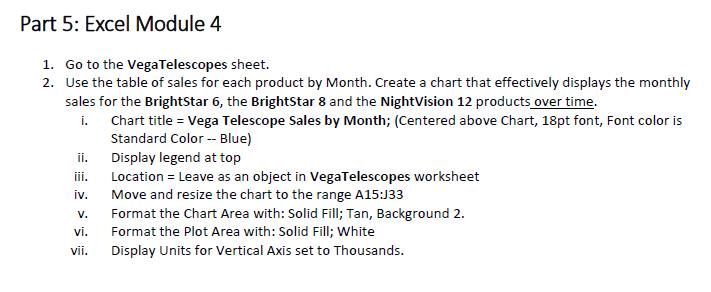
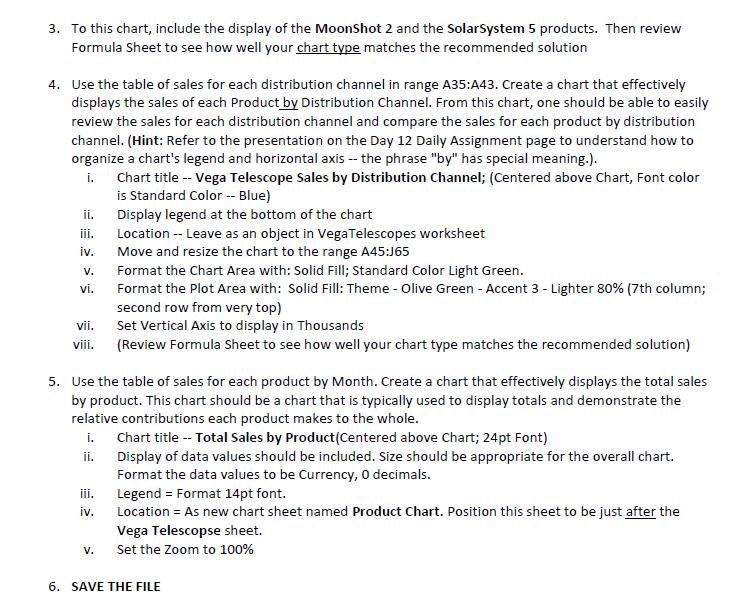
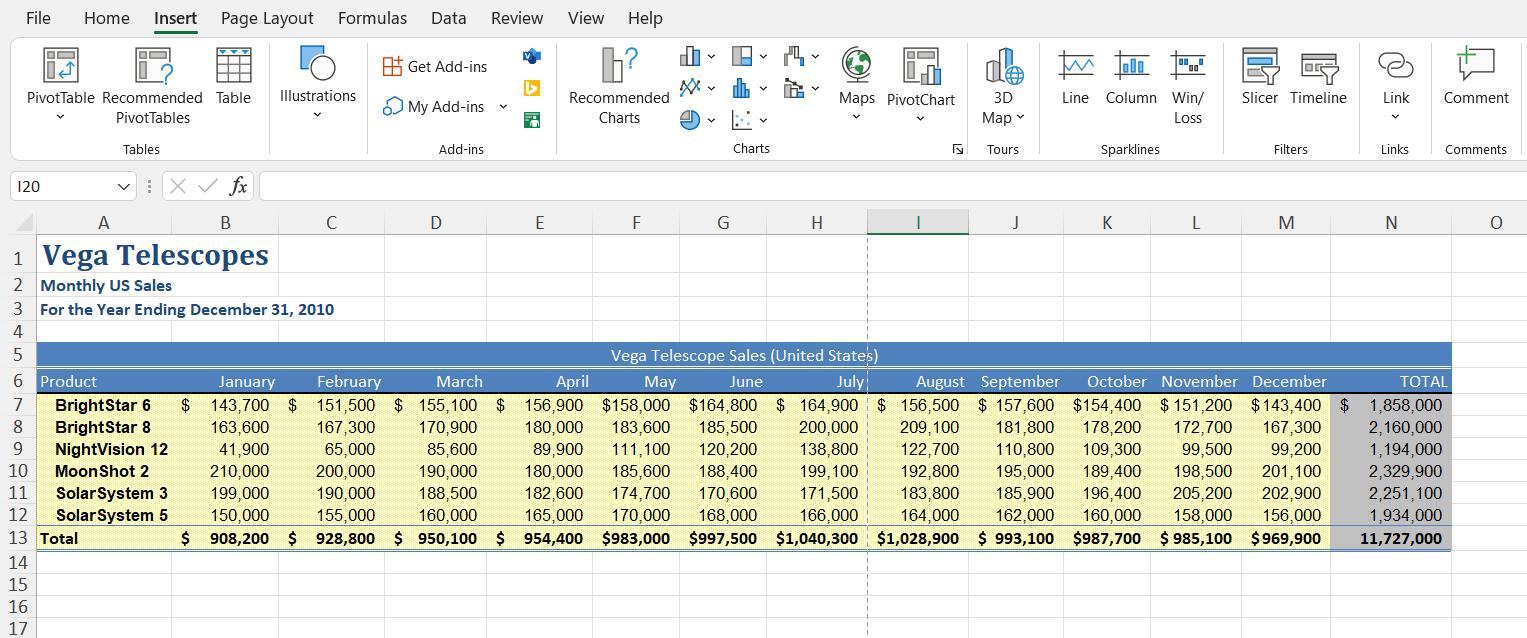
Part 5: Excel Module 4 1. Go to the VegaTelescopes sheet. 2. Use the table of sales for each product by Month. Create a chart that effectively displays the monthly sales for the BrightStar 6, the BrightStar 8 and the NightVision 12 products over time. i. Chart title = Vega Telescope Sales by Month; (Centered above Chart, 18pt font, Font color is Standard Color - Blue) Display legend at top Location = Leave as an object in VegaTelescopes worksheet ii. iii. iv. Move and resize the chart to the range A15:J33 V. Format the Chart Area with: Solid Fill; Tan, Background 2. vi. Format the Plot Area with: Solid Fill; White vii. Display Units for Vertical Axis set to Thousands.
Step by Step Solution
There are 3 Steps involved in it

Get step-by-step solutions from verified subject matter experts