







Question: Ensure your virtual instance is completely reset by running vagrant destroy and then vagrant up. Once your machine is up, connect to it using vagrant
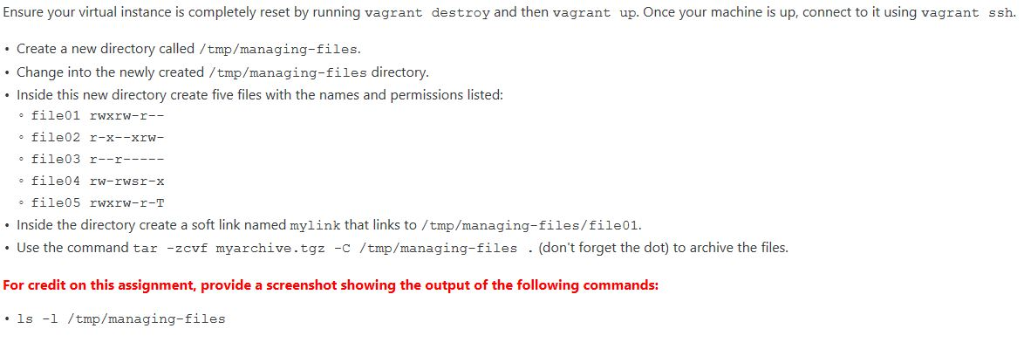
Ensure your virtual instance is completely reset by running vagrant destroy and then vagrant up. Once your machine is up, connect to it using vagrant ssh. Create a new directory called/tmp/managing-files Change into the newly created /tmp/managing-files directory. Inside this new directory create five files with the names and permissions listed: file01 rwxrw-r-- file02 r-x--xrw- file03 r--r file04 rw-rwsr-x file05 rwxrw-r-T Inside the directory create a soft link named mylink that links to/tmp/managing-files/file01. Use the command tar -zcvf myarchive.tgz -c /tmp/managing-files (don't forget the dot) to archive the files. For credit on this assignment, provide a screenshot showing the output of the following commands: 1s l /tmp/managing-files
Step by Step Solution
There are 3 Steps involved in it

Get step-by-step solutions from verified subject matter experts
 Study Help