







Question: Enter fdisk - I to display the currently present storage devices connected to the Kali VM . Enter the full disk path name of the
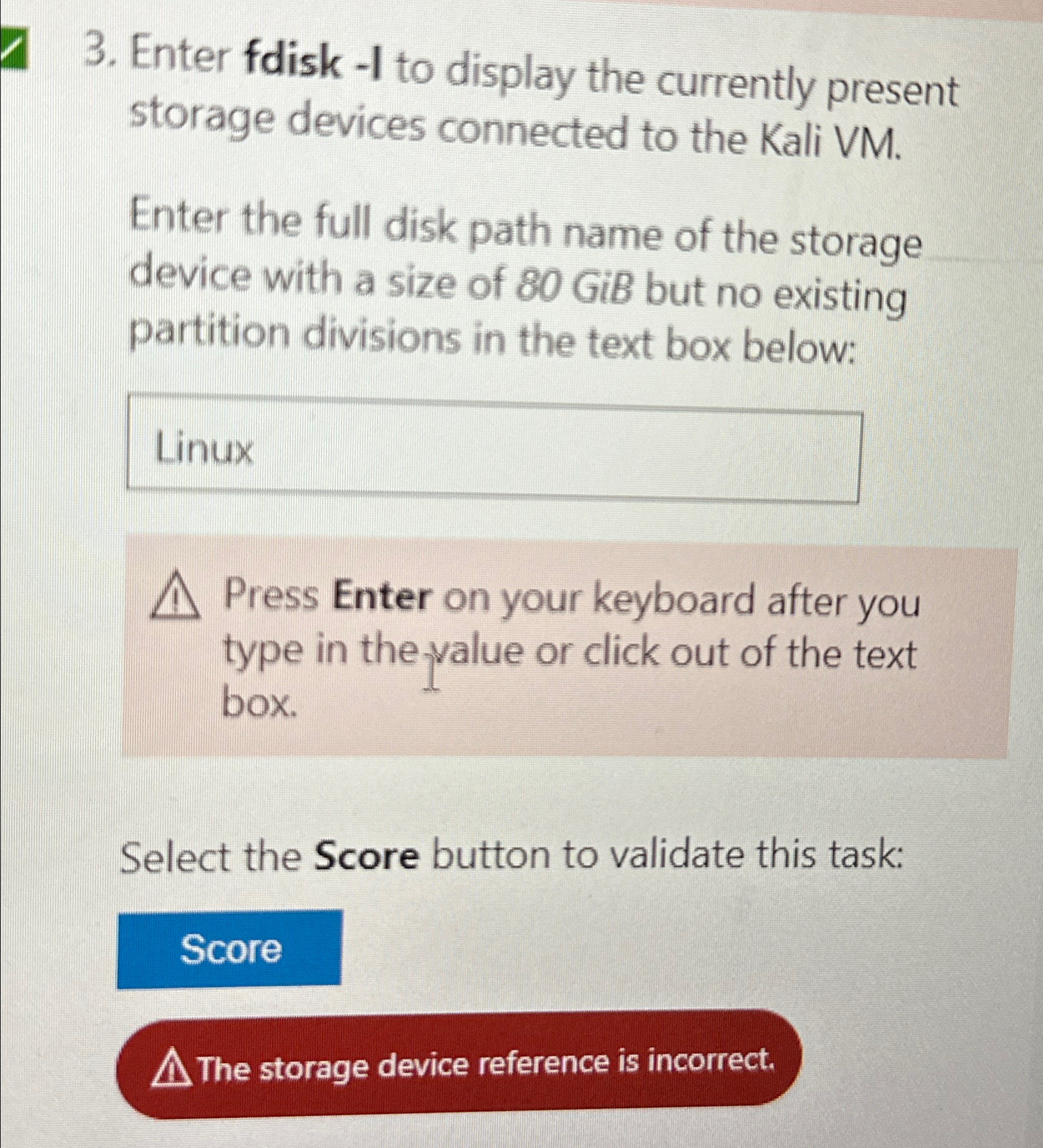
Enter fdisk I to display the currently present storage devices connected to the Kali VM
Enter the full disk path name of the storage device with a size of GiB but no existing partition divisions in the text box below:
Press Enter on your keyboard after you type in the value or click out of the text box.
Select the Score button to validate this task:
The storage device reference is incorrect.
Step by Step Solution
There are 3 Steps involved in it
1 Expert Approved Answer
Step: 1 Unlock

Question Has Been Solved by an Expert!
Get step-by-step solutions from verified subject matter experts
Step: 2 Unlock
Step: 3 Unlock
 Study Help