







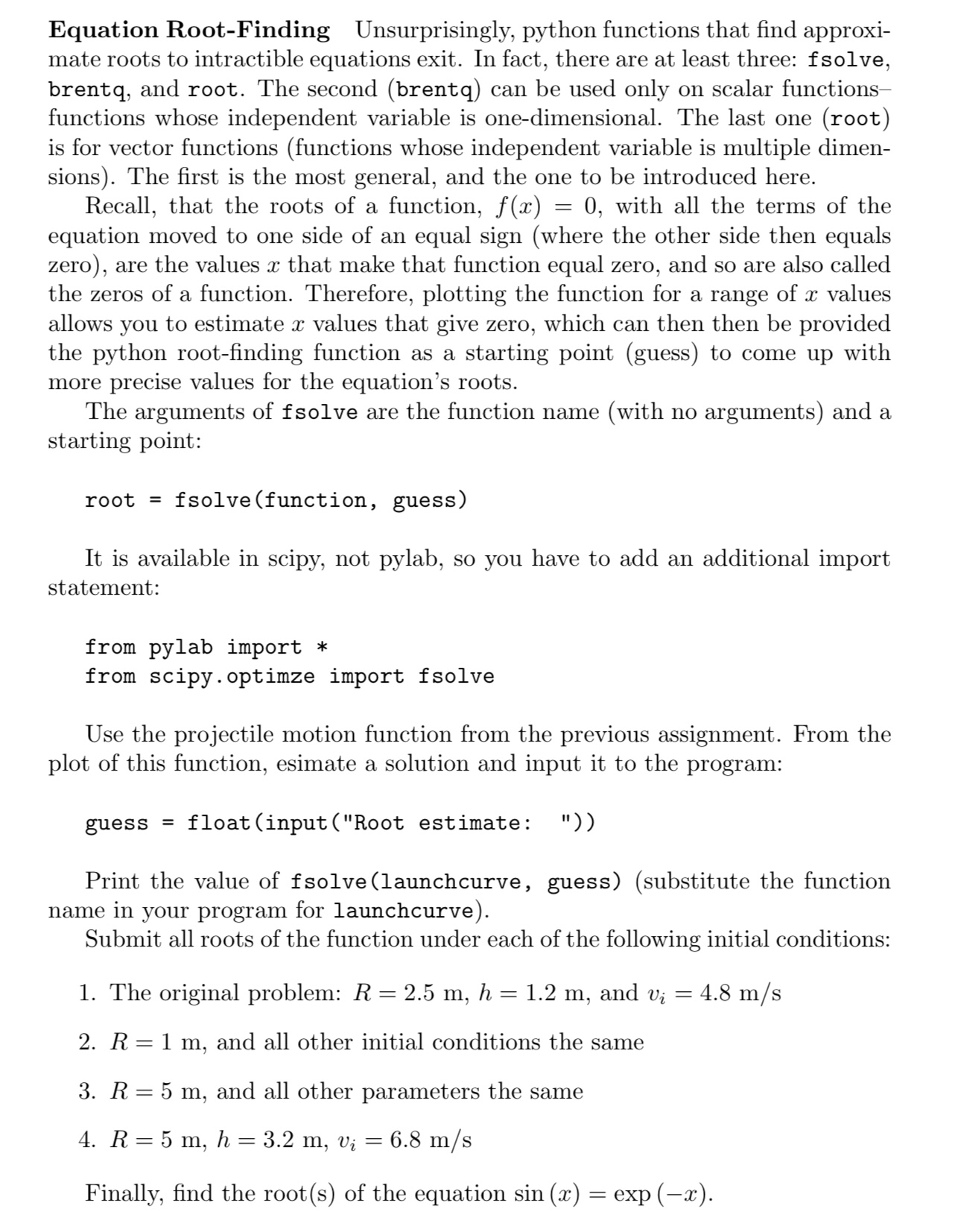
Question: Equation Root - Finding Unsurprisingly, python functions that find approxi - mate roots to intractible equations exit. In fact, there are at least three: fsolve,
Equation RootFinding Unsurprisingly, python functions that find approxi
mate roots to intractible equations exit. In fact, there are at least three: fsolve,
brentq, and root. The second brentq can be used only on scalar functions
functions whose independent variable is onedimensional. The last one root
is for vector functions functions whose independent variable is multiple dimen
sions The first is the most general, and the one to be introduced here.
Recall, that the roots of a function, with all the terms of the
equation moved to one side of an equal sign where the other side then equals
zero are the values that make that function equal zero, and so are also called
the zeros of a function. Therefore, plotting the function for a range of values
allows you to estimate values that give zero, which can then then be provided
the python rootfinding function as a starting point guess to come up with
more precise values for the equation's roots.
The arguments of fsolve are the function name with no arguments and a
starting point:
root fsolvefunction guess
It is available in scipy, not pylab, so you have to add an additional import
statement:
from pylab import
from scipy.optimze import fsolve
Use the projectile motion function from the previous assignment. From the
plot of this function, esimate a solution and input it to the program:
guess floatinputRoot estimate:
Print the value of fsolvelaunchcurve guesssubstitute the function
name in your program for launchcurve
Submit all roots of the function under each of the following initial conditions:
The original problem: and
and all other initial conditions the same
and all other parameters the same
Finally, find the roots of the equation exp
Step by Step Solution
There are 3 Steps involved in it
1 Expert Approved Answer
Step: 1 Unlock

Question Has Been Solved by an Expert!
Get step-by-step solutions from verified subject matter experts
Step: 2 Unlock
Step: 3 Unlock
 Study Help