







Question: ew Perspectives Excel 2 0 1 9 | Module 2 : End of Module Project 1 1 2 . Switch to the Money Market worksheet.
ew Perspectives Excel Module : End of Module Project
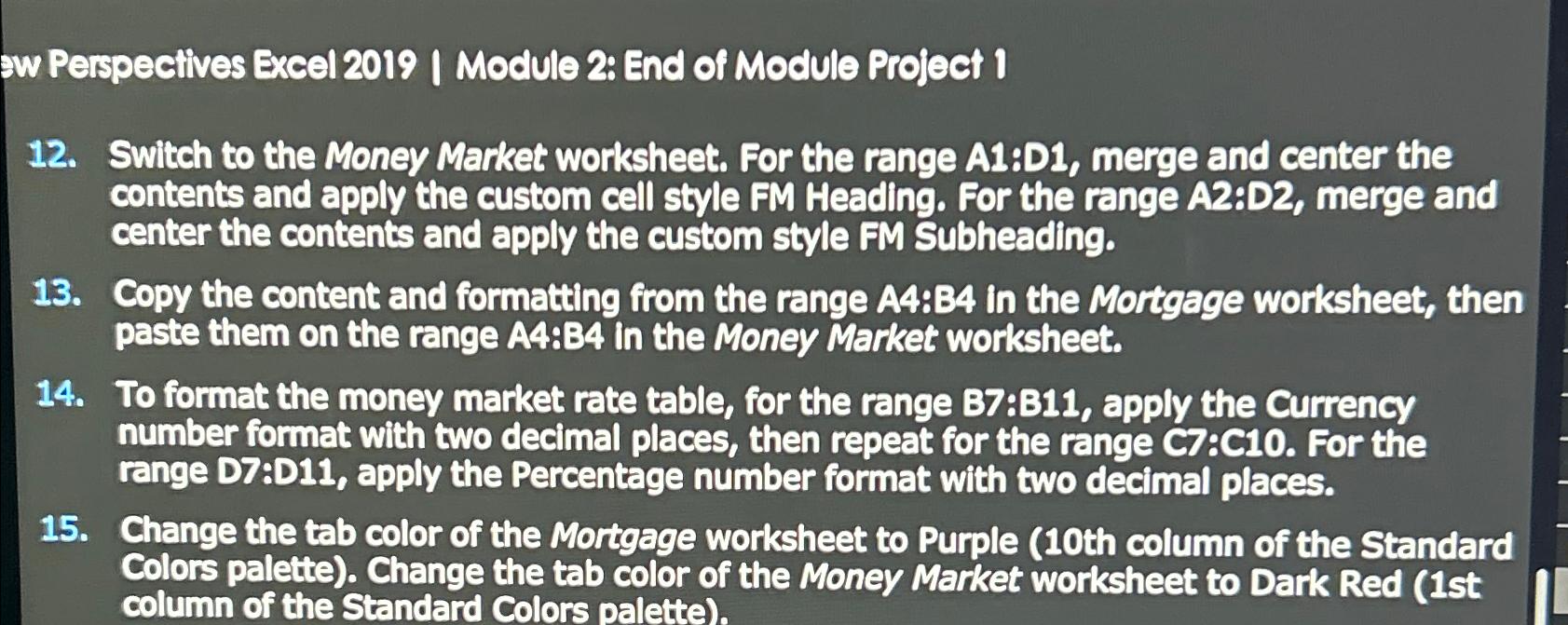
Switch to the Money Market worksheet. For the range A:D merge and center the contents and apply the custom cell style FM Heading. For the range A:D merge and center the contents and apply the custom style FM Subheading.
Copy the content and formatting from the range AB in the Mortgage worksheet, then paste them on the range A:B in the Money Market worksheet.
To format the money market rate table, for the range : apply the Currency number format with two decimal places, then repeat for the range C:C For the range D:D apply the Percentage number format with two decimal places.
Change the tab color of the Mortgage worksheet to Purple th column of the Standard Colors palette Change the tab color of the Money Market worksheet to Dark Red st column of the Standard Colors palette
Step by Step Solution
There are 3 Steps involved in it
1 Expert Approved Answer
Step: 1 Unlock

Question Has Been Solved by an Expert!
Get step-by-step solutions from verified subject matter experts
Step: 2 Unlock
Step: 3 Unlock
 Study Help