







Question: Exercise 1 1 : Your task. ( basket _ rules _ test: 4 points ) . Your final task in this notebook is to mine
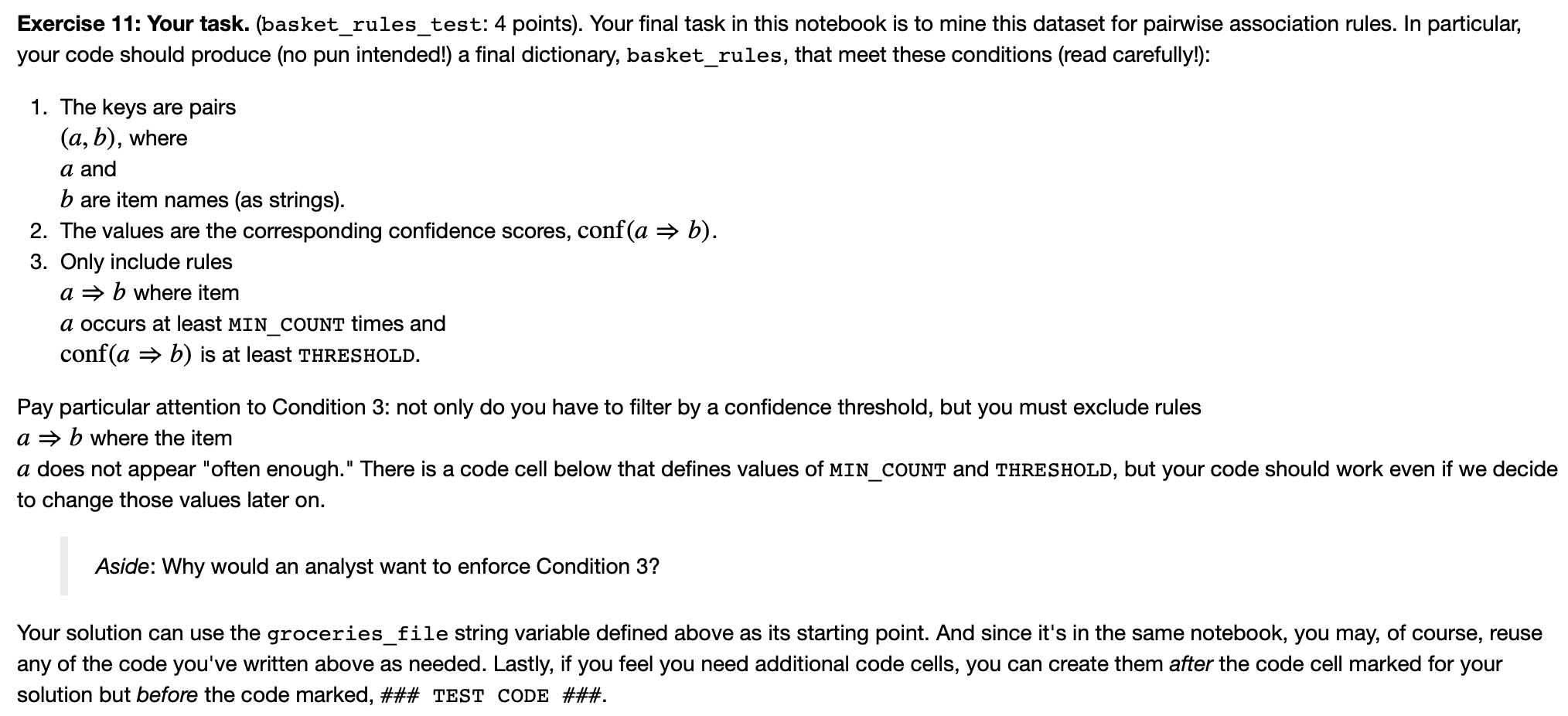
Exercise : Your task. basketrulestest: points Your final task in this notebook is to mine this dataset for pairwise association rules. In particular, your code should produce no pun intended! a final dictionary, basketrules, that meet these conditions read carefully!:
The keys are pairs ab
where a
and b
are item names as strings
The values are the corresponding confidence scores, confab
Only include rules ab
where item a
occurs at least MINCOUNT times and confab
is at least THRESHOLD.
Pay particular attention to Condition : not only do you have to filter by a confidence threshold, but you must exclude rules ab
where the item a
does not appear "often enough." There is a code cell below that defines values of MINCOUNT and THRESHOLD, but your code should work even if we decide to change those values later on
Exercise : Your task. basketrulestest: points Your final task in this notebook is to mine this dataset for pairwise association rules. In particular,
your code should produce no pun intended! a final dictionary, basketrules, that meet these conditions read carefully!:
The keys are pairs
where
a and
are item names as strings
The values are the corresponding confidence scores, conf
Only include rules
where item
a occurs at least MINCOUNT times and
conf is at least THRESHOLD.
Pay particular attention to Condition : not only do you have to filter by a confidence threshold, but you must exclude rules
where the item
a does not appear "often enough." There is a code cell below that defines values of MINCOUNT and THRESHOLD, but your code should work even if we decide
to change those values later on
Aside: Why would an analyst want to enforce Condition
Your solution can use the groceriesfile string variable defined above as its starting point. And since it's in the same notebook, you may, of course, reuse
any of the code you've written above as needed. Lastly, if you feel you need additional code cells, you can create them after the code cell marked for your
solution but before the code marked, ### TEST CODE ###
Your solution can use the groceriesfile string variable defined above as its starting point. And since it's in the same notebook, you may, of course, reuse any of the code you've written above as needed. Lastly, if you feel you need additional code cells, you can create them after the code cell marked for your solution but before the code marked, ### TEST CODE ###
Step by Step Solution
There are 3 Steps involved in it
1 Expert Approved Answer
Step: 1 Unlock

Question Has Been Solved by an Expert!
Get step-by-step solutions from verified subject matter experts
Step: 2 Unlock
Step: 3 Unlock
 Study Help