







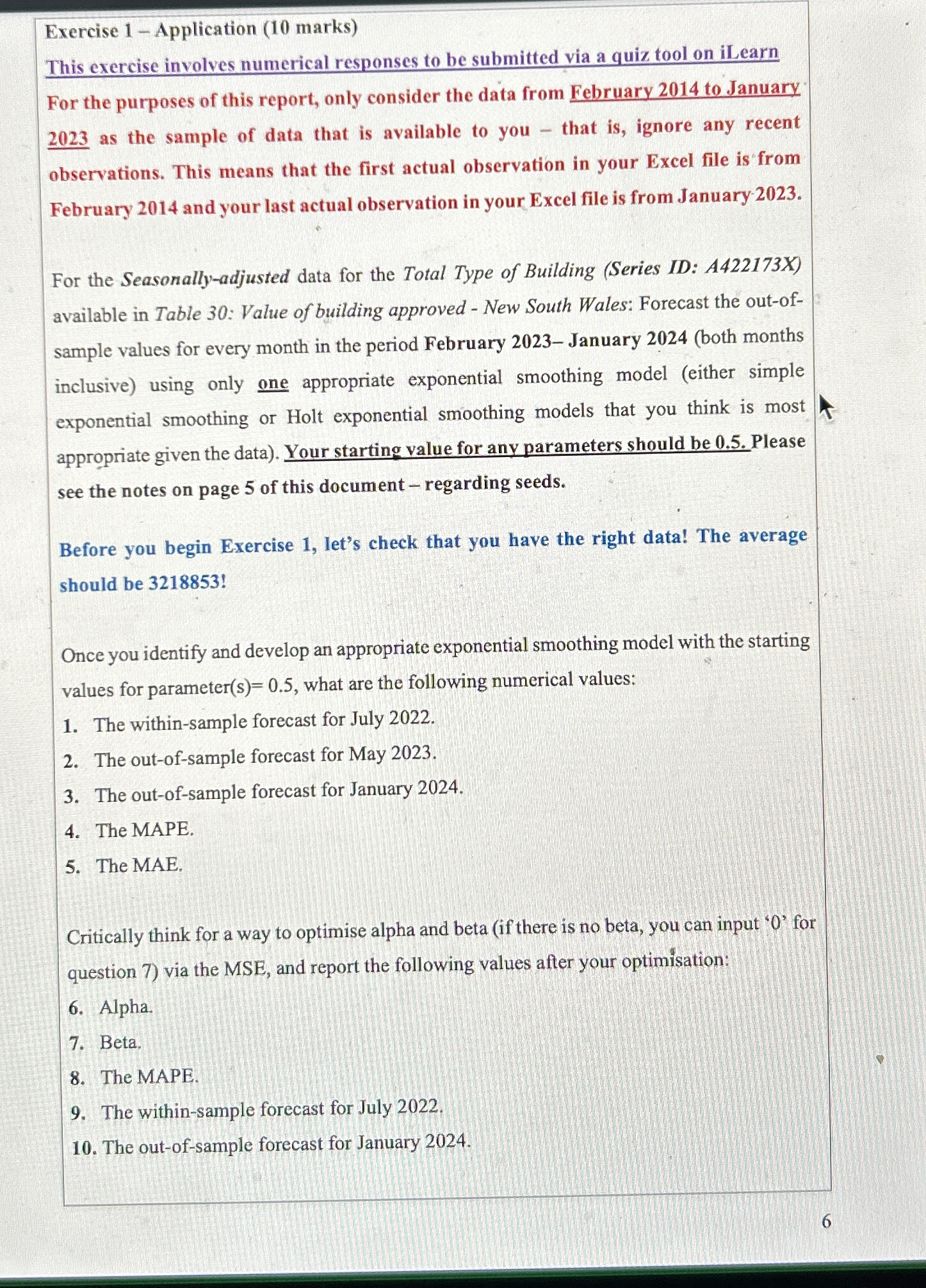
Question: Exercise 1 - Application ( 1 0 marks ) This exercise involves numerical responses to be submitted via a quiz tool on iLearn For the
Exercise Application marks
This exercise involves numerical responses to be submitted via a quiz tool on iLearn
For the purposes of this report, only consider the data from February to January as the sample of data that is available to you that is ignore any recent observations. This means that the first actual observation in your Excel file is from February and your last actual observation in your Excel file is from January
For the Seasonallyadjusted data for the Total Type of Building Series ID: AX available in Table : Value of building approved New South Wales: Forecast the outofsample values for every month in the period February January both months inclusive using only one appropriate exponential smoothing model either simple exponential smoothing or Holt exponential smoothing models that you think is most appropriate given the data Your starting value for any parameters should be Please see the notes on page of this document regarding seeds.
Before you begin Exercise let's check that you have the right data! The average should be
Once you identify and develop an appropriate exponential smoothing model with the starting values for parameter what are the following numerical values:
The withinsample forecast for July
The outofsample forecast for May
The outofsample forecast for January
The MAPE.
The MAE.
Critically think for a way to optimise alpha and beta if there is no beta, you can input for question via the MSE, and report the following values after your optimisation:
Alpha.
Beta.
The MAPE.
The withinsample forecast for July
The outofsample forecast for January
Step by Step Solution
There are 3 Steps involved in it
1 Expert Approved Answer
Step: 1 Unlock

Question Has Been Solved by an Expert!
Get step-by-step solutions from verified subject matter experts
Step: 2 Unlock
Step: 3 Unlock
 Study Help