







Question: Exercise 1 Design: Using the Enginius Templates, select Conjoint. Follow Step 1 in the Conjoint Tutorial and develop a Study Design Template for Forte, using
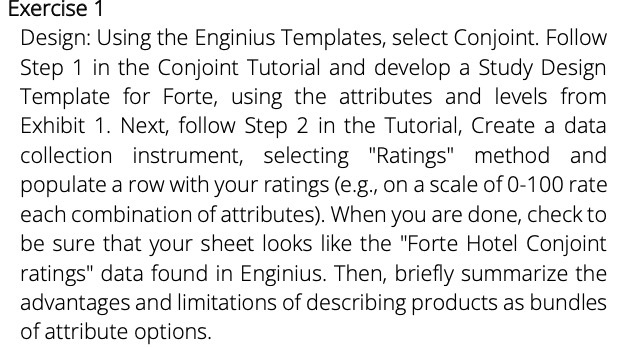
Exercise 1 Design: Using the Enginius Templates, select Conjoint. Follow Step 1 in the Conjoint Tutorial and develop a Study Design Template for Forte, using the attributes and levels from Exhibit 1. Next, follow Step 2 in the Tutorial, Create a data collection instrument, selecting "Ratings" method and populate a row with your ratings (e.g., on a scale of 0-100 rate each combination of attributes). When you are done, check to be sure that your sheet looks like the "Forte Hotel Conjoint ratings" data found in Enginius. Then, briefly summarize the advantages and limitations of describing products as bundles of attribute options
Step by Step Solution
There are 3 Steps involved in it

Get step-by-step solutions from verified subject matter experts
 Study Help