







Question: Exercise 2: Using Multiple Textures In the display, comment the code of mapping the myTexture1 texture to the teapot Now, create a new texture
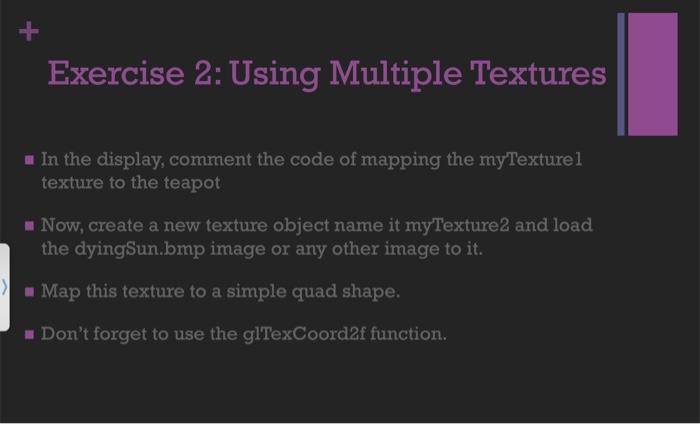
Exercise 2: Using Multiple Textures In the display, comment the code of mapping the myTexture1 texture to the teapot Now, create a new texture object name it myTexture2 and load the dyingSun.bmp image or any other image to it. Map this texture to a simple quad shape. Don't forget to use the glTexCoord2f function.
Step by Step Solution
3.41 Rating (145 Votes )
There are 3 Steps involved in it
The exercise provided is about using multiple textures in OpenGL Heres a stepbystep guide to complete Exercise 2 1 Comment the code for mapping myText... View full answer

Get step-by-step solutions from verified subject matter experts
 Study Help