







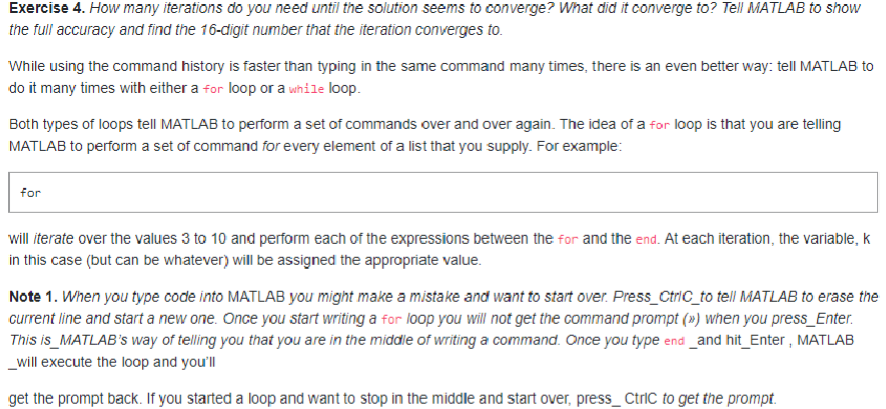
Question: Exercise 4 . How many iterations do you need until the solution seems to converge? What did it converge to ? Tell MATLAB to show
Exercise How many iterations do you need until the solution seems to converge? What did it converge to Tell MATLAB to show
the full accuracy and find the digit number that the iteration converges to
While using the command history is faster than typing in the same command many times, there is an even better way: tell MATLAB to
do it many times with either a for loop or a while loop.
Both types of loops tell MATLAB to perform a set of commands over and over again. The idea of a for loop is that you are telling
MATLAB to perform a set of command for every element of a list that you supply. For example:
will iterate over the values to and perform each of the expressions between the for and the end. At each iteration, the variable,
in this case but can be whatever will be assigned the appropriate value.
Note When you type code into MATLAB you might make a mistake and want to start over. PressCtrlCto tell MATLAB to erase the
current line and start a new one. Once you start writing a for loop you will not get the command prompt when you pressEnter.
This isMATLAB's way of telling you that you are in the middle of writing a command. Once you type end and hitEnter, MATLAB
will execute the loop and you'll
get the prompt back. If you started a loop and want to stop in the middle and start over, pressCtric to get the prompt.
Step by Step Solution
There are 3 Steps involved in it
1 Expert Approved Answer
Step: 1 Unlock

Question Has Been Solved by an Expert!
Get step-by-step solutions from verified subject matter experts
Step: 2 Unlock
Step: 3 Unlock
 Study Help