







Question: Facility Amortization Table 17 Enter a function in cell G12, based on the payment and loan details, that calculates the amount of cumulative interest paid
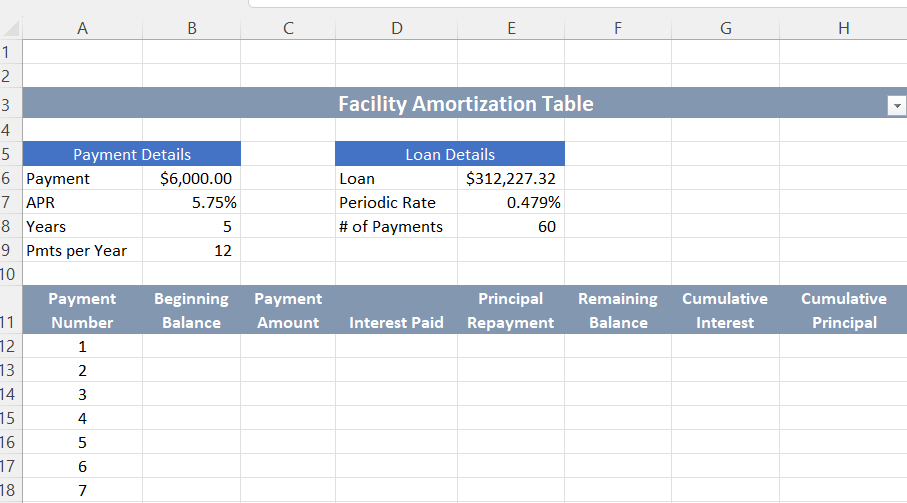
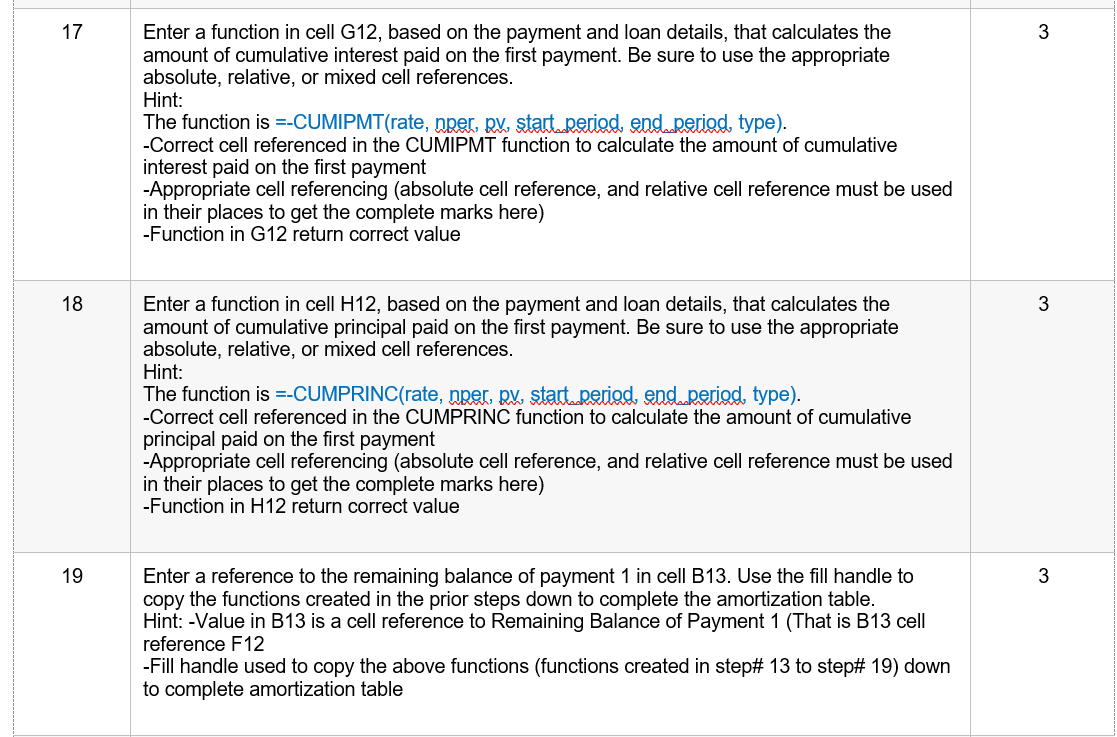
Facility Amortization Table 17 Enter a function in cell G12, based on the payment and loan details, that calculates the amount of cumulative interest paid on the first payment. Be sure to use the appropriate absolute, relative, or mixed cell references. Hint: The function is =-CUMIPMT(rate, nper, pv, startaderiod, end period, type). -Correct cell referenced in the CUMIPMT function to calculate the amount of cumulative interest paid on the first payment -Appropriate cell referencing (absolute cell reference, and relative cell reference must be used in their places to get the complete marks here) -Function in G12 return correct value 18 Enter a function in cell H12, based on the payment and loan details, that calculates the amount of cumulative principal paid on the first payment. Be sure to use the appropriate absolute, relative, or mixed cell references. Hint: The function is =-CUMPRINC(rate, nper, pv, startaderiod, end,period, type). -Correct cell referenced in the CUMPRINC function to calculate the amount of cumulative principal paid on the first payment -Appropriate cell referencing (absolute cell reference, and relative cell reference must be used in their places to get the complete marks here) -Function in H12 return correct value 19 Enter a reference to the remaining balance of payment 1 in cell B13. Use the fill handle to copy the functions created in the prior steps down to complete the amortization table. Hint: -Value in B13 is a cell reference to Remaining Balance of Payment 1 (That is B13 cell reference F12 -Fill handle used to copy the above functions (functions created in step\# 13 to step\# 19) down to complete amortization table
Step by Step Solution
There are 3 Steps involved in it

Get step-by-step solutions from verified subject matter experts
 Study Help