







Question: Fall 2 0 2 4 / 2 0 2 5 1 0 . CIS. 2 0 0 0 . 0 1 1 / IFS Function
Fall CIS. IFS Function Bonus Grade Monitoring
IFS Function Bonus Grade Monitoring
Opened: Thursday, October : AM
Due: Sunday, October : PM
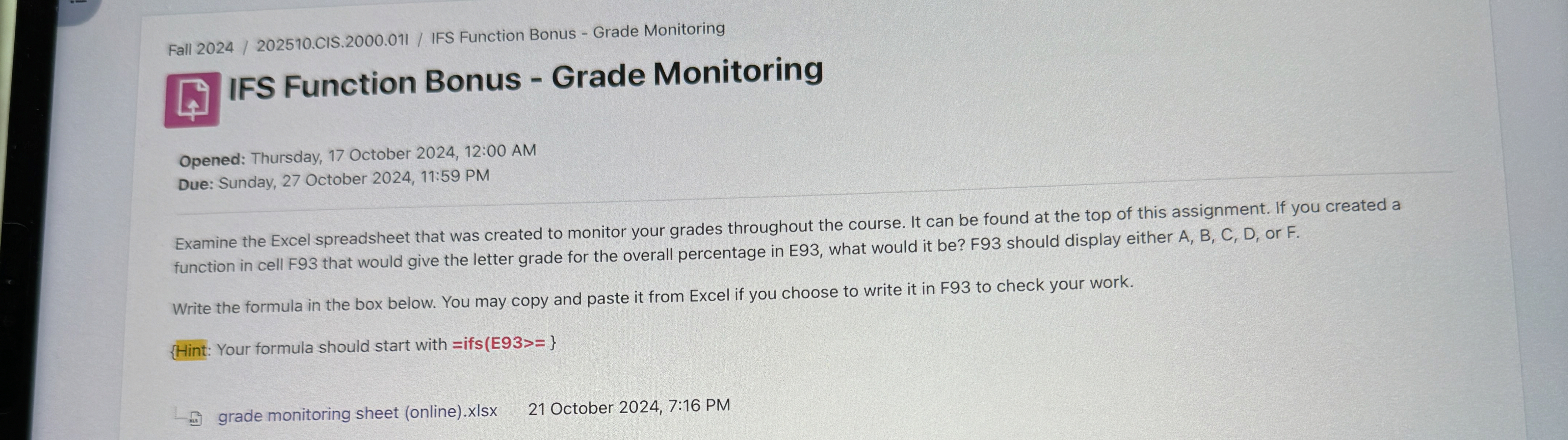
Examine the Excel spreadsheet that was created to monitor your grades throughout the course. It can be found at the top of this assignment. If you created a function in cell F that would give the letter grade for the overall percentage in E what would it be F should display either A B C D or F
Write the formula in the box below. You may copy and paste it from Excel if you choose to write it in F to check your work.
Your formula should start with ifs E:
grade monitoring sheet onlinexlsx
October : PM
Step by Step Solution
There are 3 Steps involved in it
1 Expert Approved Answer
Step: 1 Unlock

Question Has Been Solved by an Expert!
Get step-by-step solutions from verified subject matter experts
Step: 2 Unlock
Step: 3 Unlock
 Study Help