







Question: File Nol; Excel file: Create a Gantt chart in Excel File No2: word doc.: Prepare a report about how to create a Gantt chart in
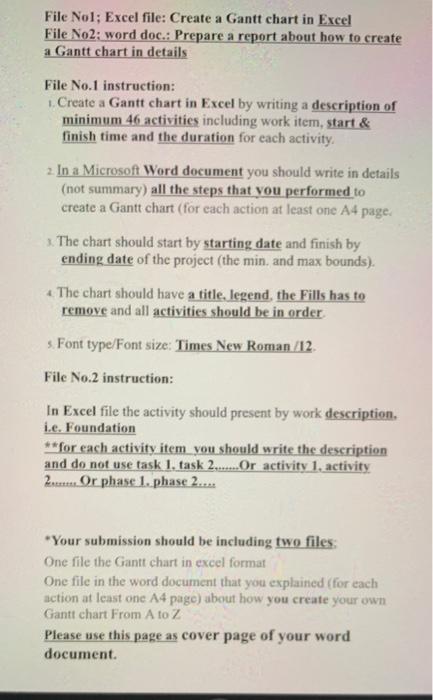
File Nol; Excel file: Create a Gantt chart in Excel File No2: word doc.: Prepare a report about how to create a Gantt chart in details File No. 1 instruction: Create a Gantt chart in Excel by writing a description of minimum 46 activities including work item, start & finish time and the duration for each activity 2. In a Microsoft Word document you should write in details (not summary) all the steps that you performed to create a Gantt chart (for each action at least one A4 page. 3. The chart should start by starting date and finish by ending date of the project (the min, and max bounds). 4. The chart should have a title, legend, the Fills has to remove and all activities should be in order s Font type/Font size: Times New Roman /12 File No.2 instruction: In Excel file the activity should present by work description, i.e. Foundation **for each activity item you should write the description and do not use task 1. task 2.......Or activity 1, activity 2. Or phase 1. phase 2.... *Your submission should be including two files: One file the Gantt chart in excel format One file in the word document that you explained (for each action at least one A4 page) about how you create your own Gantt chart From A to Z Please use this page as cover page of your word document
Step by Step Solution
There are 3 Steps involved in it

Get step-by-step solutions from verified subject matter experts
 Study Help