







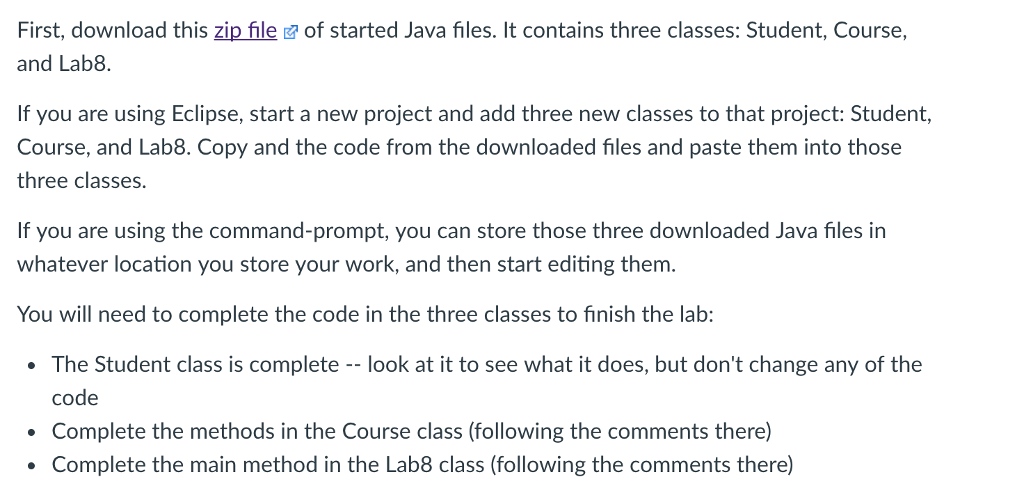
Question: files: First, download this zip file of started Java files. It contains three classes: Student, Course, and Lab8. If you are using Eclipse, start a
files:
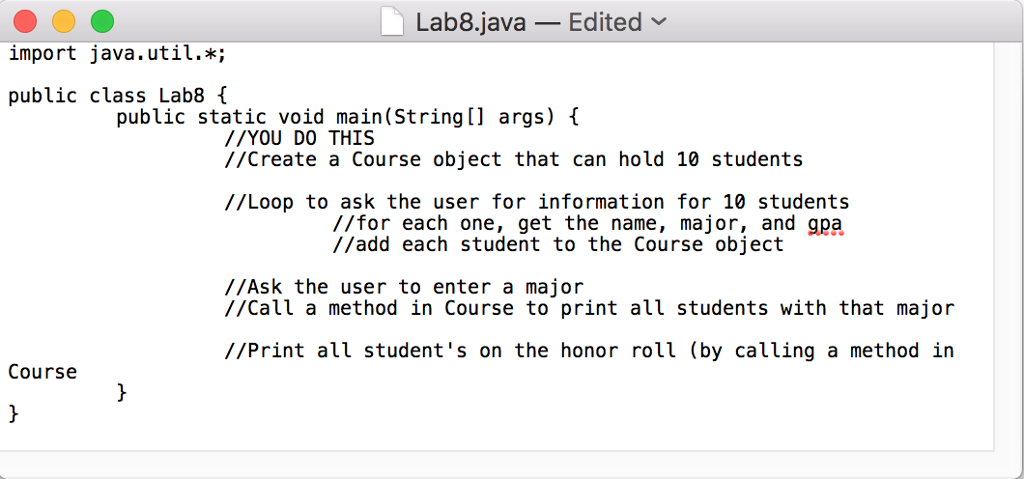
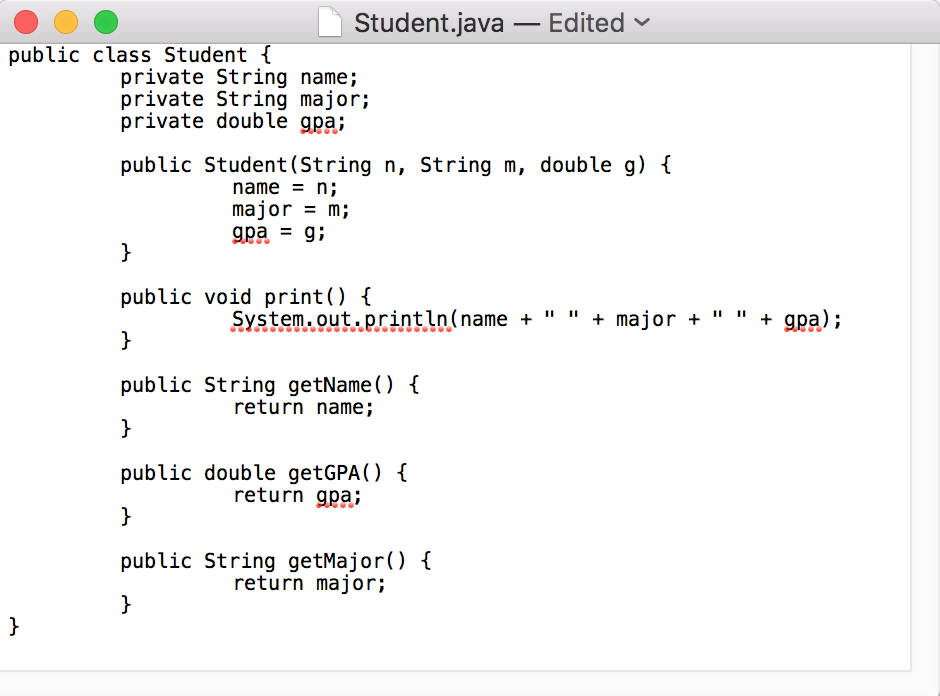
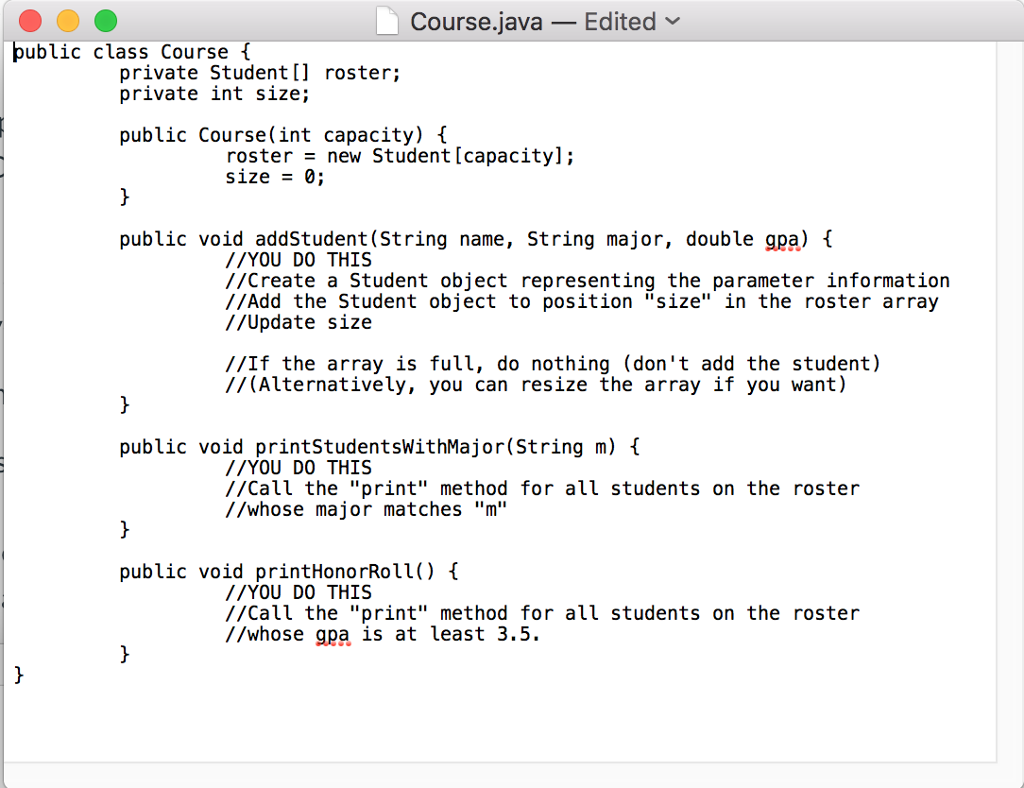
First, download this zip file of started Java files. It contains three classes: Student, Course, and Lab8. If you are using Eclipse, start a new project and add three new classes to that project: Student, Course, and Lab8. Copy and the code from the downloaded files and paste them into those three classes. If you are using the command-prompt, you can store those three downloaded Java files in whatever location you store your work, and then start editing them You will need to complete the code in the three classes to finish the lab: The Student class is completelook at it to see what it does, but don't change any of the code Complete the methods in the Course class (following the comments there) Complete the main method in the Lab8 class (following the comments there)
Step by Step Solution
There are 3 Steps involved in it

Get step-by-step solutions from verified subject matter experts
 Study Help