



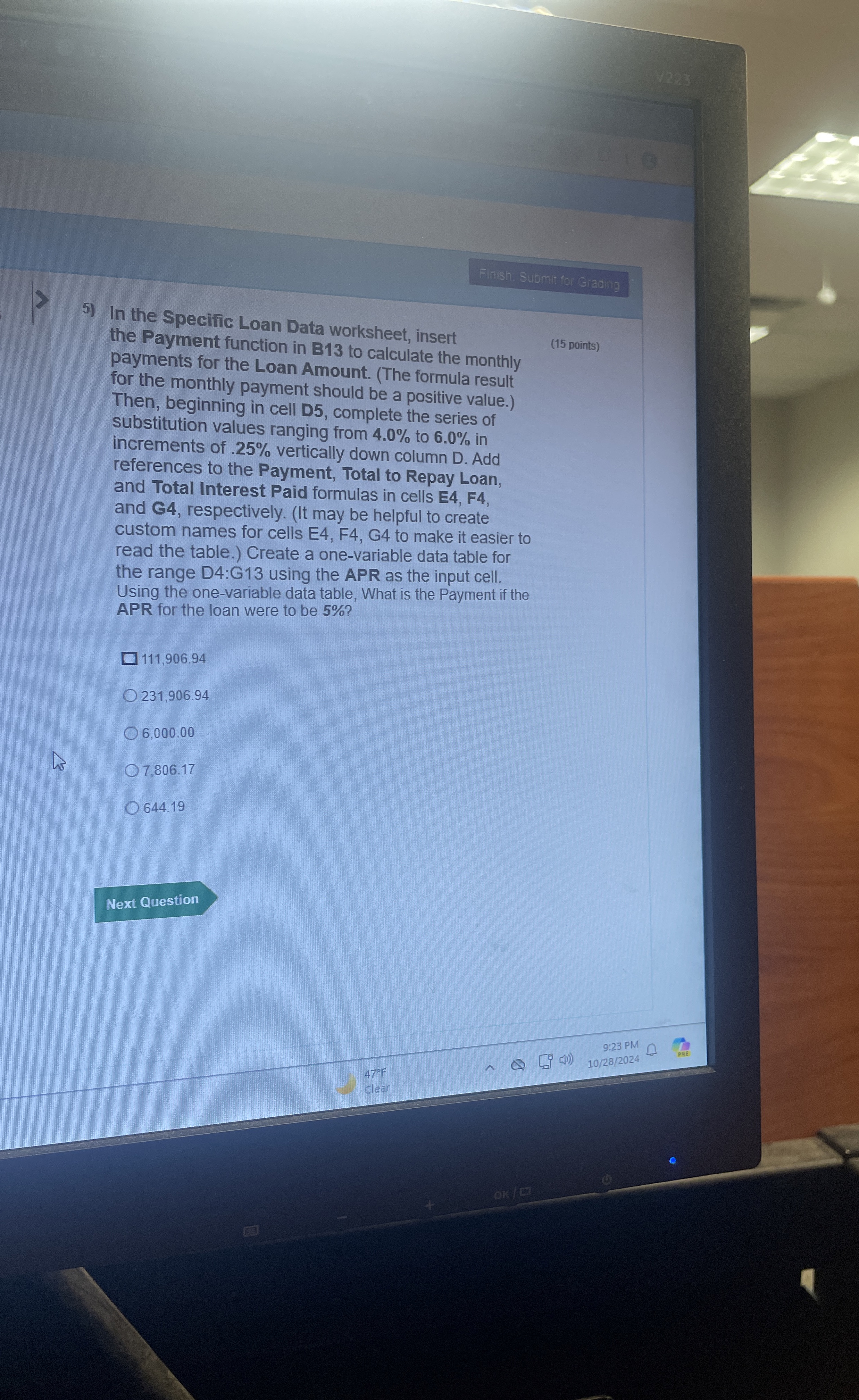
Question: Finish. Sumit for Gradng In the Specific Loan Data worksheet, insert the Payment function in B 1 3 to calculate the monthly ( 1 5
Finish. Sumit for Gradng
In the Specific Loan Data worksheet, insert the Payment function in B to calculate the monthly
points
payments for the Loan Amount. The formula result for the monthly payment should be a positive value. Then, beginning in cell D complete the series of substitution values ranging from to in increments of vertically down column D Add references to the Payment, Total to Repay Loan, and Total Interest Paid formulas in cells E F and respectively. It may be helpful to create custom names for cells E F G to make it easier to read the table. Create a onevariable data table for the range D:G using the APR as the input cell. Using the onevariable data table, What is the Payment if the APR for the loan were to be
Step by Step Solution
There are 3 Steps involved in it
1 Expert Approved Answer
Step: 1 Unlock

Question Has Been Solved by an Expert!
Get step-by-step solutions from verified subject matter experts
Step: 2 Unlock
Step: 3 Unlock