







Question: For this course we will be writing code for a small but complete OS named CastorOS to implement real - world OS mechanisms. CastorOS is
For this course we will be writing code for a small but complete OS named
CastorOS to implement realworld OS mechanisms. CastorOS is an educational
OS that runs on real hardware or as a VM using virtualization In the
course of the assignments we will write code to boot and run CastorOS, and
then add critical system calls to it to implement important OS functionality like
threading, scheduling, and file systems.
We will be running CastorOS using the QEMU emulator that runs the
entire OS inside a userspace process. QEMU emulates real hardware using
code, so the OS runs as if on bare metal. QEMU is available on Linux and
MacOS and on Windows through WSL
In this assigment we set up CastorOS and fill in the code enough to make
it boot into userspace. The OS is missing parts of the Spawn call that is needed
to run applications and pass arguments to them. Booting up the system thus
leads to a crash when the kernel tries to set up the init process. CastorOS's
loader is incomplete and cannot load the program into the process. The loader
also does not have code for copying the process' command line arguments into
its memory. We will implement argument passing so that we can run userspace
processes like shells.
Setting up the CS Client
We will be using the
client.py command line tool to interact with the CS
submission server. The tool is a script that we use to retrieve the source, submit
our work, and check the status of our submission.
Setting Up the Submission Client
We first add our credentials to the
client.py tool. To access the server we need
to add our username and hex magic string to allow the script to authenticate
with the server. The username is our character UW ID The magic hex string
is a hex string that we receive via email from
csnoreply@uwaterloo.ca
We directly modify in a text editor the
client.py Python script provided in the
course website. We change the values of the script's STUDENT and MAGIC variables
from None to our username and magic string respectively. To test whether we
have entered our credentials correctly we run:
$ python
client.py ping
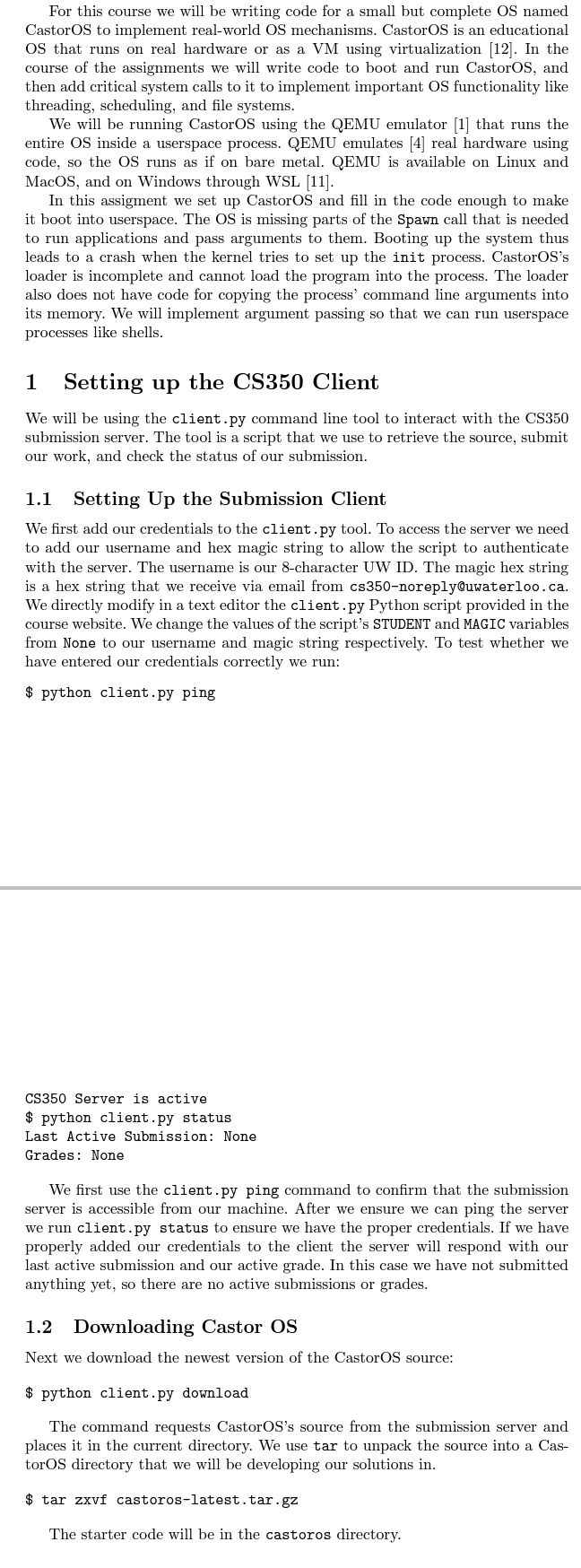
We first use the
client.py ping command to confirm that the submission
server is accessible from our machine. After we ensure we can ping the server
we run
client.py status to ensure we have the proper credentials. If we have
properly added our credentials to the client the server will respond with our
last active submission and our active grade. In this case we have not submitted
anything yet, so there are no active submissions or grades.
Downloading Castor OS
Next we download the newest version of the CastorOS source:
$ python
client.py download
The command requests CastorOS's source from the submission server and
places it in the current directory. We use tar to unpack the source into a Cas
torOS directory that we will be developing our solutions in
$ tar zxvf castoroslatest.tar.gz
The starter code will be in the castoros directory.
Step by Step Solution
There are 3 Steps involved in it
1 Expert Approved Answer
Step: 1 Unlock

Question Has Been Solved by an Expert!
Get step-by-step solutions from verified subject matter experts
Step: 2 Unlock
Step: 3 Unlock
 Study Help