







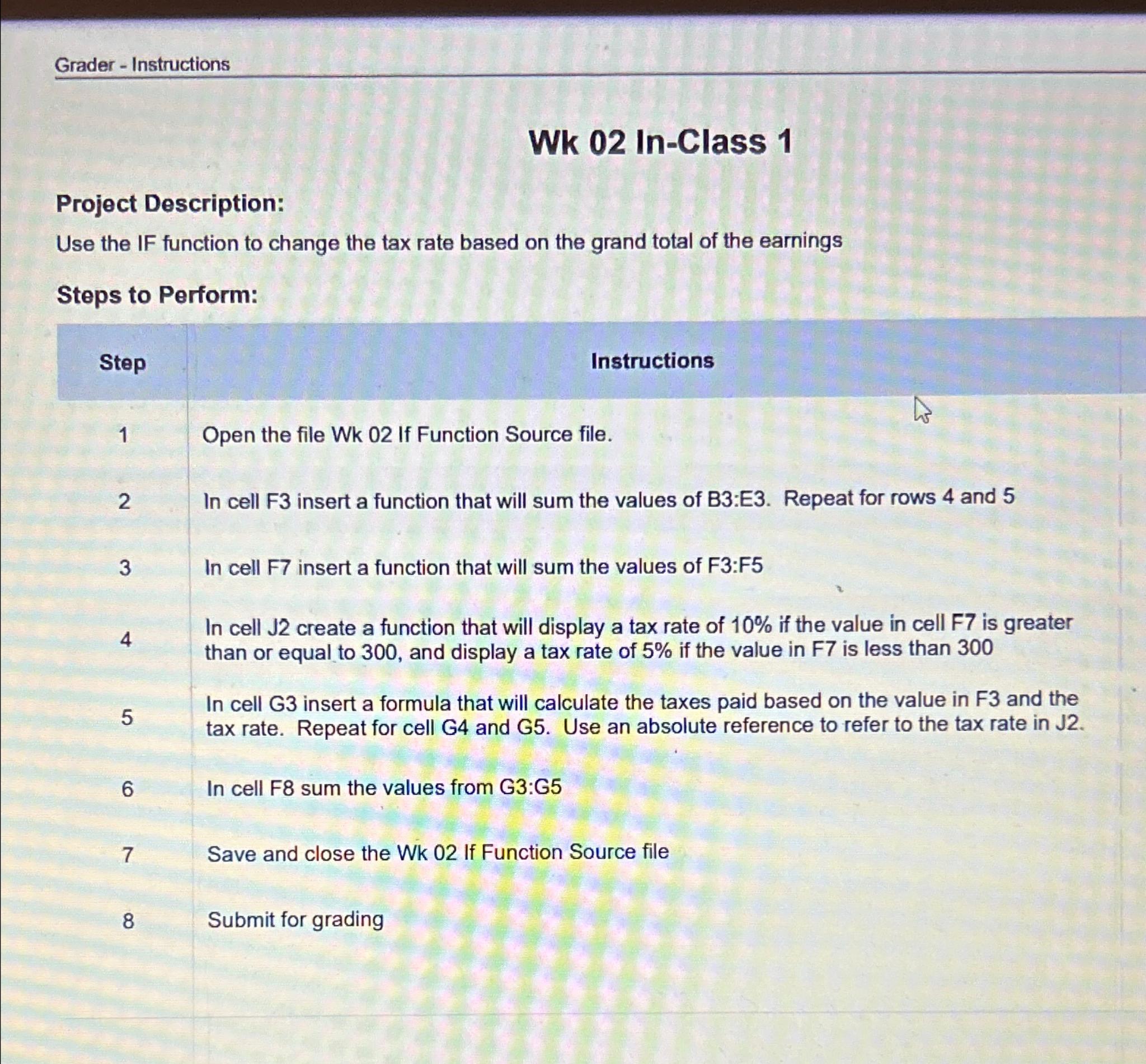
Question: Grader - Instructions Wk 0 2 In - Class 1 Project Description: Use the IF function to change the tax rate based on the grand
Grader Instructions
Wk InClass
Project Description:
Use the IF function to change the tax rate based on the grand total of the earnings
Steps to Perform:
Step
Instructions
Open the file Wk If Function Source file.
In cell F insert a function that will sum the values of B:E Repeat for rows and
In cell F insert a function that will sum the values of F:F
In cell J create a function that will display a tax rate of if the value in cell is greater than or equal to and display a tax rate of if the value in F is less than
In cell G insert a formula that will calculate the taxes paid based on the value in F and the tax rate. Repeat for cell G and G Use an absolute reference to refer to the tax rate in J
In cell F sum the values from G:G
Save and close the Wk If Function Source file
Submit for grading
Step by Step Solution
There are 3 Steps involved in it
1 Expert Approved Answer
Step: 1 Unlock

Question Has Been Solved by an Expert!
Get step-by-step solutions from verified subject matter experts
Step: 2 Unlock
Step: 3 Unlock
 Study Help