







Question: Hands-On Project 3-3 Use a Batch File A file with a bat file extension is called a batch file. You can use a batch file
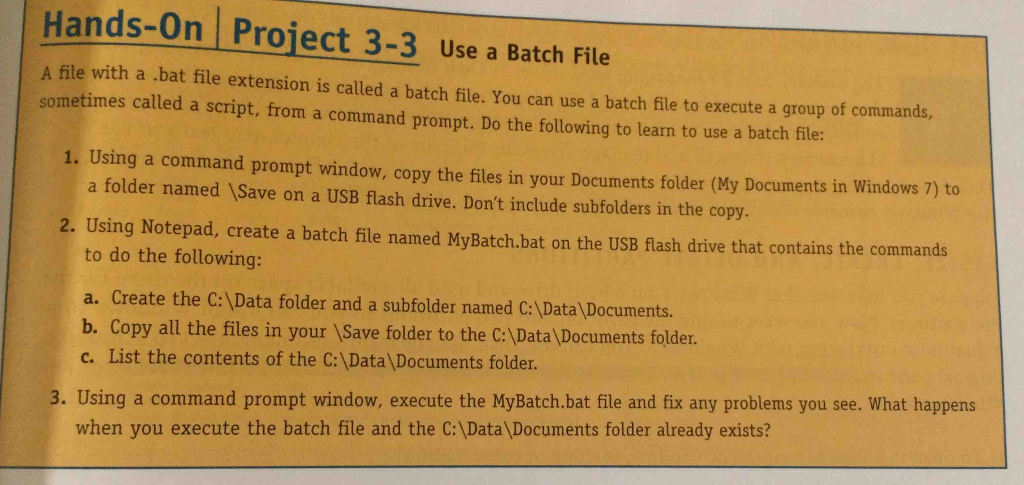
Hands-On Project 3-3 Use a Batch File A file with a bat file extension is called a batch file. You can use a batch file to execute a group of commands, sometimes called a script, from a command prompt. Do the following to learn to use a batch file 1. Using a command prompt window, copy the files in your Documents folder (My Documents in Windows 7) to a folder named Save on a USB flash drive. Don't include subfolders in the copy 2. Using Notepad, create a batch file named MyBatch.bat on the USB flash drive that contains the commands to do the following: a. Create the C:\Data folder and a subfolder named C:\Data \Documents. b. Copy all the files in your ISave folder to the C:Data \Documents folder c. List the contents of the C:\Data Documents folder. 3. Using a command prompt window, execute the MyBatch.bat file and fix any problems you see. What happens when you execute the batch file and the C: Data Documents folder already exists? Hands-On Project 3-3 Use a Batch File A file with a bat file extension is called a batch file. You can use a batch file to execute a group of commands, sometimes called a script, from a command prompt. Do the following to learn to use a batch file 1. Using a command prompt window, copy the files in your Documents folder (My Documents in Windows 7) to a folder named Save on a USB flash drive. Don't include subfolders in the copy 2. Using Notepad, create a batch file named MyBatch.bat on the USB flash drive that contains the commands to do the following: a. Create the C:\Data folder and a subfolder named C:\Data \Documents. b. Copy all the files in your ISave folder to the C:Data \Documents folder c. List the contents of the C:\Data Documents folder. 3. Using a command prompt window, execute the MyBatch.bat file and fix any problems you see. What happens when you execute the batch file and the C: Data Documents folder already exists
Step by Step Solution
There are 3 Steps involved in it

Get step-by-step solutions from verified subject matter experts
 Study Help