







Question: Hello, I Have a python 3 script that I've had some people work on and Id like a bit more clarity on when I should
Hello,
I Have a python 3 script that I've had some people work on and Id like a bit more clarity on when I should go with this.
What I need this script to do is search a windows directory called summary. Inside summary theres thousands of text files. The two extensions of these text files are .txt and .sum. Everyday more than 50 new files could be imported into this folder. What I need this python 3 script to do is let the user specify what date modified they like to search for. The search modified would search by that day and everything that follows that day, so if I searched 5/8/18 the script would return everything after 5/8//18 - today.
Every file in the summary folder is grouped together in twos, all the files have both a .txt and a .sum. The files are as follows:
WEB330542.sum
WEB330542.txt
WEB330543.sum
WEB330543.txt
WEB330544.sum
WEB330544.txt
Ect.
All in chronological order. So, when I input a date I want to return all those files, sometimes a file(s) doesnt make it to the folder. This python 3 script need to check for discrepancies. So, if one or both files doesnt make it in. The script would return the file names that are missing. Also if theres somewhere I could add an exception to not include any files that ARE NOT in the form WEBxxxxxx.sum or WEBxxxxxx.txt that would be great.
Like I stated I have been working on this so if you could tweak my script to help me accomplish what I need it to do that would be perfect. If I wasnt clear on anything please let me know so I can better explain.
import os
from datetime import datetime
from collections import Counter
if __name__ == '__main__':
location = 'C:\\Users\\c.wiegand\\Desktop\\Summary\\'
files = os.listdir(location)
last_modified_date = input("Enter the last modified date (yyyy-mm-dd):")
last_modified_date = datetime.strptime(last_modified_date, '%Y-%m-%d')
required_files = []
for f in files:
stats = os.stat(location + f)
file_last_modified_date = datetime.fromtimestamp(stats.st_atime).replace(minute=0, second=0, hour=0, microsecond=0)
if file_last_modified_date == last_modified_date:
required_files.append(f)
print("Last modified files", required_files)
# Find missing orders
orders = Counter()
for f in required_files:
_, name = os.path.split(f) # Returns path, filename
order = int(name.split(".")[0][3:]) # Get the order number from file
orders.update({'order': 1})
orders = dict(orders)
sorted_orders = orders.keys()
sorted(sorted_orders, key=orders.get)
##list(sorted_orders.sort())
##sorted_orders.sort()
first_order = sorted_orders[0]
last_order = sorted_orders[-1]
one_file_missing = []
two_file_missing = []
for i in range(len(sorted_orders) + 1):
if (first_order + i) not in sorted_orders:
two_file_missing.append(first_order + i)
elif orders[first_order + i] == 1:
one_file_missing.append(first_order + i)
print ("one file missing orders", one_file_missing)
print ("two file missing orders", two_file_missing)
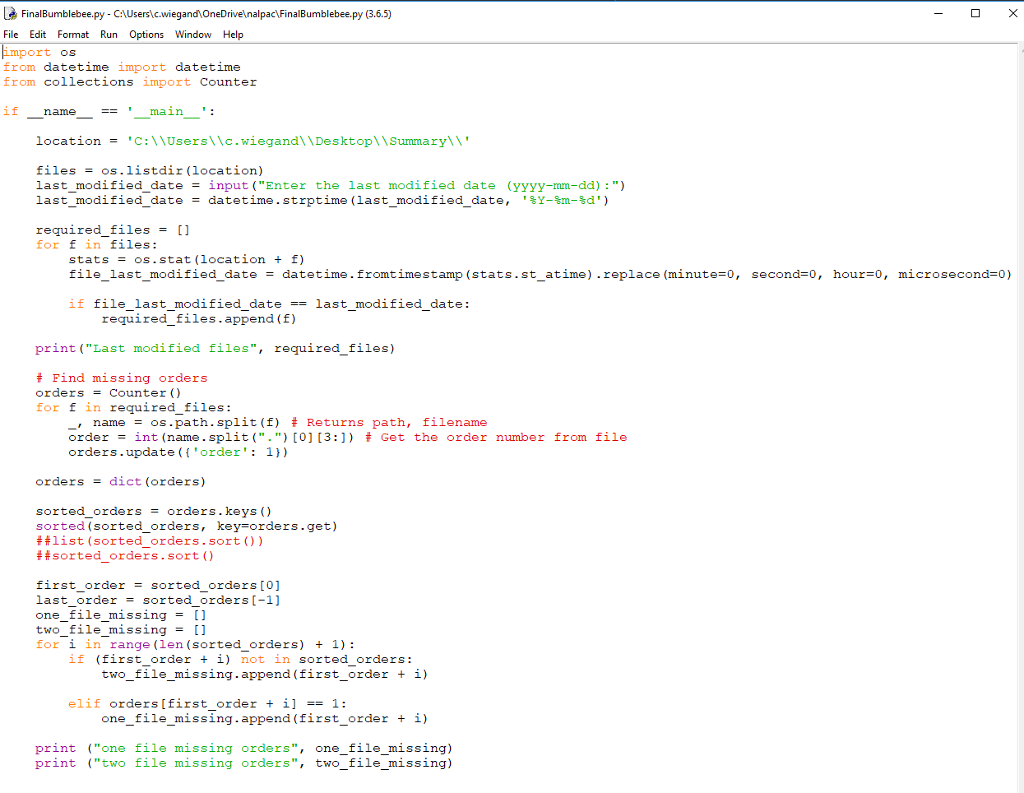
- X FinalBumblebee.py - CA\Users\.c.wiegand OneDrive alpac\FinalBumblebee.py (3.6.5) File Edit Format Run Options Window Help import os from datetime import datetime from collections import Counter if _name__ == '_main_': location = 'C:\\Users\\c.wiegand\\Desktop\\Summary\\' files = os.listdir (location) last modified date = input ("Enter the last modified date (yyyy-mm-dd) :") last_modified_date = datetime.strptime (last_modified_date,'%Y-%m-%d') required_files = [] for f in files: stats = os.stat (location + f) file_last_modified_date = datetime.fromt imestamp (stats.st_atime).replace (minute=0, second=0, hour=0, microsecond=0) if file_last_modified_date == last_modified_date: required_files.append (f) print ("Last modified files", required_files) + Find missing orders orders = Counter () for f in required files: L, name = os.path.split(f) # Returns path, filename order = int (name.split(".") [0] [3:]) + Get the order number from file orders.update({ 'order': 1}) orders = dict (orders) sorted_orders = orders.keys() sorted (sorted_orders, key=orders.get) # #list (sorted orders. sort()) # #sorted orders. sort () first_order = sorted_orders[0] last_order = sorted_orders(-1) one_file_missing = [] two_file_missing = [] for i in range (len (sorted_orders) + 1) : if (first_order + i) not in sorted_orders: two_file_missing.append(first_order + i) elif orders (first_order + i] == 1: one_file_missing .append(first_order + i) print ("one file missing orders", one file_missing) print ("two file missing orders", two_file_missing) - X FinalBumblebee.py - CA\Users\.c.wiegand OneDrive alpac\FinalBumblebee.py (3.6.5) File Edit Format Run Options Window Help import os from datetime import datetime from collections import Counter if _name__ == '_main_': location = 'C:\\Users\\c.wiegand\\Desktop\\Summary\\' files = os.listdir (location) last modified date = input ("Enter the last modified date (yyyy-mm-dd) :") last_modified_date = datetime.strptime (last_modified_date,'%Y-%m-%d') required_files = [] for f in files: stats = os.stat (location + f) file_last_modified_date = datetime.fromt imestamp (stats.st_atime).replace (minute=0, second=0, hour=0, microsecond=0) if file_last_modified_date == last_modified_date: required_files.append (f) print ("Last modified files", required_files) + Find missing orders orders = Counter () for f in required files: L, name = os.path.split(f) # Returns path, filename order = int (name.split(".") [0] [3:]) + Get the order number from file orders.update({ 'order': 1}) orders = dict (orders) sorted_orders = orders.keys() sorted (sorted_orders, key=orders.get) # #list (sorted orders. sort()) # #sorted orders. sort () first_order = sorted_orders[0] last_order = sorted_orders(-1) one_file_missing = [] two_file_missing = [] for i in range (len (sorted_orders) + 1) : if (first_order + i) not in sorted_orders: two_file_missing.append(first_order + i) elif orders (first_order + i] == 1: one_file_missing .append(first_order + i) print ("one file missing orders", one file_missing) print ("two file missing orders", two_file_missing)
Step by Step Solution
There are 3 Steps involved in it

Get step-by-step solutions from verified subject matter experts
 Study Help