







Question: Hello, I just need a command of each number between 1 and 10. I would be happy if someone helped me with this. 1. From
Hello, I just need a command of each number between 1 and 10. I would be happy if someone helped me with this.
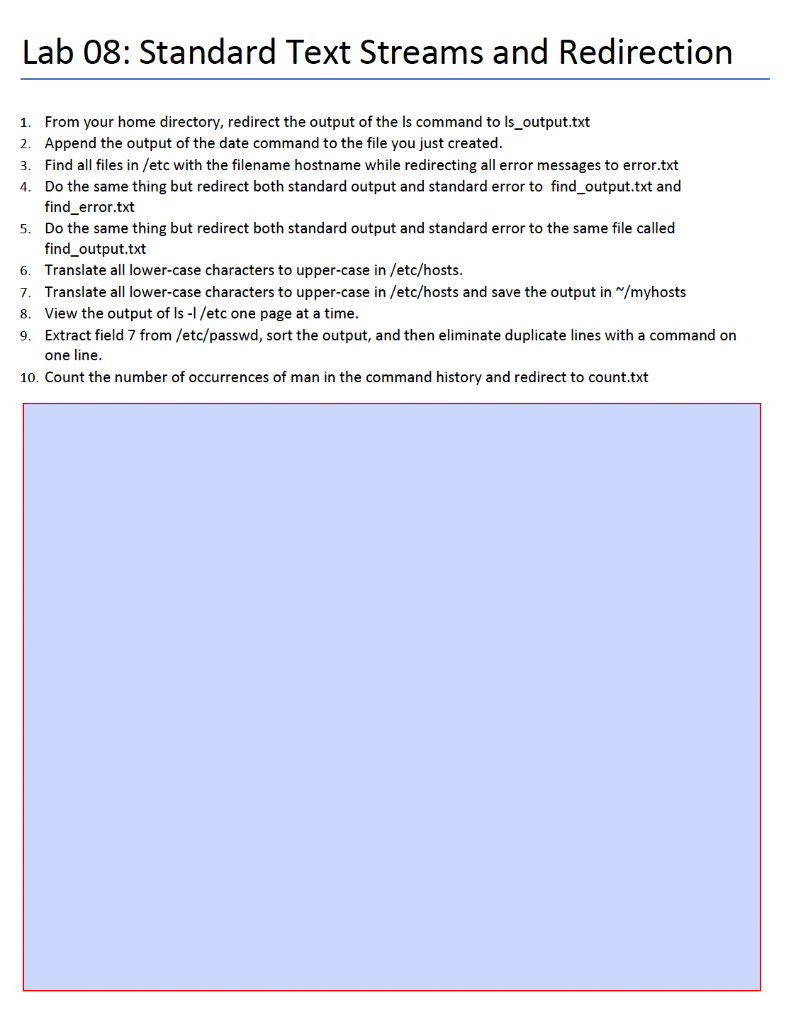
1. From your home directory, redirect the output of the ls command to ls_output.txt 2. Append the output of the date command to the file you just created. 3. Find all files in /etc with the filename hostname while redirecting all error messages to error.txt 4. Do the same thing but redirect both standard output and standard error to find_output.txt and find_error.txt 5. Do the same thing but redirect both standard output and standard error to the same file called find_output.txt 6. Translate all lower-case characters to upper-case in /etc/hosts. 7. Translate all lower-case characters to upper-case in /etc/hosts and save the output in / myhosts 8. View the output of lsI/ etc one page at a time. 9. Extract field 7 from /etc/passwd, sort the output, and then eliminate duplicate lines with a command on one line. 10. Count the number of occurrences of man in the command history and redirect to count.txt
Step by Step Solution
There are 3 Steps involved in it

Get step-by-step solutions from verified subject matter experts
 Study Help