







Question: hello tutor, These question are from perdisco manual practice set. there is no need to provide the format. just the rough and understable ideas are
hello tutor,
These question are from perdisco manual practice set. there is no need to provide the format. just the rough and understable ideas are highly appreciated. Thanks a lot!
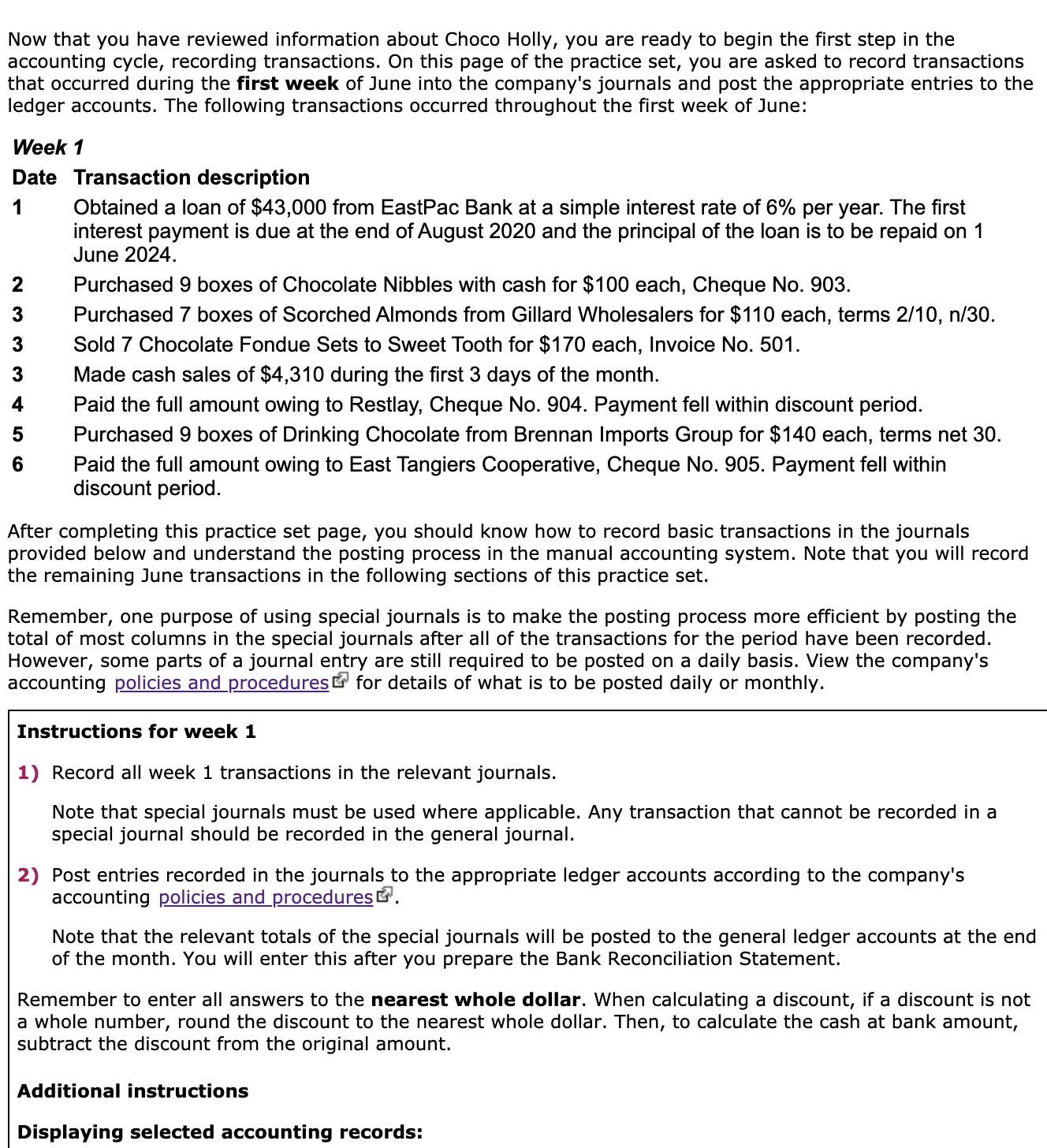
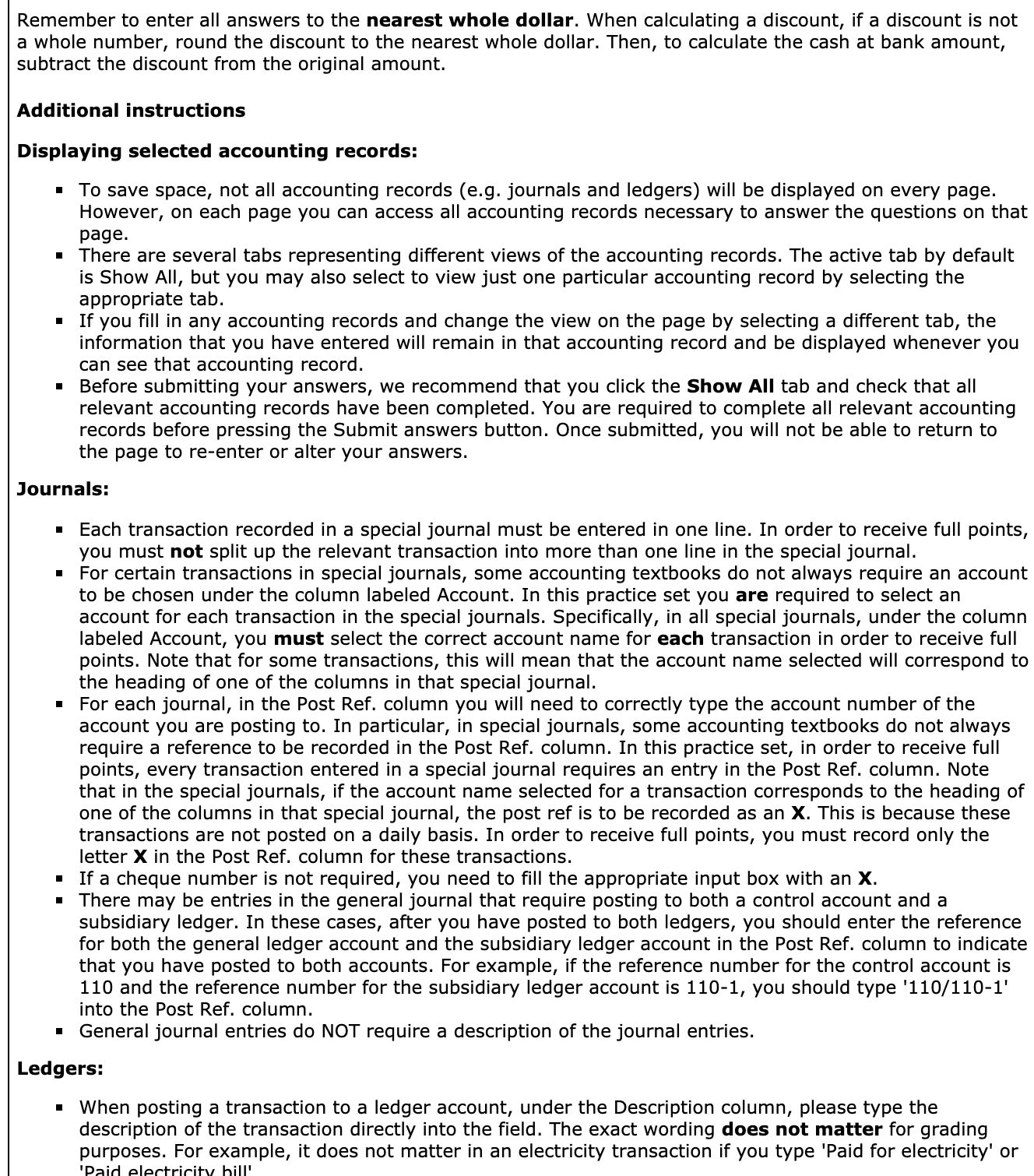
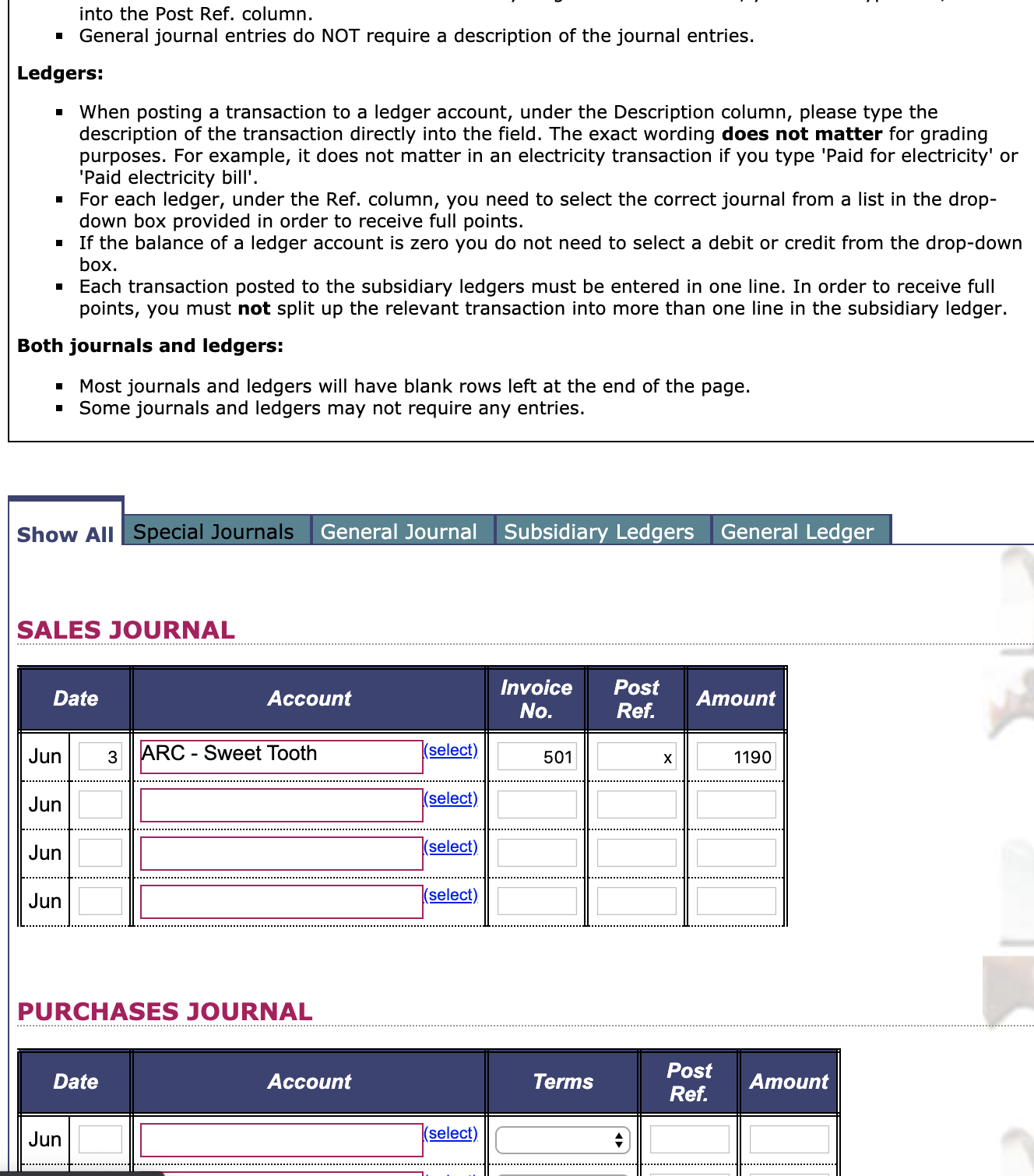
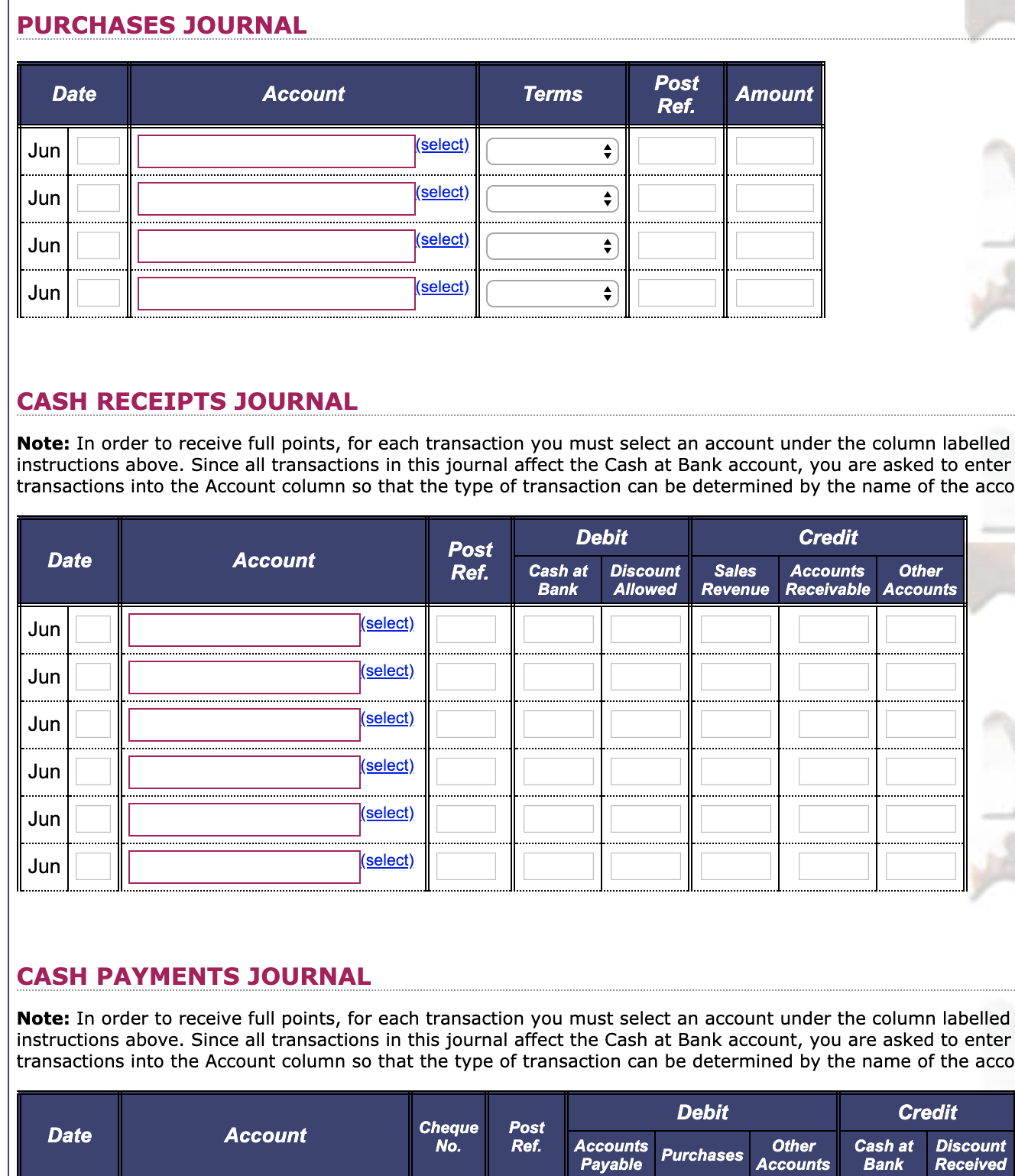
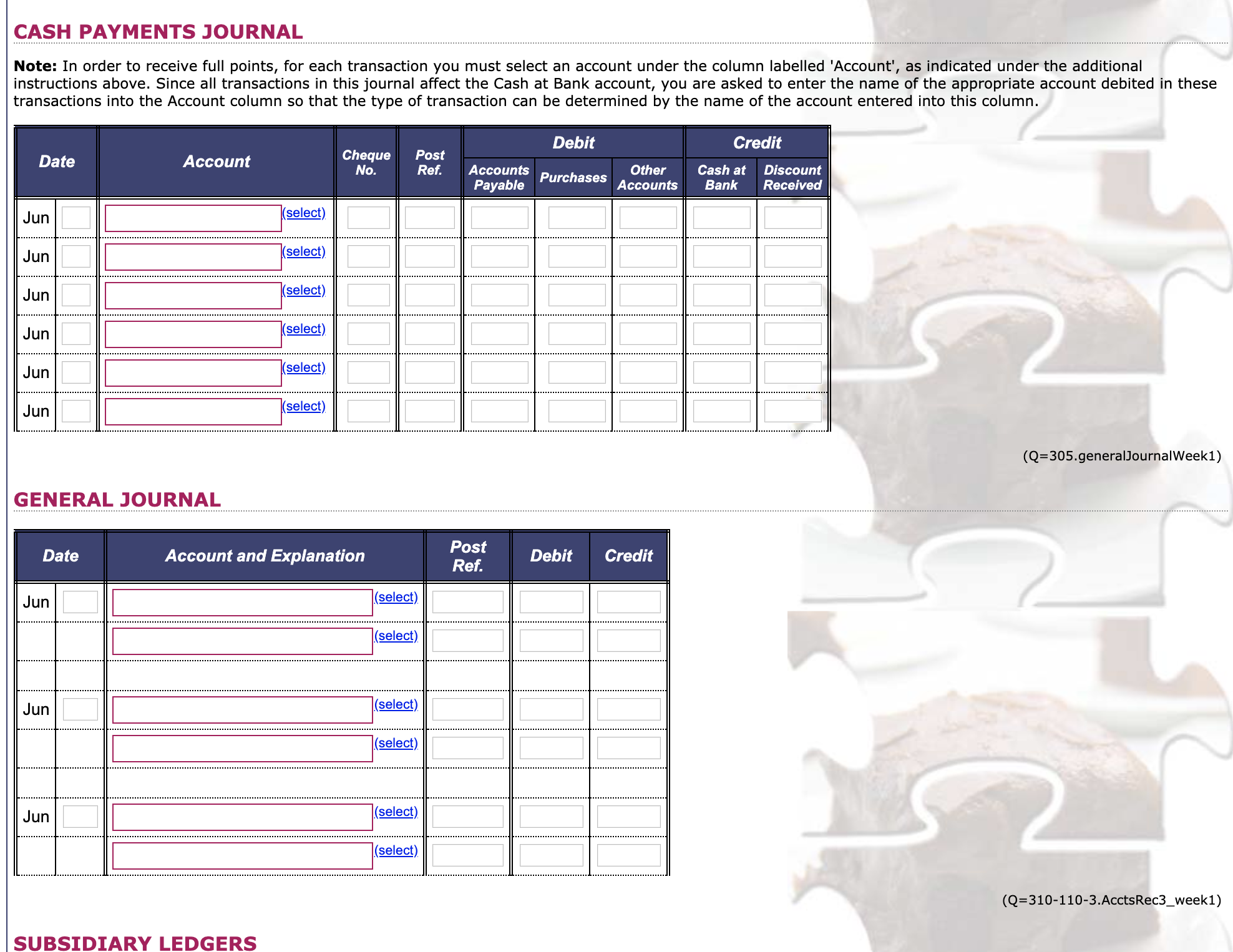
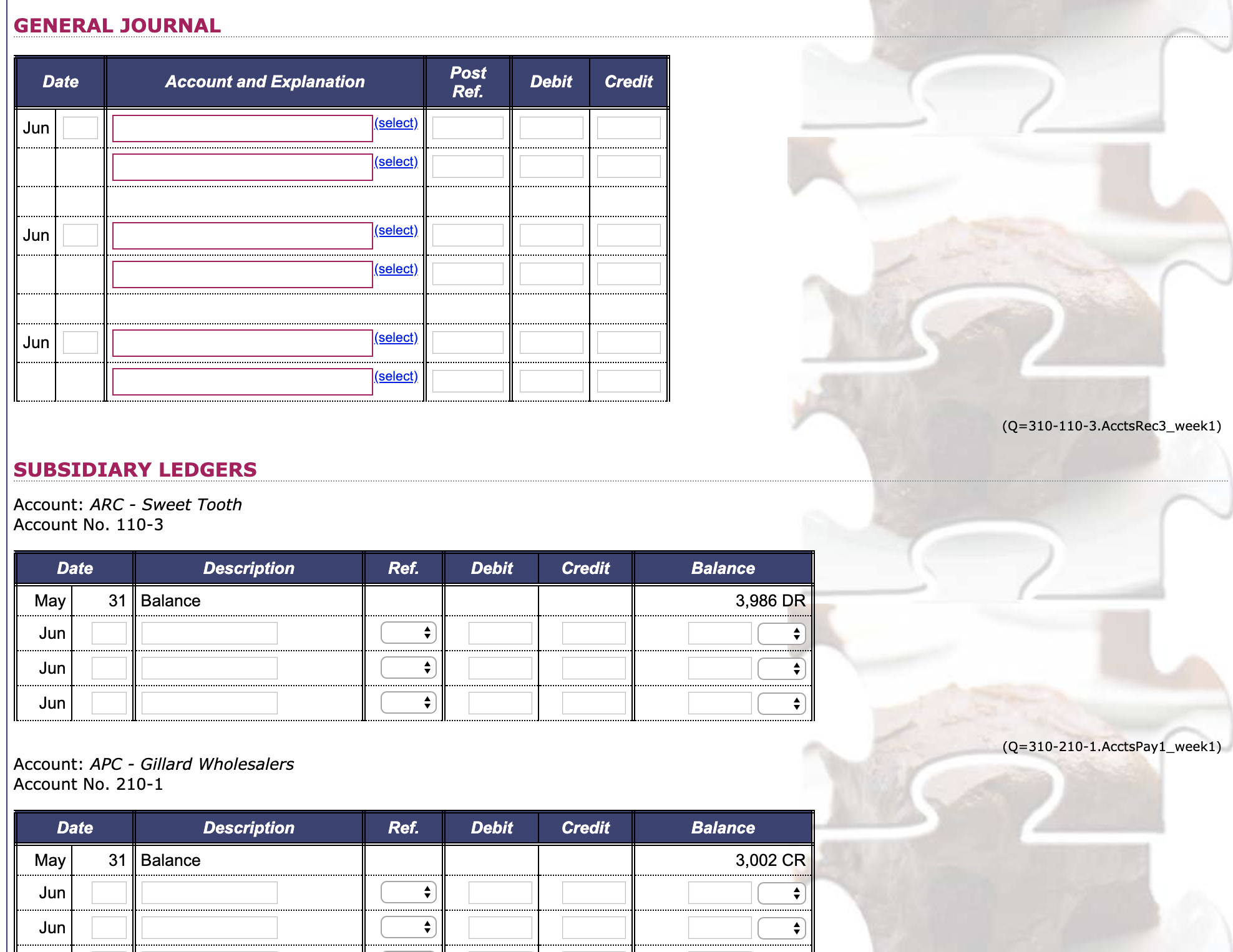
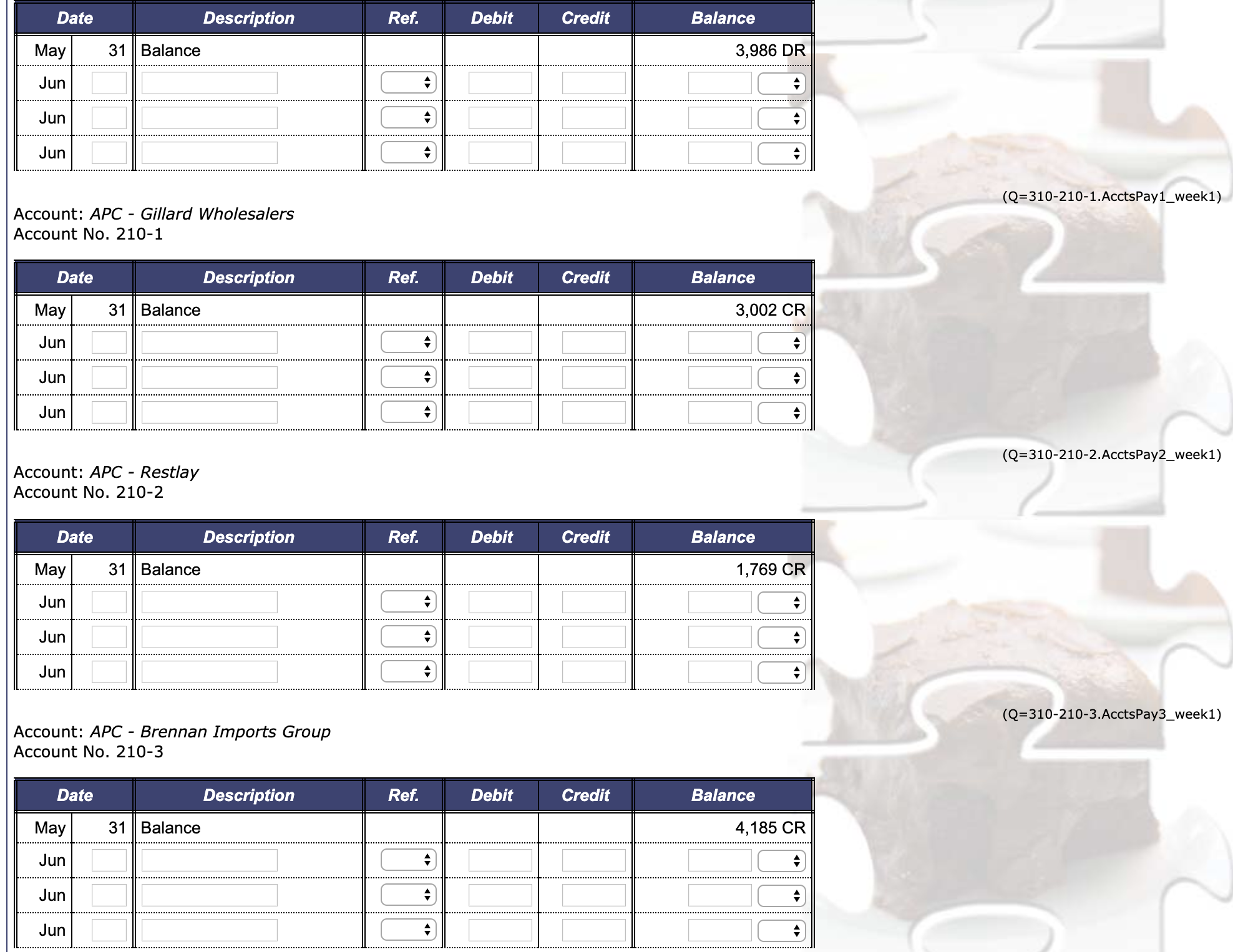
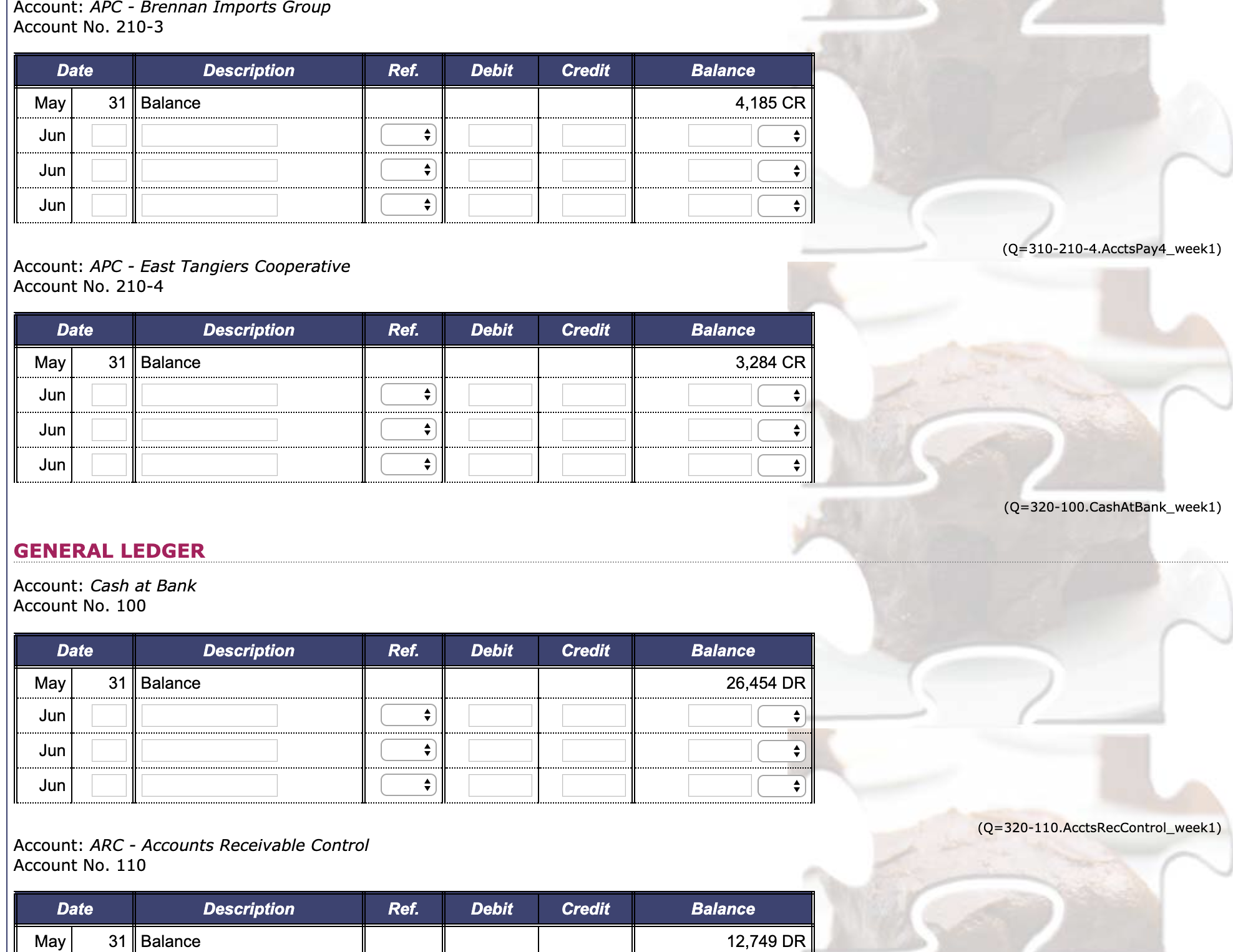
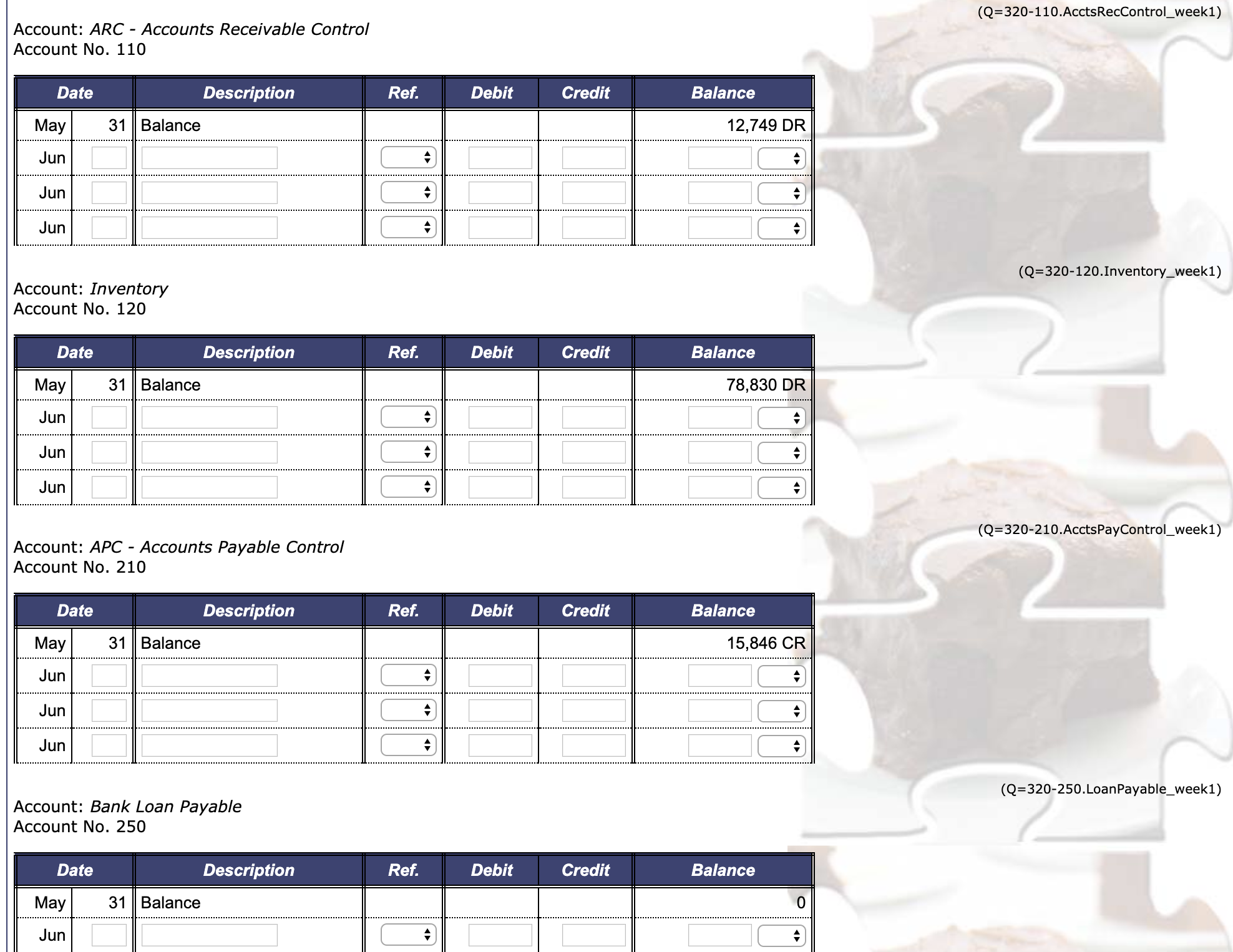
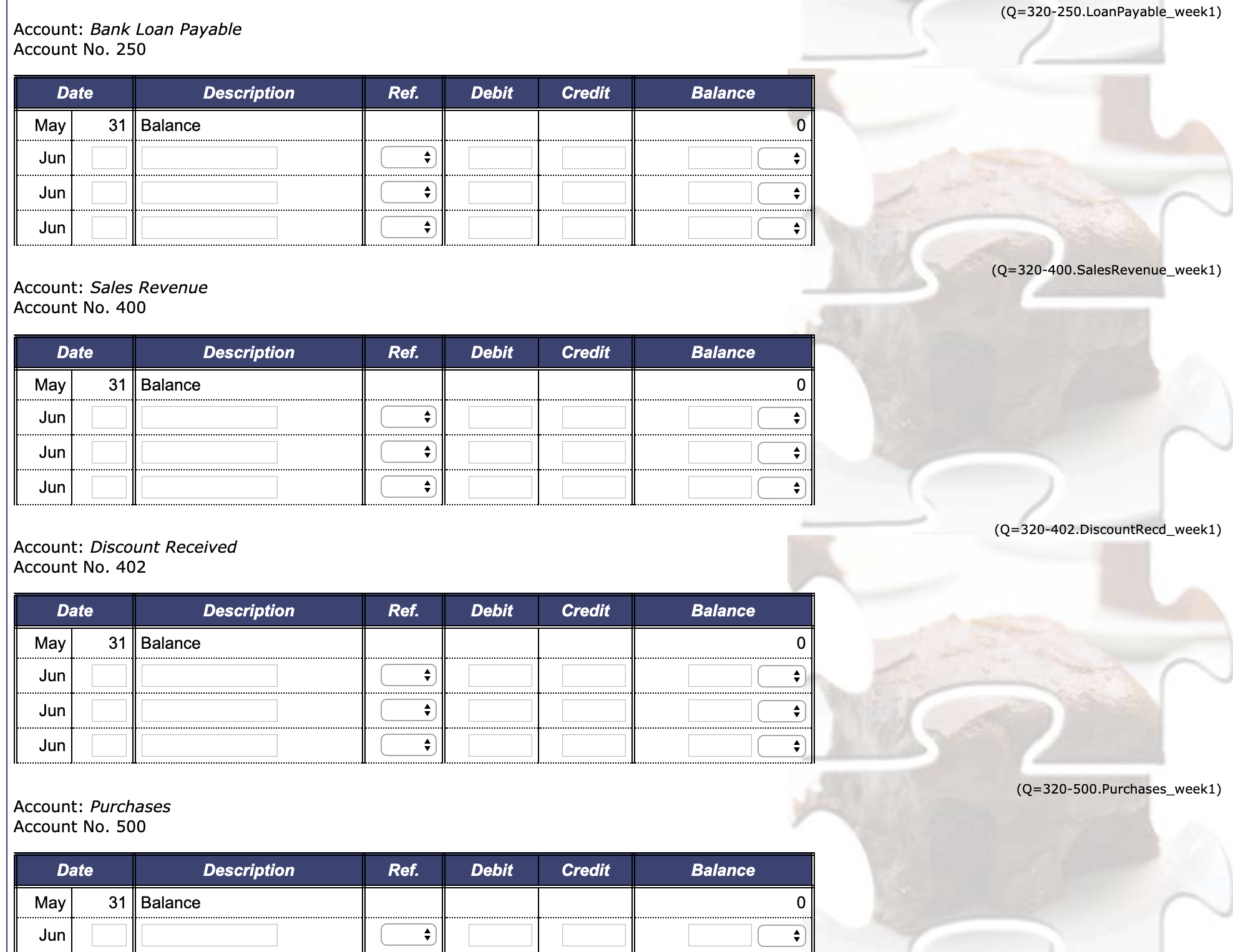
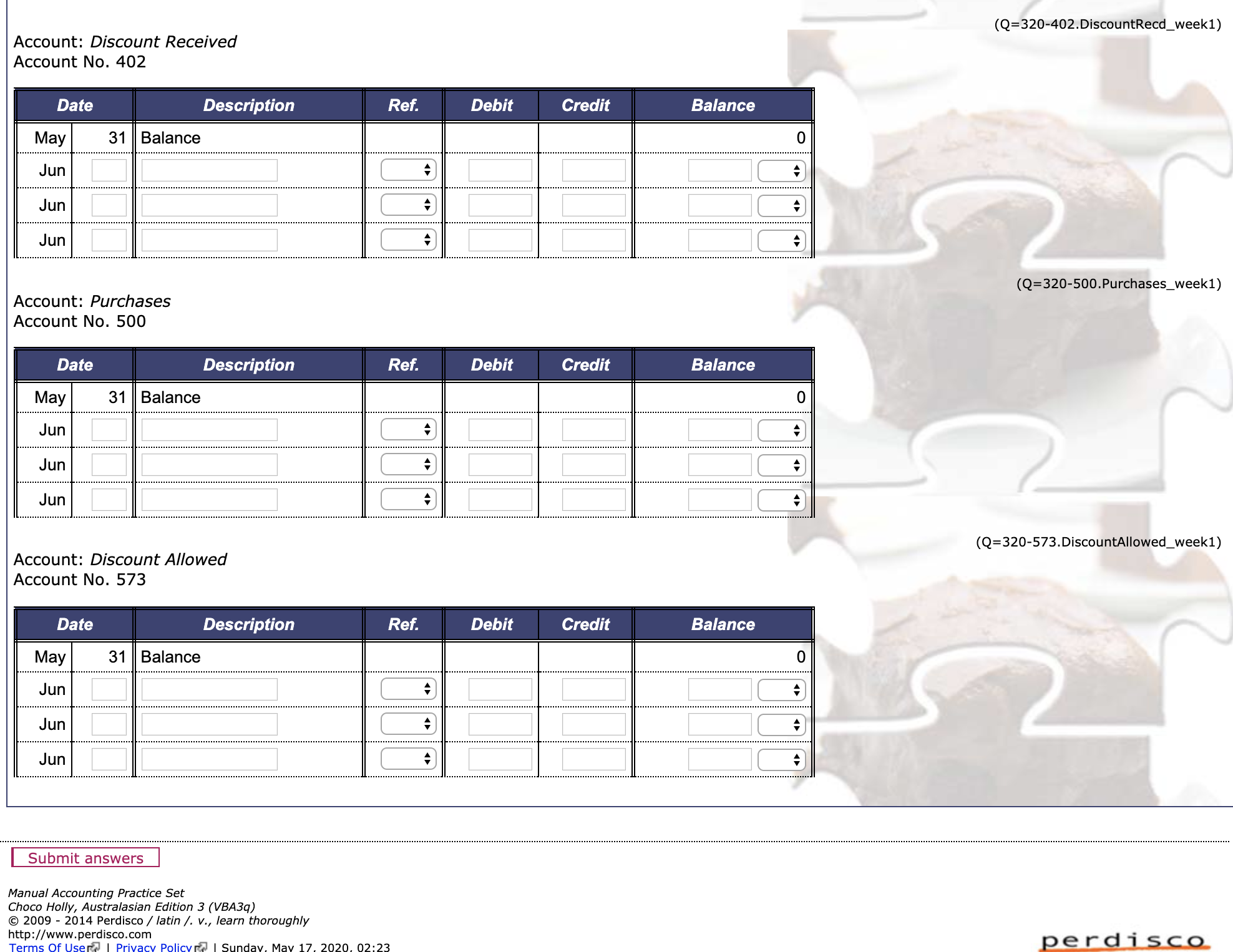
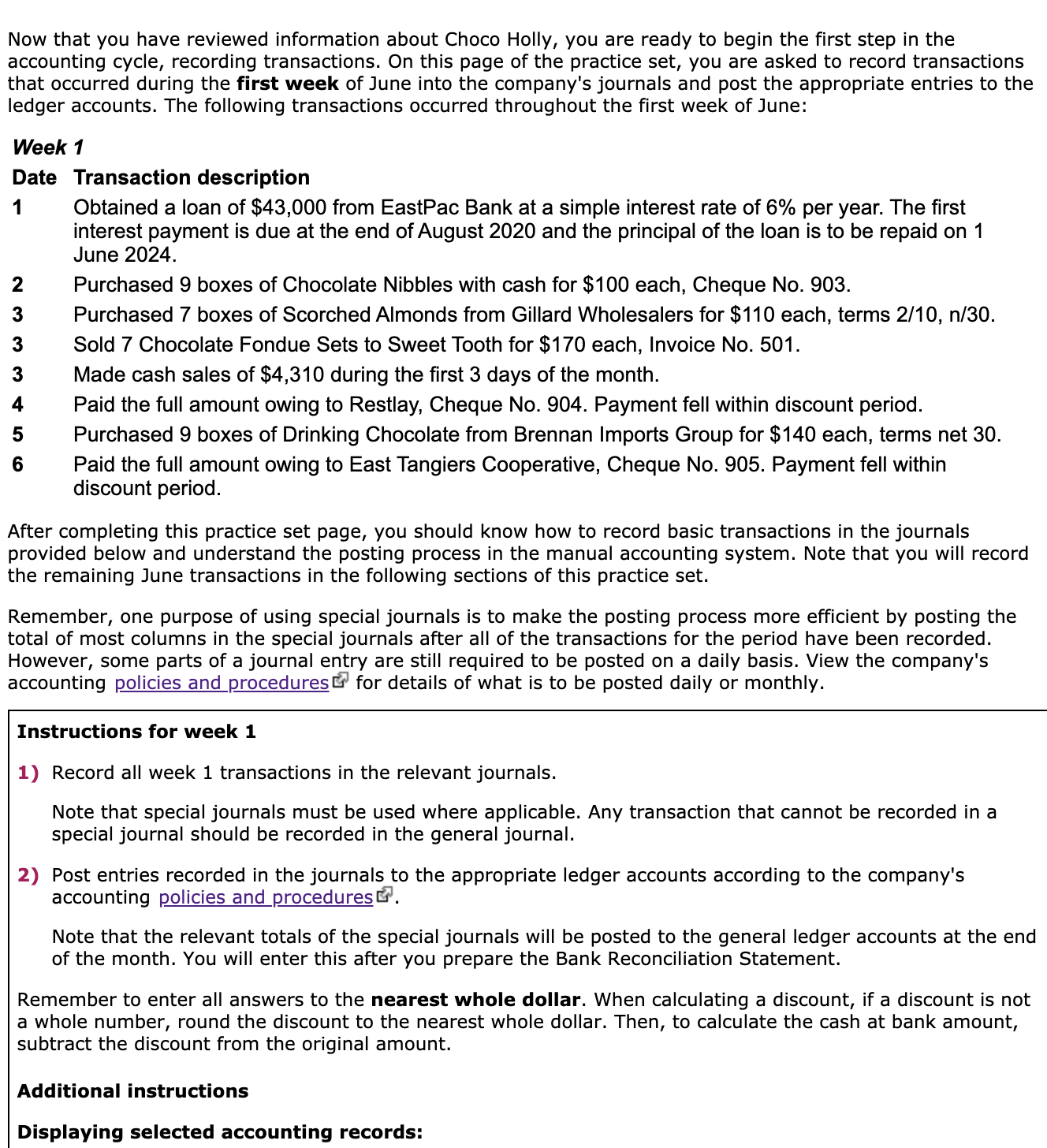
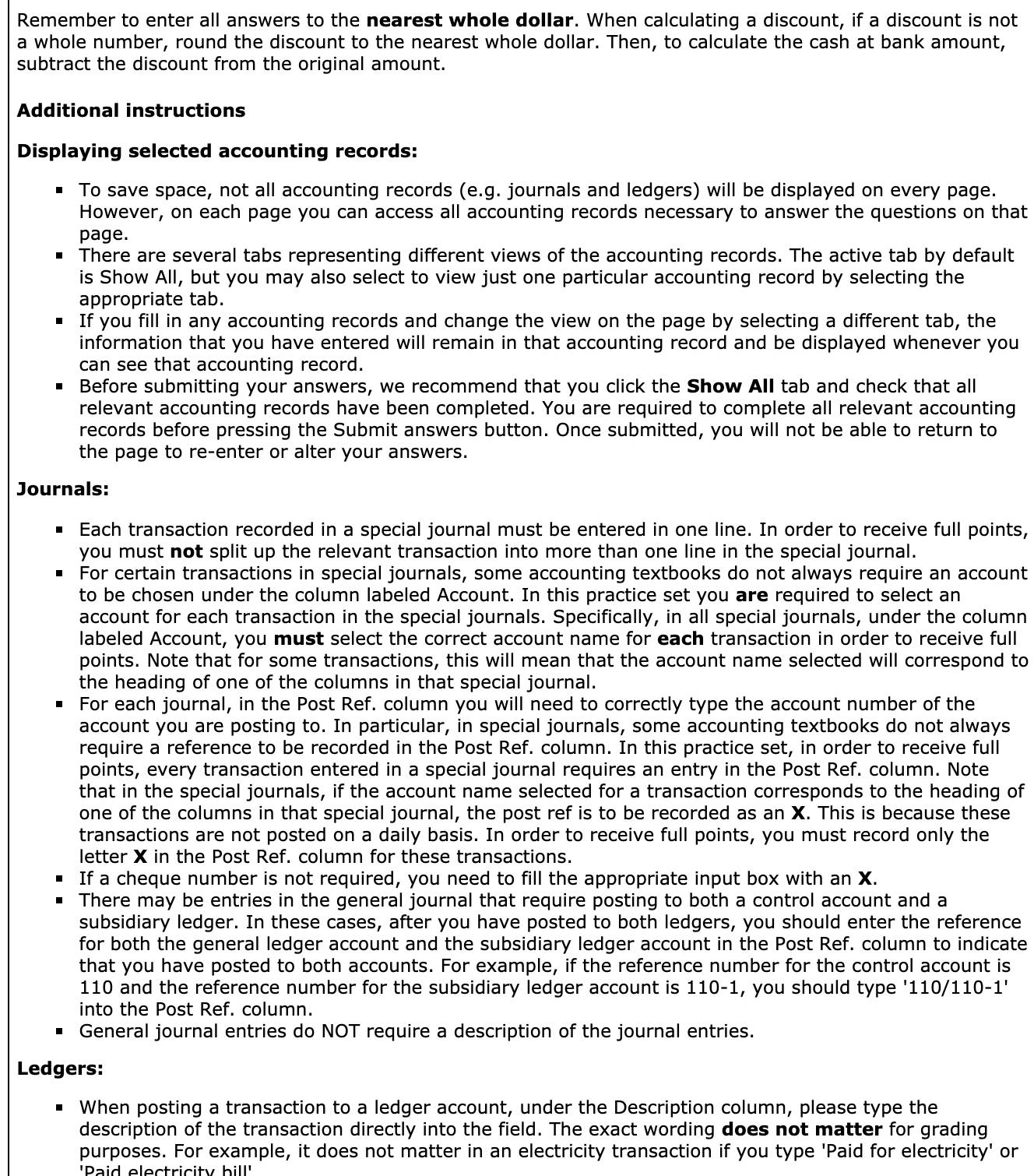
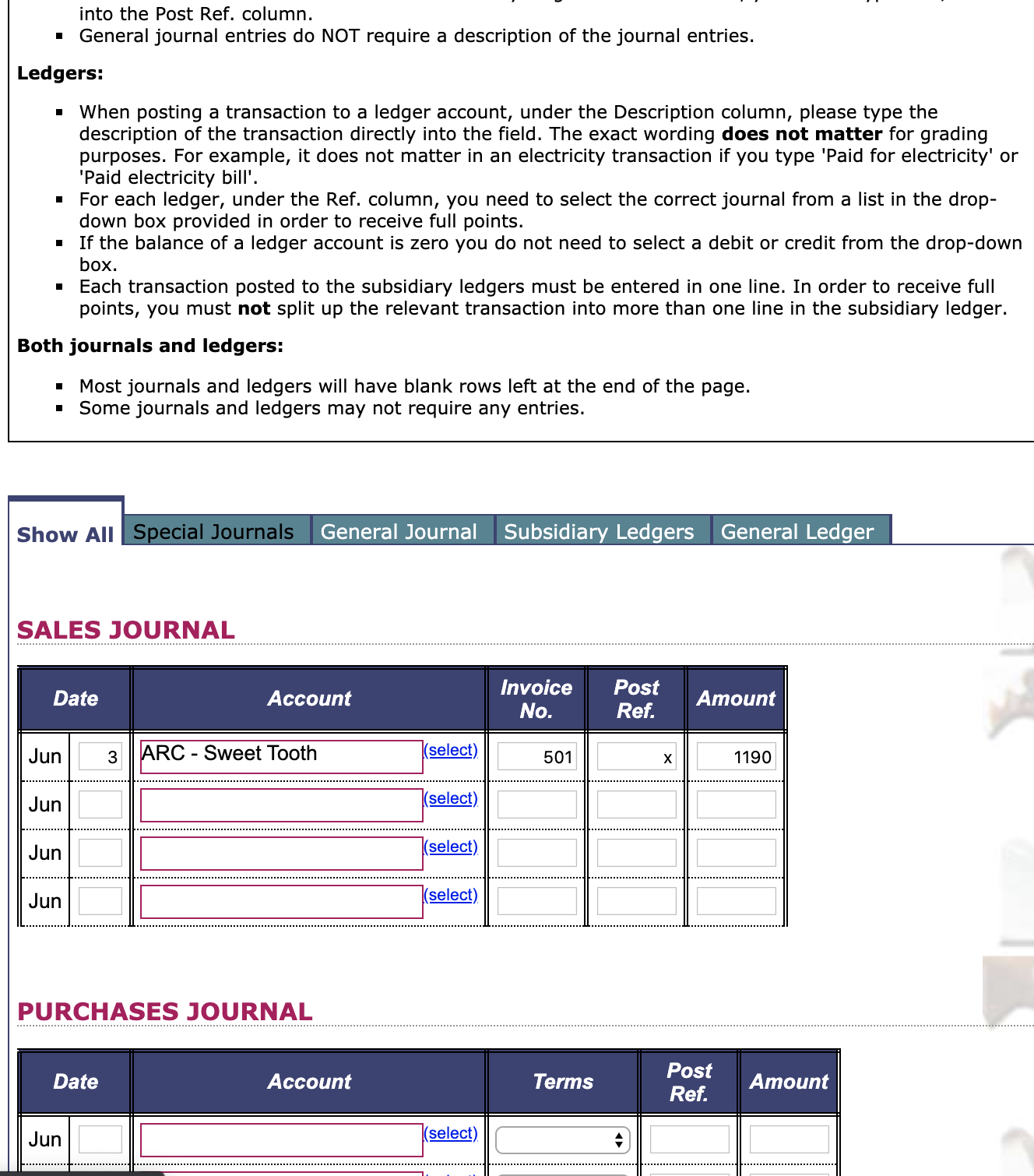
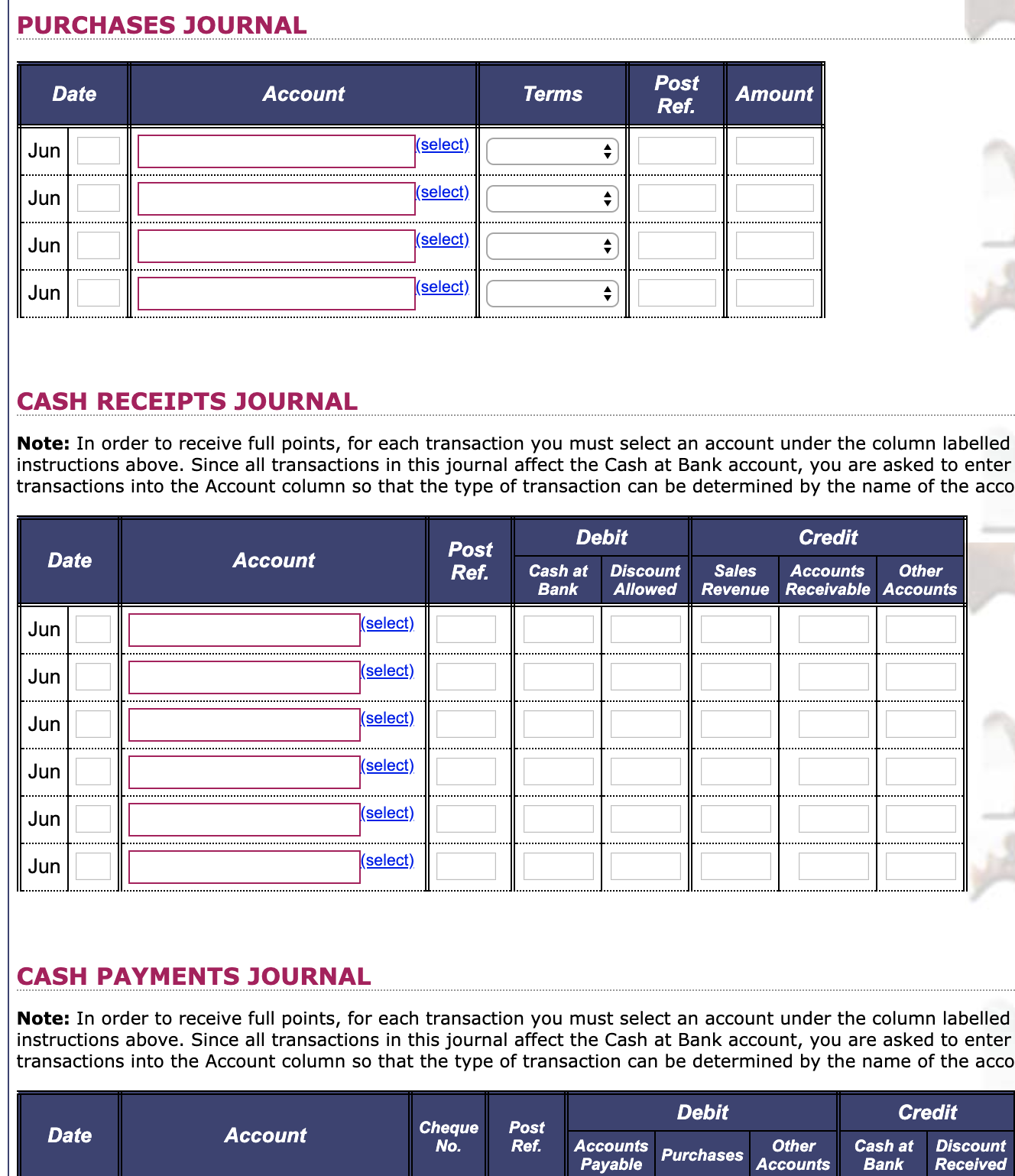
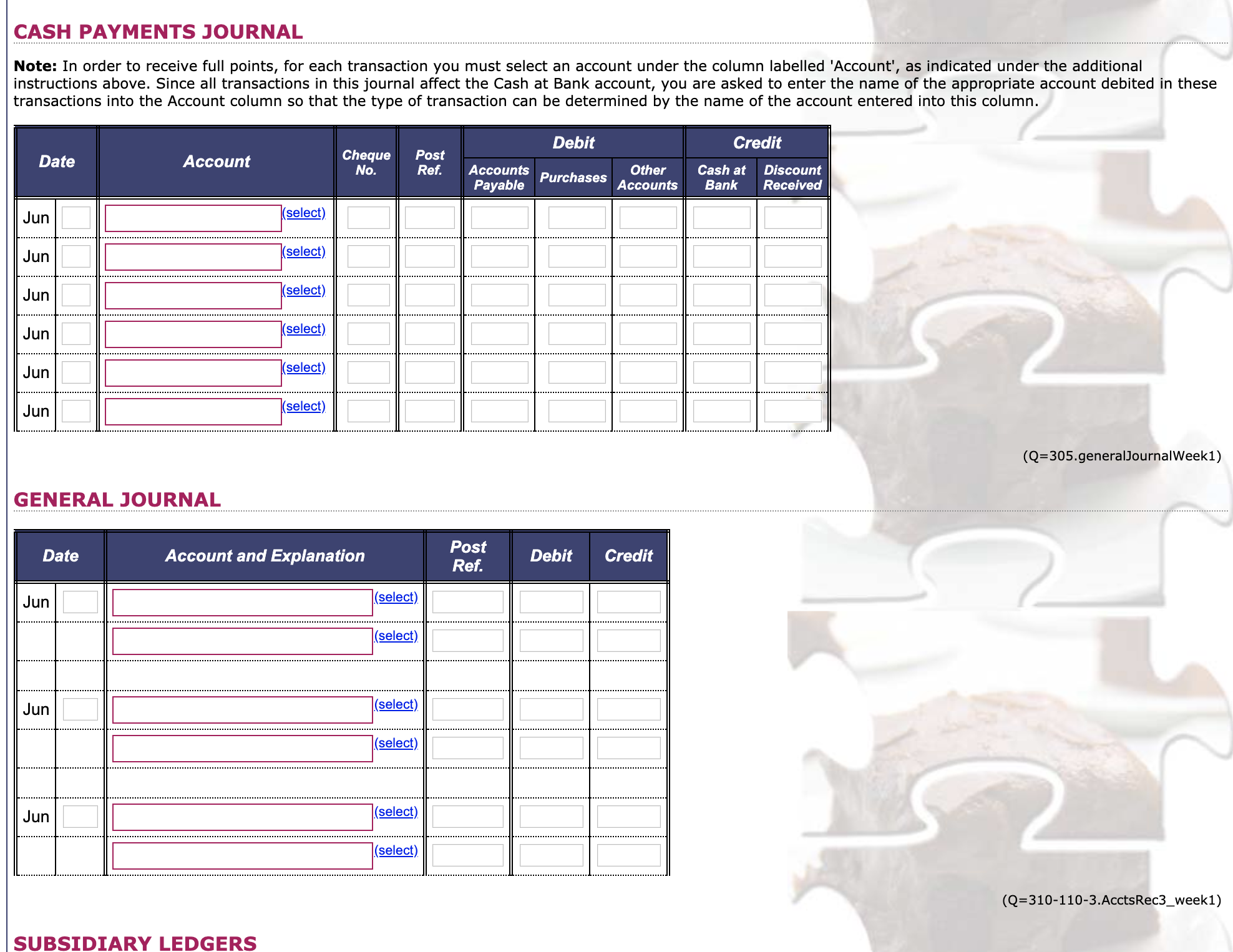
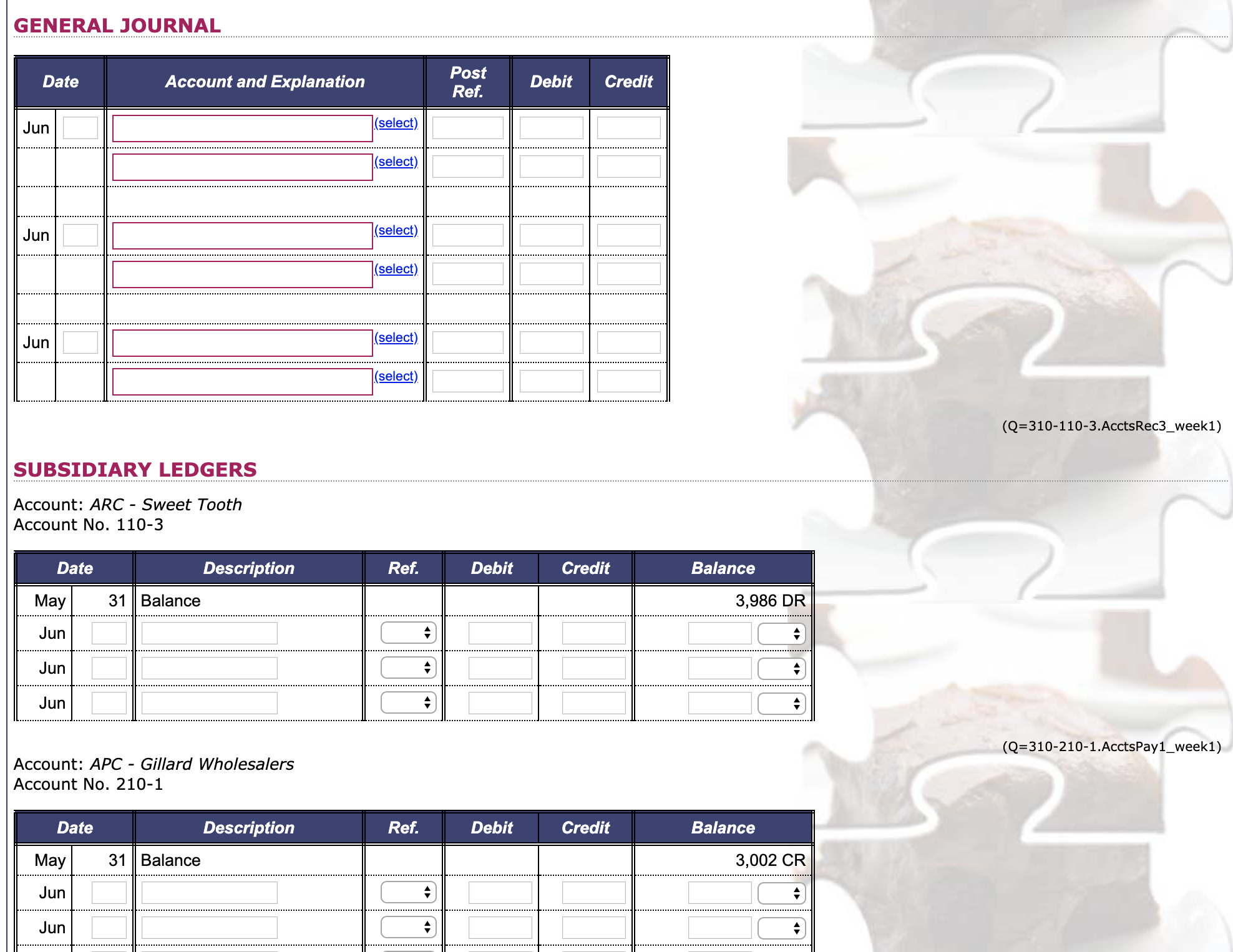
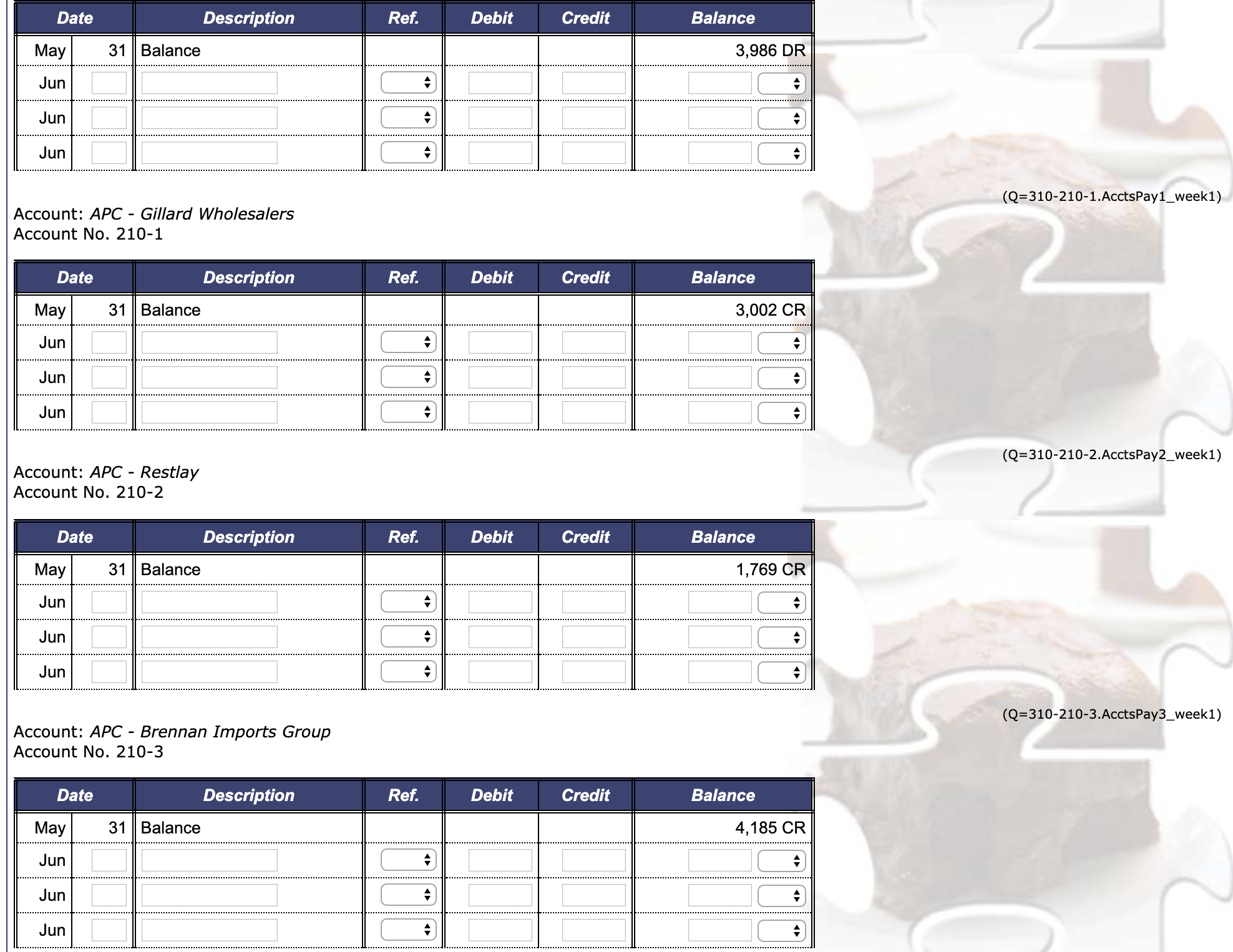
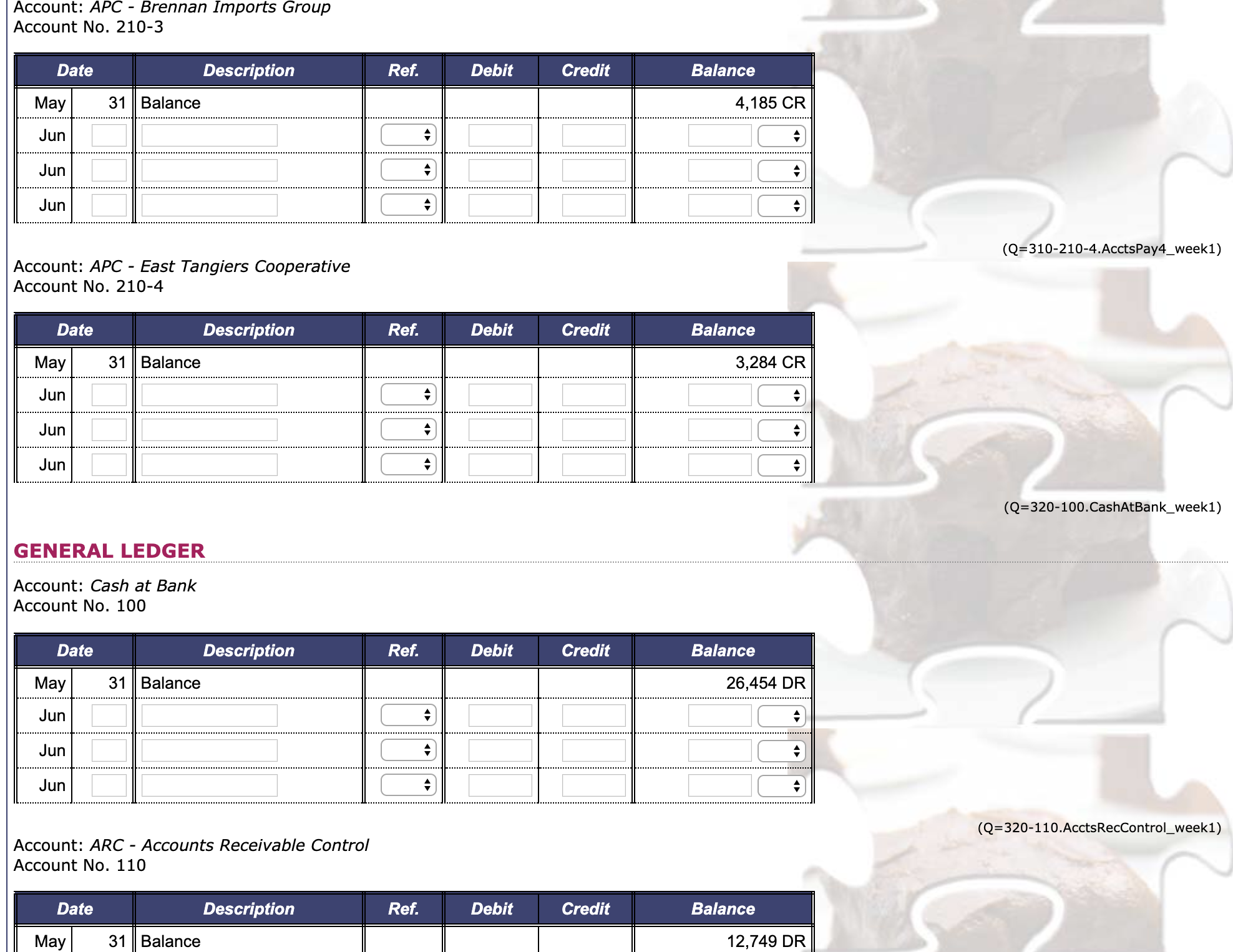
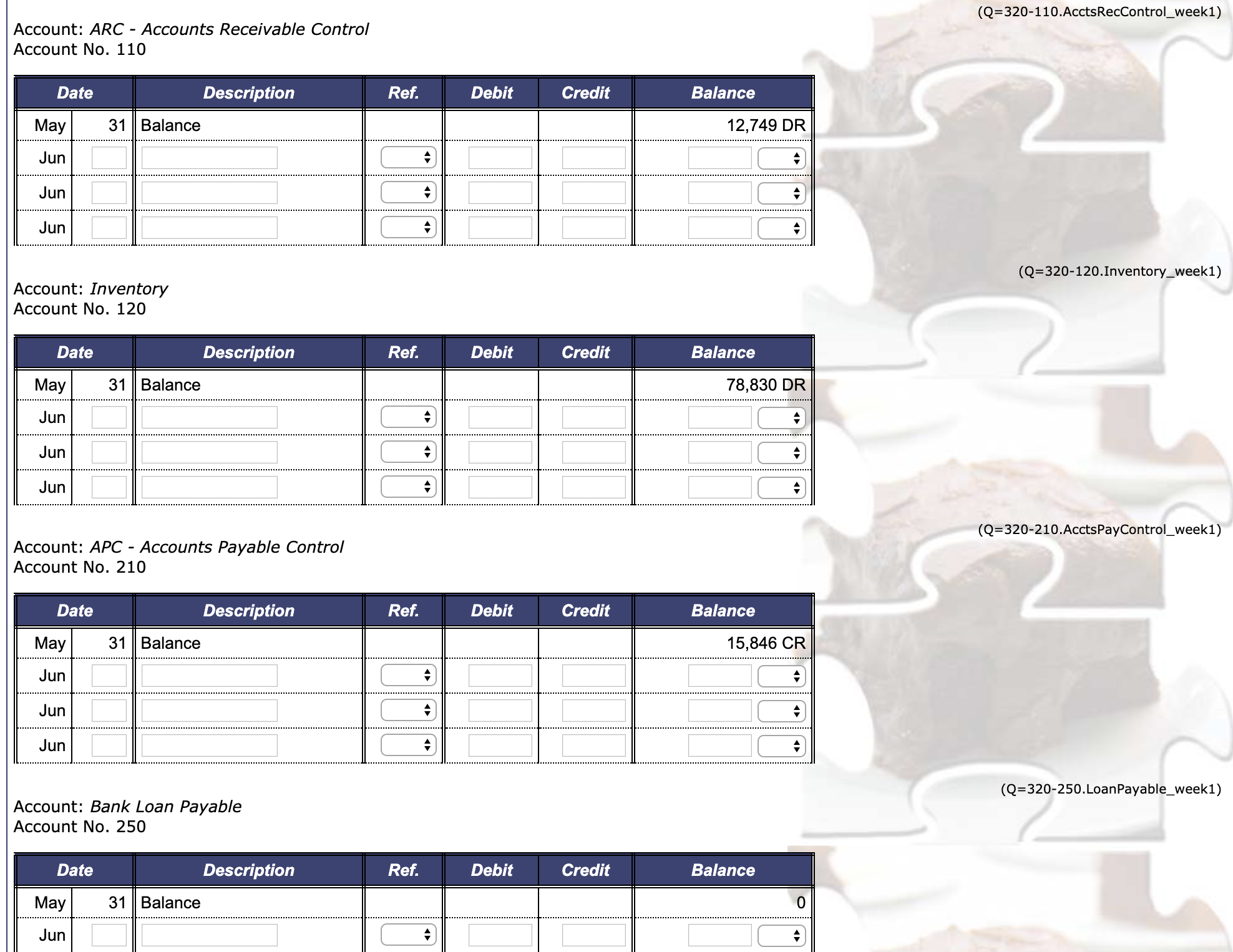
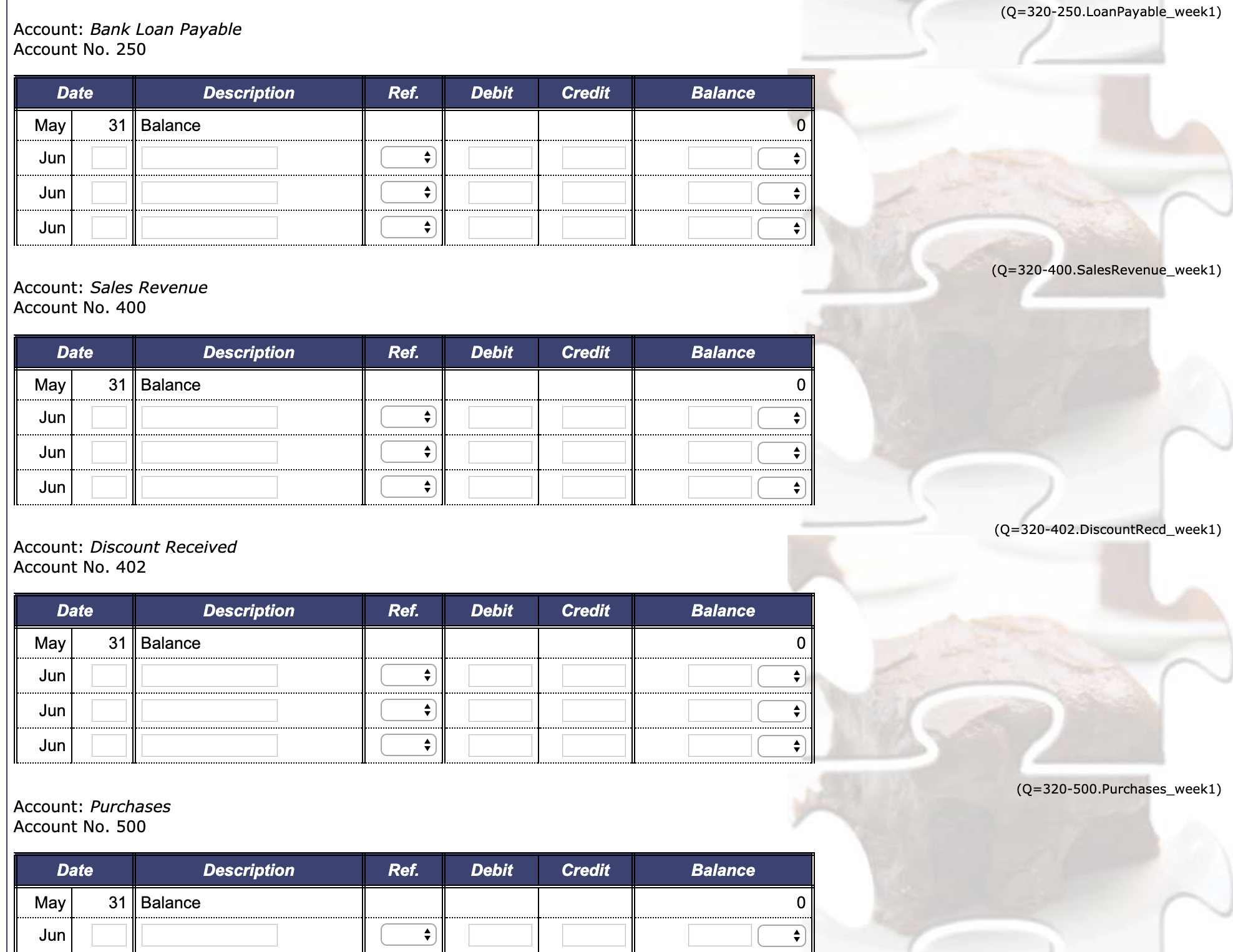
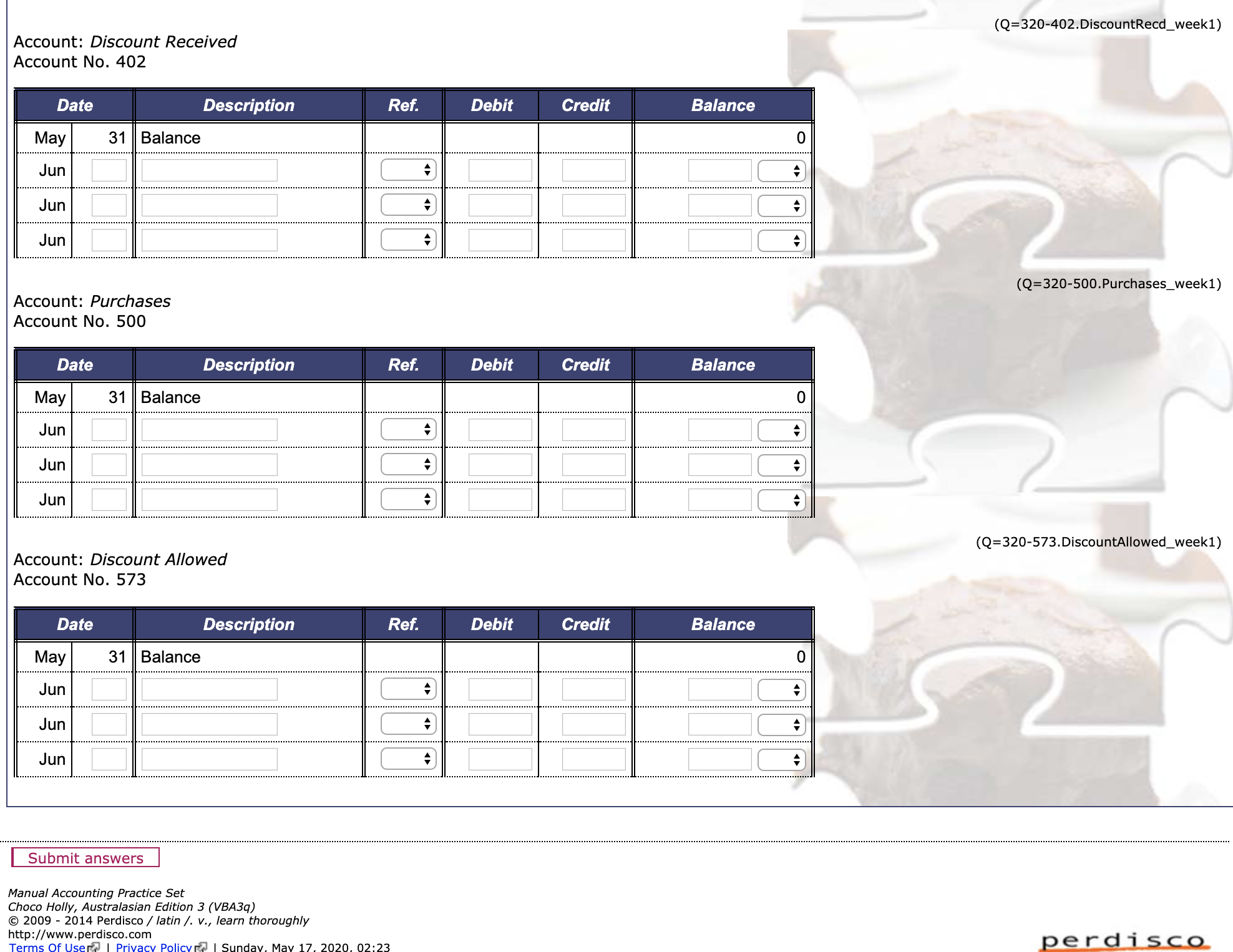
Now that you have reviewed information about Choco Holly, you are ready to begin the first step in the accounting cycle, recording transactions. On this page of the practice set, you are asked to record transactions that occurred during the first week of June into the company's journals and post the appropriate entries to the ledger accounts. The following transactions occurred throughout the first week of June: Week 1 Date Transaction description 1 Obtained a loan of $43,000 from EastPac Bank at a simple interest rate of 6% per year. The rst interest payment is due at the end of August 2020 and the principal of the loan is to be repaid on 1 June 2024. 2 Purchased 9 boxes of Chocolate Nibbles with cash for $100 each, Cheque No. 903. 3 Purchased 7 boxes of Scorched Almonds from Gillard Wholesalers for $110 each, terms 2/10. n.-'30. 3 Sold 7 Chocolate Fondue Sets to Sweet Tooth for $170 each, Invoice No. 501. 3 Made cash sales of $4,310 during the rst 3 days of the month. 4 Paid the full amount owing to Restlay, Cheque No. 904. Payment fell within discount period. 5 Purchased 9 boxes of Drinking Chocolate from Brennan Imports Group for $140 each, terms net 30. 6 Paid the full amount owing to East Tangiers Cooperative, Cheque No. 905. Payment fell within discount period. After completing this practice set page, you should know how to record basic transactions in the journals provided below and understand the posting process in the manual accounting system. Note that you will record the remaining June transactions in the following sections of this practice set. Remember, one purpose of using special journals is to make the posting process more efficient by posting the total of most columns in the special journals after all of the transactions for the period have been recorded. However, some parts of a journal entry are still required to be posted on a daily basis. View the company's accounting policies and proceduresl for details of what is to be posted daily or monthly. Instructions for week 1 1) Record all week 1 transactions in the relevant journals. Note that special journals must be used where applicable. Any transaction that cannot be recorded in a special journal should be recorded in the general journal. 2) Post entries recorded in the journals to the appropriate ledger accounts according to the company's accounting policies and procedures'. Note that the relevant totals of the special journals will be posted to the general ledger accounts at the end of the month. You will enter this after you prepare the Bank Reconciliation Statement. Remember to enter all answers to the nearest whole dollar. When calculating a discount, if a discount is not a whole number, round the discount to the nearest whole dollar. Then, to calculate the cash at bank amount, subtract the discount from the original amount. Additional instructions Displaying selected accounting records: Remember to enter all answers to the nearest whole dollar. When calculating a discount, if a discount is not a whole number, round the discount to the nearest whole dollar. Then, to calculate the cash at bank amount, subtract the discount from the original amount. Additional instructions Displaying selected accounting records: To save space, not all accounting records (e.g. journals and ledgers) will be displayed on every page. However, on each page you can access all accounting records necessary to answer the questions on that page. There are several tabs representing different views of the accounting records. The active tab by default is Show All, but you may also select to view just one particular accounting record by selecting the appropriate tab. If you fill in any accounting records and change the view on the page by selecting a different tab, the information that you have entered will remain in that accounting record and be displayed whenever you can see that accounting record. Before submitting your answers, we recommend that you click the Show All tab and check that all relevant accounting records have been completed. You are required to complete all relevant accounting records before pressing the Submit answers button. Once submitted, you will not be able to return to the page to re-enter or alter your answers. Journals: Each transaction recorded in a special journal must be entered in one line. In order to receive full points, you must not split up the relevant transaction into more than one line in the special journal. For certain transactions in special journals, some accounting textbooks do not always require an account to be chosen under the column labeled Account. In this practice set you are required to select an account for each transaction in the special journals. Specifically, in all special journals, under the column labeled Account, you must select the correct account name for each transaction in order to receive full points. Note that for some transactions, this will mean that the account name selected will correspond to the heading of one of the columns in that special journal. For each journal, in the Post Ref. column you will need to correctly type the account number of the account you are posting to. In particular, in special journals, some accounting textbooks do not always require a reference to be recorded in the Post Ref. column. In this practice set, in order to receive full points, every transaction entered in a special journal requires an entry in the Post Ref. column. Note that in the special journals, if the account name selected for a transaction corresponds to the heading of one of the columns in that special journal, the post ref is to be recorded as an X. This is because these transactions are not posted on a daily basis. In order to receive full points, you must record only the letter x in the Post Ref. column for these transactions. If a cheque number is not required, you need to ll the appropriate input box with an X. There may be entries in the general journal that require posting to both a control account and a subsidiary ledger. In these cases, after you have Posted to both ledgers, you should enter the reference for both the general ledger account and the subsidiary ledger account in the Post Ref. column to indicate that you have posted to both accounts. For example, if the reference number for the control account is 110 and the reference number for the subsidiary ledger account is 110-1, you should type '110/110-1' into the Post Ref. column. General journal entries do NOT require a description of the journal entries. Ledgers: When posting a transaction to a ledger account, under the Description column, please type the description of the transaction directly into the field. The exact wording does not matter for grading purposes. For example, it does not matter in an electricity transaction if you type 'Paid for electricity' or 'Daid plprfririh} hill' into the Post Ref. column. - General journal entries do NOT require a description of the journal entries. Ledgers: - When posting a transaction to a ledger account, under the Description column, please type the description of the transaction directly into the field. The exact wording does not matter for grading purposes. For example, it does not matter in an electricity transaction if you type 'Paid for electricity' or 'Paid electricity bill'. I For each ledger, under the Ref. column, you need to select the correct journal from a list in the drop- down box provided in order to receive full points. - If the balance of a ledger account is zero you do not need to select a debit or credit from the drop-down box. - Each transaction posted to the subsidiary ledgers must be entered in one line. In order to receive full points, you must not split up the relevant transaction into more than one line in the subsidiary ledger. Both journals and ledgers: - Most journals and ledgers will have blank rows left at the end of the page. - Some journals and ledgers may not require any entries. General Journal Subsidiary Ledgers General Ledger Show All SALESJOURNAL Invoice Post ' RC - Sweet Tooth (select). (salad) (salad) (salad) PURCHASESJOURNAL PURCHASES JOURNAL ....................................................................................................................... (salad) ................................ |:| (salad) (salad) CASH RECEIPTS JOURNAL Note: In order to receive full points, for each transaction you must select an account under the column labelled instructions above. Since all transactions in this journal affect the Cash at Bank account, you are asked to enter transactions into the Account column so that the type of transaction can be determined by the name of the acco Pas t Debit Credit Re Cash at Discount Sales Accounts Other Bank Allowed Revenue Receivable Accounts ............. (H, 1.1.. ................ :l (H, .J.u..n.. ........... .. :l(.., Ln\" ........... .. :lu Jun (salad) CASH PAYMENTS JOURNAL Note: In order to receive full points, for each transaction you must select an account under the column labelled instructions above. Since all transactions in this journal affect the Cash at Bank account, you are asked to enter transactions into the Account column so that the type of transaction can be determined by the name of the acco Debit Credit Cheque Post Other Cash at Discount Accounts Bank Received No. Ref. Accounts P ay 3 b I e Purchases CASHPAYMENTSJOURNAL ......................................................................................................................................................................................................................................................... Note: In order to receive full points, for each transaction you must select an account under the column labelled 'Account', as indicated under the additional instructions above. Since all transactions in this journal affect the Cash at Bank account, you are asked to enter the name of the appropriate account debited in these transactions into the Account column so that the type of transaction can be determined by the name of the account entered into this column. Debit Credit Cheque Post No. Ref. Accounts Other Cash at Discount Purchases Payable Accounts Bank Received (Q=305.generalJoumaIWeek1) Post Ref. Debit Credit (Q=310-110-3.AcctsRec3_week1) SUBSIDIARY LEDGERS GENERAL JOURNAL Date Account and Explanation Post Ref. Debit Credit Jun select) (select Jun (select (select Jun (select) (selec (Q=310-110-3.AcctsRec3_week1) SUBSIDIARY LEDGERS Account: ARC - Sweet Tooth Account No. 110-3 Date Description Ref. Debit Credit Balance May 31 Balance 3,986 DR Jun Jun A Jun 4 (Q=310-210-1.AcctsPay1_week1) Account: APC - Gillard Wholesalers Account No. 210-1 Date Description Ref. Debit Credit Balance May 31 Balance 3,002 CR Jun JunDate Description Ref. Debit Credit Balance May 31 Balance 3,986 DR Jun Jun Jun (Q=310-210-1.AcctsPay1_week1) Account: APC - Gillard Wholesalers Account No. 210-1 Date Description Ref. Debit Credit Balance May 31 Balance 3,002 CR Jun Jun A Jun (Q=310-210-2.AcctsPay2_week1) Account: APC - Restlay Account No. 210-2 Date Description Ref. Debit Credit Balance May 31 Balance 1,769 CR Jun Jun Jun (Q=310-210-3.AcctsPay3_week1) Account: APC - Brennan Imports Group Account No. 210-3 Date Description Ref. Debit Credit Balance May 31 Balance 4, 185 CR Jun Jun JunAccount: APC - Brennan Imports Group Account No. 210-3 Date Description Ref. Debit Credit Balance May 31 Balance 4, 185 CR Jun Jun Jun (Q=310-210-4.AcctsPay4_week1) Account: APC - East Tangiers Cooperative Account No. 210-4 Date Description Ref. Debit Credit Balance May 31 Balance 3,284 CR Jun A Jun Jun (Q=320-100.CashAtBank_week1) GENERAL LEDGER Account: Cash at Bank Account No. 100 Date Description Ref. Debit Credit Balance May 31 Balance 26,454 DR Jun Jun Jun (Q=320-110.AcctsRecControl_week1) Account: ARC - Accounts Receivable Control Account No. 110 Date Description Ref. Debit Credit Balance May 31 Balance 12,749 DR(Q=320-110.AcctsRecControl_week1) Account: ARC - Accounts Receivable Control Account No. 110 Date Description Ref. Debit Credit Balance May 31 Balance 12,749 DR Jur A Jun A Jun (Q=320-120.Inventory_week1) Account: Inventory Account No. 120 Date Description Ref. Debit Credit Balance May 31 Balance 78,830 DR Jur Jun A Jun (Q=320-210.AcctsPayControl_week1) Account: APC - Accounts Payable Control Account No. 210 Date Description Ref. Debit Credit Balance May 31 Balance 15,846 CR Jun Jun Jun (Q=320-250.LoanPayable_week1) Account: Bank Loan Payable Account No. 250 Date Description Ref. Debit Credit Balance May 31 Balance 0 Jun +(Q=320-250.LoanPayable_week1) Account: Bank Loan Payable Account No. 250 Description 31 Balance (Q=320-400-SalesRevenue_week1) Account: Sales Revenue Account No. 400 Description May 31 Balance Jun Jun Jun (Q=320-402. DiscountRecd_week1) Account: Discount Received Account No. 402 Description May 31 Balance (Q=320-500 .Purchases_week1) Account: Purchases Account No. 500 Description -- Jun [3 C] (Q=320-402.DiscountRecd_week1) Account: Discount Received Account No. 402 Date Description Ref. Debit Credit Balance 0 May 31 Balance Jun Jun Jur (Q=320-500.Purchases_week1) Account: Purchases Account No. 500 Date Description Ref. Debit Credit Balance 0 May 31 Balance A Jun Jun Jun (Q=320-573.DiscountAllowed_week1) Account: Discount Allowed Account No. 573 Balance Date Description Ref. Debit Credit May 31 Balance 0 A Jun Jun Jun Submit answers Manual Accounting Practice Set Choco Holly, Australasian Edition 3 (VBA3q) 2009 - 2014 Perdisco / latin /. v., learn thoroughly perdisco http://www.perdisco.com
Step by Step Solution
There are 3 Steps involved in it

Get step-by-step solutions from verified subject matter experts
 Study Help