







Question: Hello, World! NOTE: Be sure that all capitalization and punctuation are exactly as shown! Now, click on the green Run button above the editor window
Hello, World!
NOTE: Be sure that all capitalization and punctuation are exactly as shown!
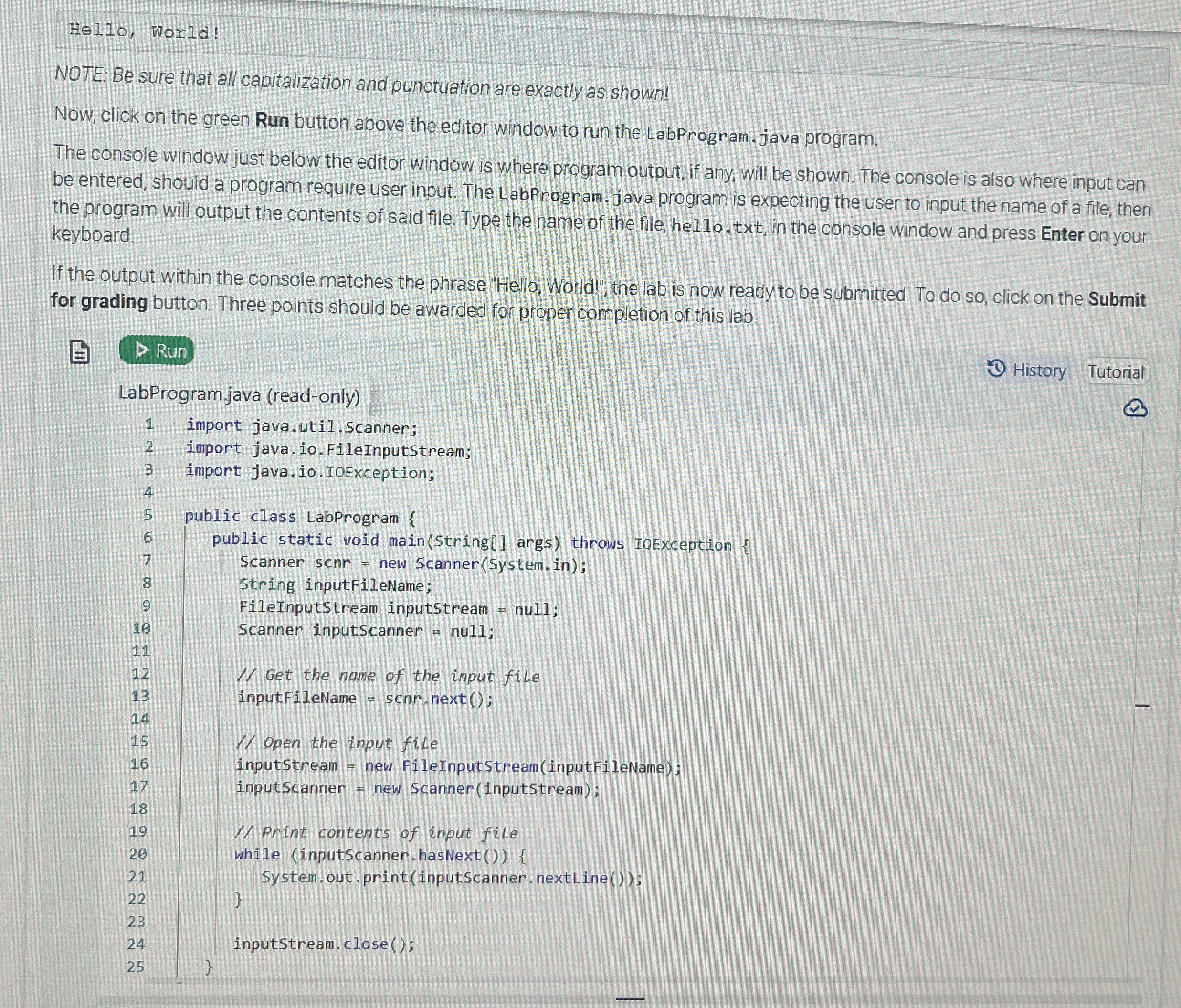
Now, click on the green Run button above the editor window to run the LabProgram. java program.
The console window just below the editor window is where program output, if any, will be shown. The console is also where input can be entered, should a program require user input. The LabProgram. java program is expecting the user to input the name of a file, then the program will output the contents of said file. Type the name of the file, hello. txt in the console window and press Enter on your keyboard.
If the output within the console matches the phrase "Hello, World!", the lab is now ready to be submitted. To do so click on the Submit for grading button. Three points should be awarded for proper completion of this lab.
History
Tutorial
LabProgram.java readonly
Step by Step Solution
There are 3 Steps involved in it
1 Expert Approved Answer
Step: 1 Unlock

Question Has Been Solved by an Expert!
Get step-by-step solutions from verified subject matter experts
Step: 2 Unlock
Step: 3 Unlock
 Study Help