







Question: Home insert Draw Page Layout Formulas Data Review View Automate ? Tellme B3 : fx 175 Home insert Draw Page Layout Formulas Data Review View
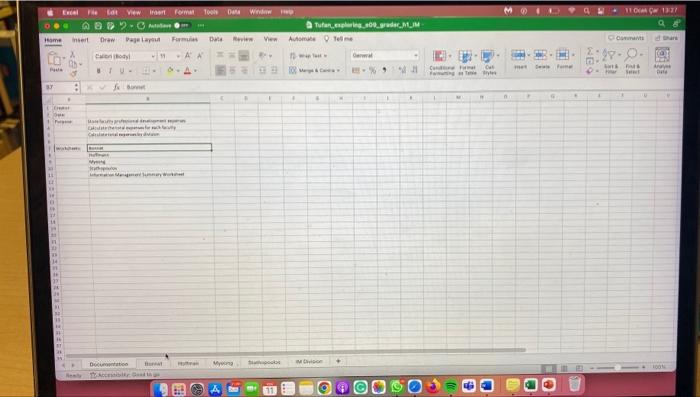
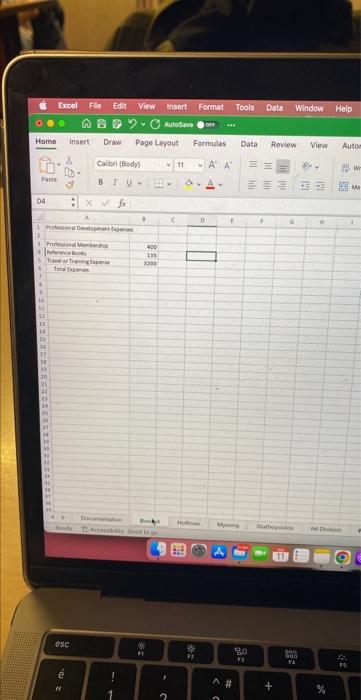
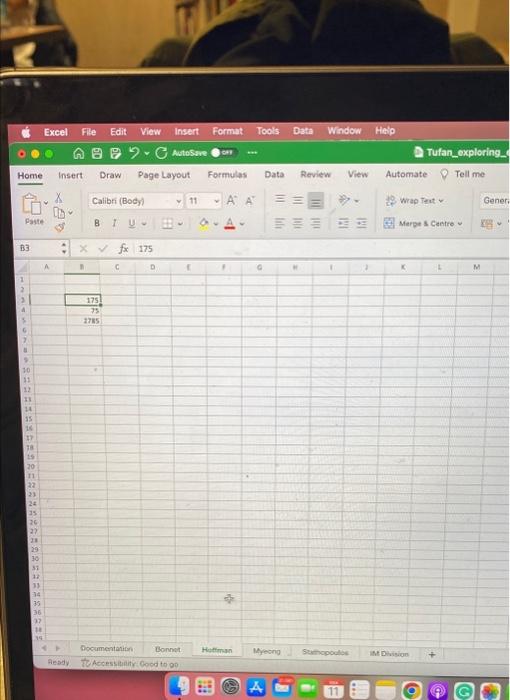
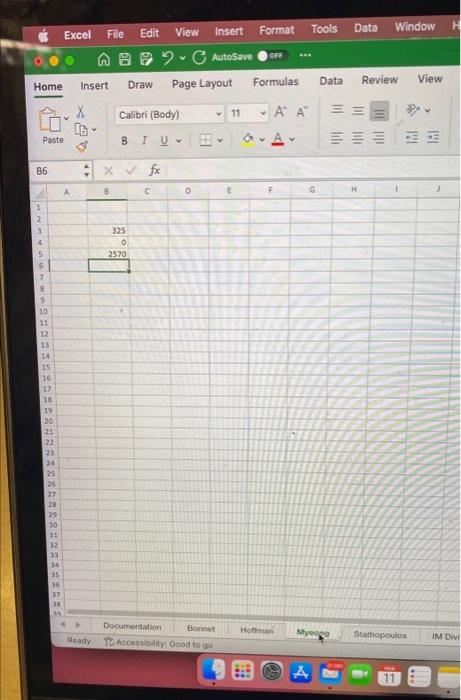
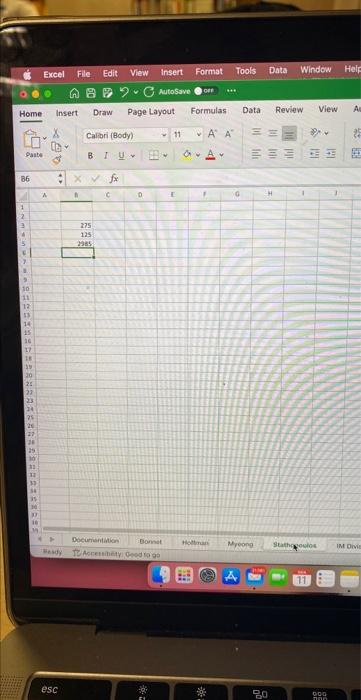
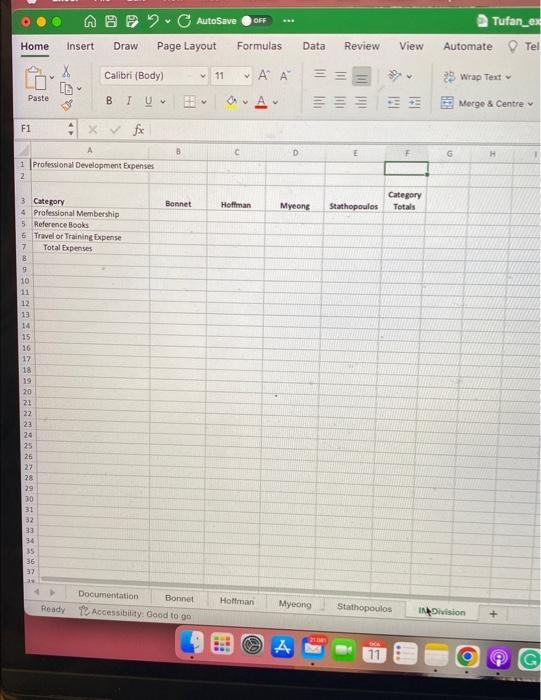
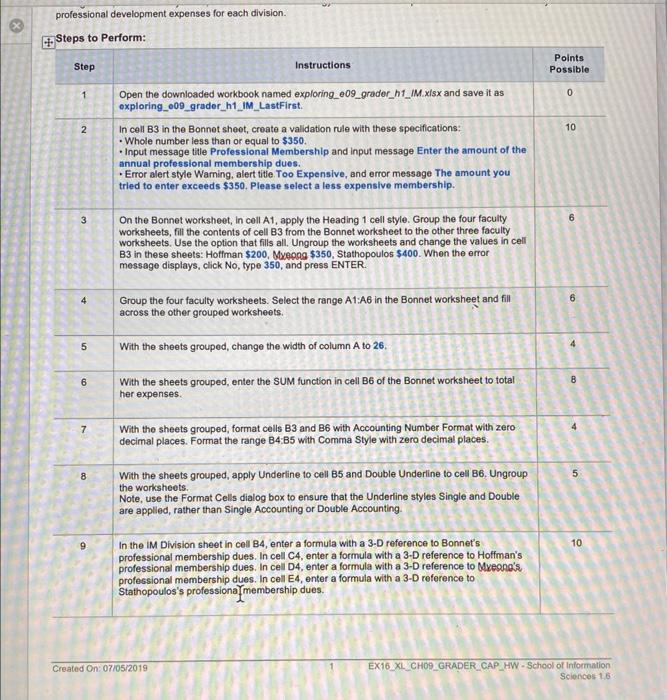
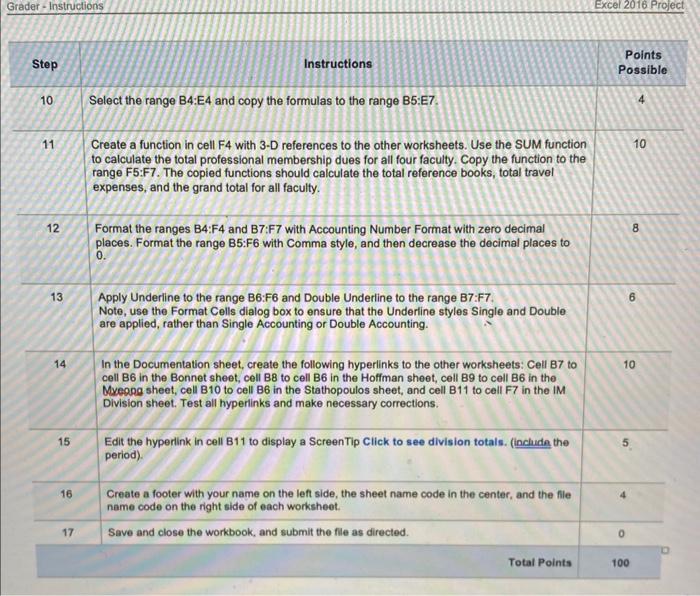
Home insert Draw Page Layout Formulas Data Review View Automate ? Tellme B3 : fx 175 Home insert Draw Page Layout Formulas Data Review View B6 \& xyfx Home Insert Draw Pagelayout Formulas Data Review View Automate P Tel professional development expenses for each division. Grader - Instructions Step Instructions Points Possible 10 Select the range B4:E4 and copy the formulas to the range B5:E7. 11 Create a function in cell F4 with 3-D references to the other worksheets. Use the SUM function 10 to calculate the total professional membership dues for all four faculty. Copy the function to the range F5:F7. The copied functions should calculate the total reference books, total travel expenses, and the grand total for all faculty. 12 Format the ranges B4:F4 and B7:F7 with Accounting Number Format with zero decimal 8 places. Format the range B5:F6 with Comma style, and then decrease the decimal places to 0. 13 Apply Underline to the range B6:F6 and Double Underline to the range B7:F7. 6 Note, use the Format Cells dialog box to ensure that the Underline styles Single and Double are applied, rather than Single Accounting or Double Accounting. 14 In the Documentation sheet, create the following hyperlinks to the other worksheets: Cell B7 to 10 cell B6 in the Bonnet sheet, cell B8 to cell B6 in the Hoffman sheet, cell B9 to cell B6 in the Myeope sheet, cell B10 to cell B6 in the Stathopoulos sheet, and cell B11 to cell F7 in the IM Division sheet. Test all hyperilinks and make necessary corrections. \begin{tabular}{|l|l} \hline 15 & Edit the hyperink in cell B11 to display a ScreenTip Click to see division totals. (inchidn the period). \\ \hline 16 & Create a footer with your name on the left side, the sheet name code in the center, and the file name code on the right side of each worksheot. \\ \hline 17 & Save and close the workbook, and submit the file as directed. \\ \hline 0 \end{tabular}
Step by Step Solution
There are 3 Steps involved in it

Get step-by-step solutions from verified subject matter experts
 Study Help