







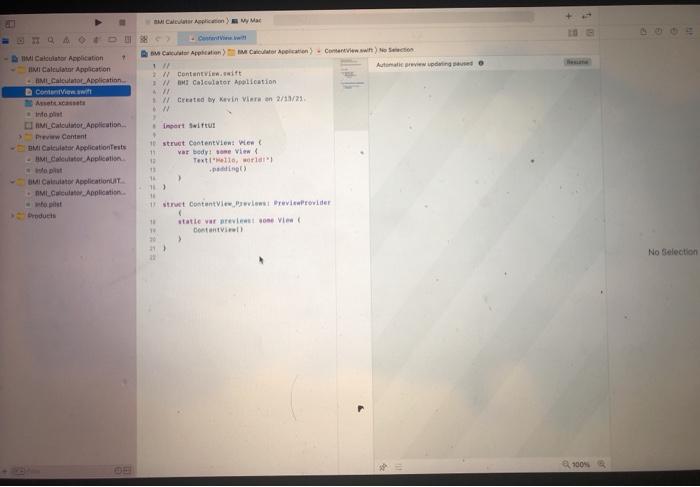
Question: How do I create a BMI calculator application using the application xcode to program? Please help with steps. Thank you! To determine whether a person
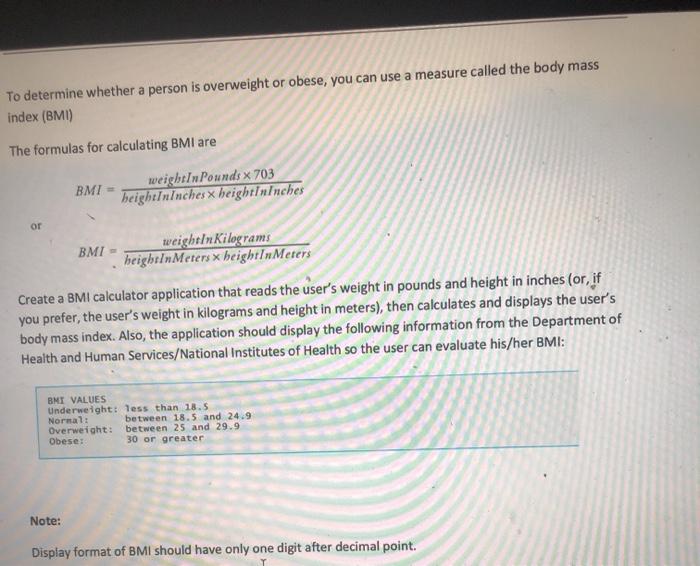
To determine whether a person is overweight or obese, you can use a measure called the body mass index (BMI) The formulas for calculating BMI are BMI weightIn Pounds x 703 heightIninches x heightininches or BMI - weightin Kilograms heightInMeters x heightInMeters Create a BMI calculator application that reads the user's weight in pounds and height in inches (or, if you prefer, the user's weight in kilograms and height in meters), then calculates and displays the user's body mass index. Also, the application should display the following information from the Department of Health and Human Services/National Institutes of Health so the user can evaluate his/her BMI: BMI VALUES Underweight: less than 18.5 Normal: between 18.5 and 24.9 Overweight: between 25 and 29.9 Obese: 30 or greater Note: Display format of BMI should have only one digit after decimal point. MC Alice Arpitation et latin). ContentView swin) Section Autumiwding Contentsit 1 Calculator Aplication 1 W Created by Kevin Viron 2/13/21 mart Swift BUMI Calculator Amphication IIM Calculator Application McAplication Conigi Act no pot JM_Calculatot. Anplication Preww Content BMI Calculator Application Tests Motor Application out BMI Cal Application AMLCalculate Aplication ht Products 11 struct ContentVient en var body: some View Textile world pating > 1struct ContentViewPrevirovider 11 statte var previsto Vie No Selection 100%
Step by Step Solution
There are 3 Steps involved in it

Get step-by-step solutions from verified subject matter experts
 Study Help