







Question: How to create a custom adapter in Android Studio 2. Create a custom adapter called Color Adapter that extends BaseAdapter that will present to the
How to create a custom adapter in Android Studio
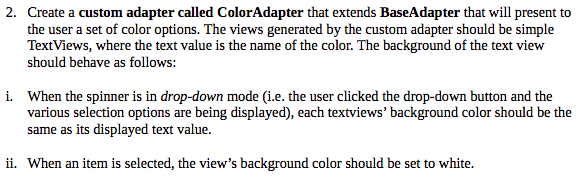
2. Create a custom adapter called Color Adapter that extends BaseAdapter that will present to the user a set of color options. The views generated by the custom adapter should be simple TextViews, where the text value is the name of the color. The background of the text view should behave as follows: i. When the spinner is in drop-down mode (i.e. the user clicked the drop-down button and the various selection options are being displayed), each textviews' background color should be the same as its displayed text value. ii. When an item is selected, the view's background color should be set to white
Step by Step Solution
There are 3 Steps involved in it
1 Expert Approved Answer
Step: 1 Unlock

Question Has Been Solved by an Expert!
Get step-by-step solutions from verified subject matter experts
Step: 2 Unlock
Step: 3 Unlock
 Study Help