







Question: How to solve Learner Objectives By completing this assignment, students will: Understand how to perform file input / output operations in C + + using
How to solve
Learner Objectives
By completing this assignment, students will:
Understand how to perform file inputoutput operations in C using ifstream and
ofstream.
Learn how to read from and write to files.
Practice error checking and handling for file operations.
Reinforce the use of loops and conditionals in C
Prerequisites
Before starting this assignment, students should have:
A basic understanding of C syntax and program structure.
Familiarity with variables, data types, and basic console inputoutput operations.
Knowledge of control flow statements, including loops for while and conditionals if
else
An introduction to file handling using file streams in C
Overview and Requirements
You are to write a program that copies the contents of one text file to another. In this
assignment, you are tasked with writing a C program that copies the contents of one text file
to another. The program will begin by prompting the user to enter the name of the source file
the file to be copied. It will then attempt to open this source file for reading. Once the source file
is successfully opened, the program will prompt the user to enter the name of the destination
file the file where the content will be copied to The program then reads the contents of the
source file and writes them to the destination file, ensuring that the contents are copied exactly as
they appear in the source file. Finally, the program will inform the user that the copying has been
completed successfully.
Program Details
Your program should perform the following steps:
User Input for Source File
Prompt the user with: Enter the source filename:
Read the source filename from the user input.
Open Source File
Attempt to open the source file using an ifstream.
If the file cannot be opened, display an error message:
Error: Could not open source file
File has been copied successfully.
Example Run of the Program
Note: indicates input typed by the user.
Successful Copy
Enter the source filename: source.txt
Enter the destination filename: destination.txt
File has been copied successfully.
Source File Does Not Exist
Enter the source filename: nonexistent.txt
Error: Could not open source file 'nonexistent.txt
Program will exit.
Bonus points
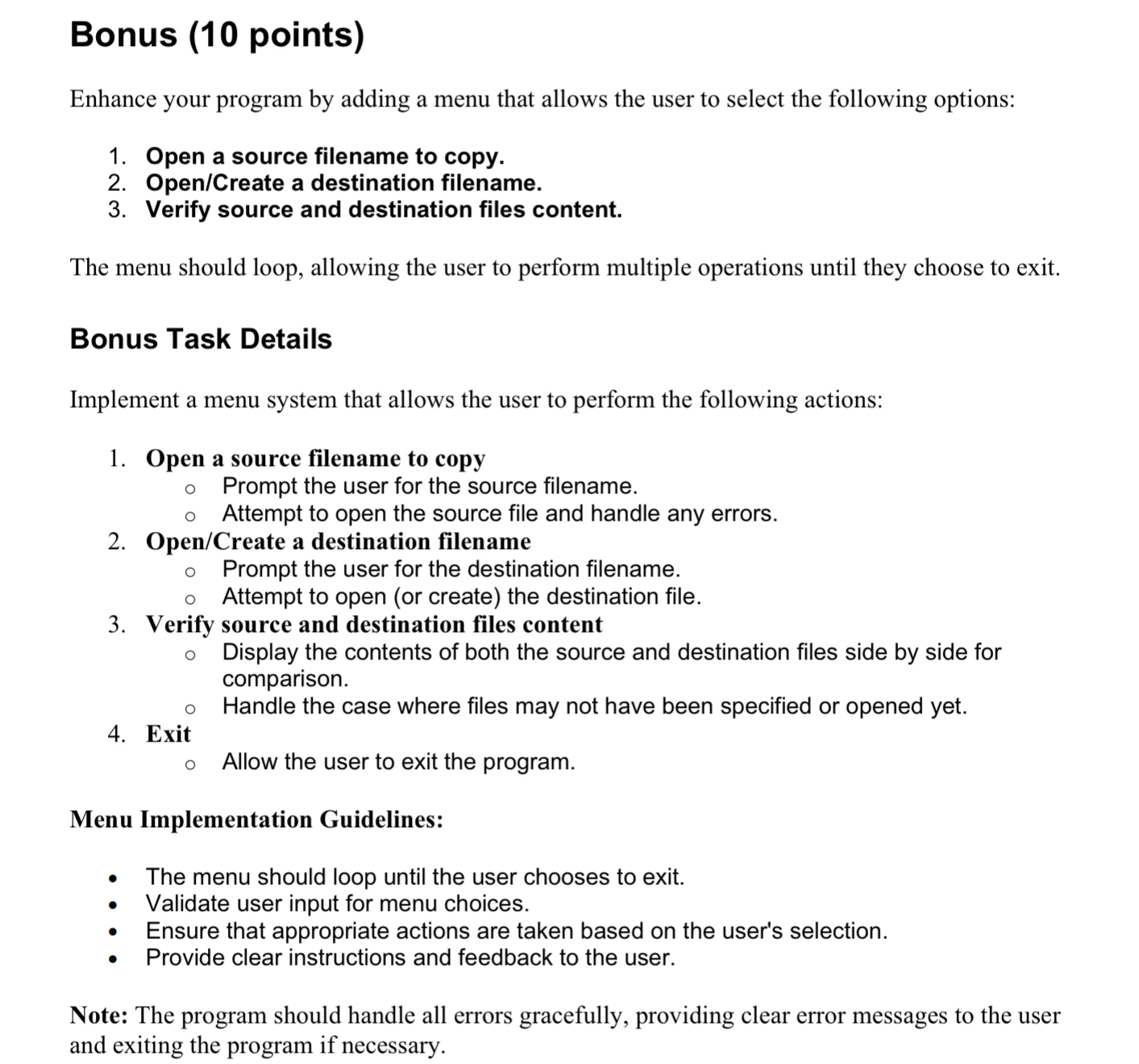
Enhance your program by adding a menu that allows the user to select the following options:
Open a source filename to copy.
OpenCreate a destination filename.
Verify source and destination files content.
The menu should loop, allowing the user to perform multiple operations until they choose to exit.
Bonus Task Details
Implement a menu system that allows the user to perform the following actions:
Open a source filename to copy
Prompt the user for the source filename.
Attempt to open the source file and handle any errors.
OpenCreate a destination filename
Prompt the user for the destination filename.
Attempt to open or create the destination file.
Verify source and destination files content
Display the contents of both the source and destination files side by side for
comparison.
Handle the case where files may not have been specified or opened yet.
Exit
Allow the user to exit the program.
Menu Implementation Guidelines:
The menu should loop until the user chooses to exit.
Validate user input for menu choices.
Ensure that appropriate actions are taken based on the user's selection.
Provide clear instructions and feedback to the user.
Note: The program should handle all errors gracefully, providing clear error messages to the user
and exiting the program if necessary.
Step by Step Solution
There are 3 Steps involved in it
1 Expert Approved Answer
Step: 1 Unlock

Question Has Been Solved by an Expert!
Get step-by-step solutions from verified subject matter experts
Step: 2 Unlock
Step: 3 Unlock
 Study Help