



Question: How to write an ATM stimulator with GUI on matlab? Question# 1 Design a GUI MATLAB application that does the following actions a. Initialize a
How to write an ATM stimulator with GUI on matlab?
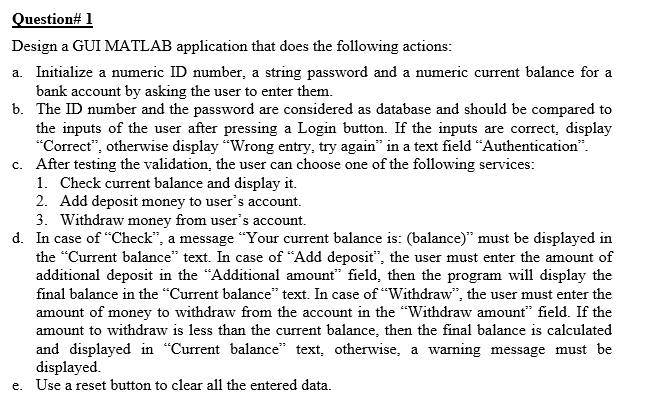
Question# 1 Design a GUI MATLAB application that does the following actions a. Initialize a numeric ID number, a string password and a numeric current balance for a b. The ID number and the password are considered as database and should be compared to bank account by asking the user to enter them. the inputs of the user after pressing a Login button. If the inputs are correct, display Correct", otherwise display "Wrong entry, try again" in a text field "Authentication" After testing the validation, the user can choose one of the following services 1. Check current balance and display it. 2. Add deposit money to user's account. 3. Withdraw money from user's account. c. d. In case of "Check", a message Your current balance is: (balance) must be displayed in the "Current balance" text. In case of "Add deposit", the user must enter the amount of additional deposit in the "Additional amount" field, then the program will display the final balance in the "Current balance" text. In case of "Withdraw", the user must enter the amount of money to withdraw from the account in the "Withdraw amount field. If the amount to withdraw is less than the current balance, then the final balance is calculated and displayed in "Current balance text, otherwise, a warning message must be displayed. e. Use a reset button to clear all the entered data
Step by Step Solution
There are 3 Steps involved in it

Get step-by-step solutions from verified subject matter experts