







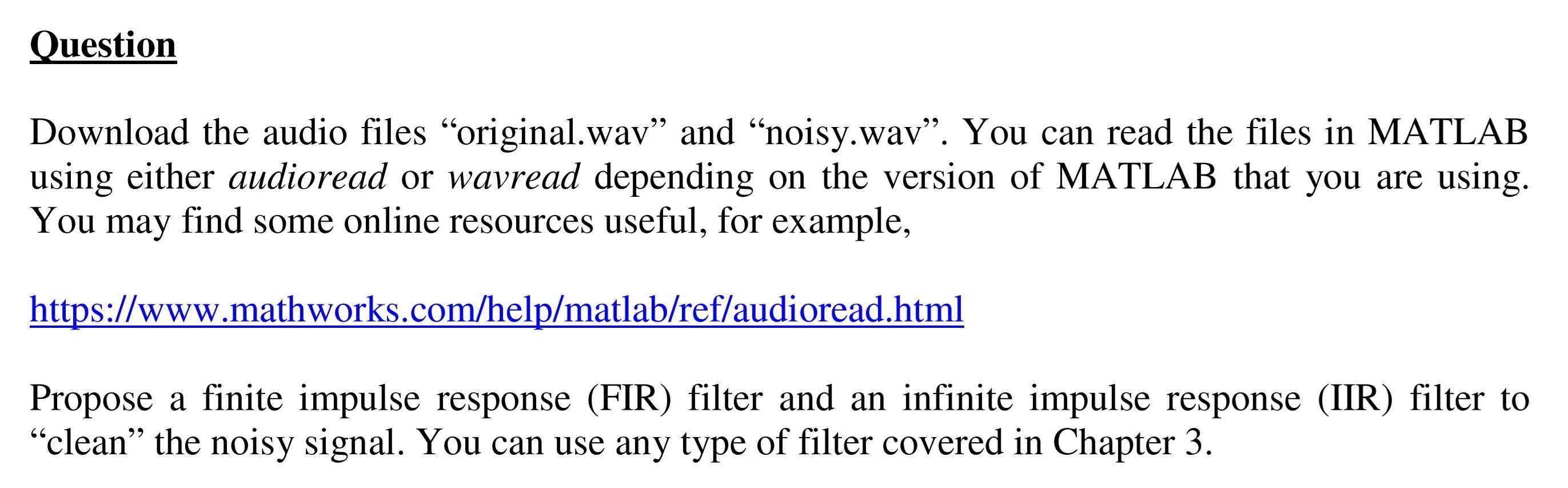
Question: https://www.mathworks.com/help/matlab/ref/audioread.html Question Download the audio files original.wav and noisy.wav. You can read the files in MATLAB using either audioread or wavread depending on the version
https://www.mathworks.com/help/matlab/ref/audioread.html
Question Download the audio files "original.wav and noisy.wav. You can read the files in MATLAB using either audioread or wavread depending on the version of MATLAB that you are using. You may find some online resources useful, for example, https://www.mathworks.com/help/matlab/ref/audioread.html Propose a finite impulse response (FIR) filter and an infinite impulse response (IIR) filter to clean the noisy signal. You can use any type of filter covered in Chapter 3. Question Download the audio files "original.wav and noisy.wav. You can read the files in MATLAB using either audioread or wavread depending on the version of MATLAB that you are using. You may find some online resources useful, for example, https://www.mathworks.com/help/matlab/ref/audioread.html Propose a finite impulse response (FIR) filter and an infinite impulse response (IIR) filter to clean the noisy signal. You can use any type of filter covered in Chapter 3
Step by Step Solution
There are 3 Steps involved in it

Get step-by-step solutions from verified subject matter experts
 Study Help