







Question: I am really confused about this question,Please help me with my computer science class quiz question, it's due tommrow! Thanks! 4 2. Complete the code
I am really confused about this question,Please help me with my computer science class quiz question, it's due tommrow! Thanks!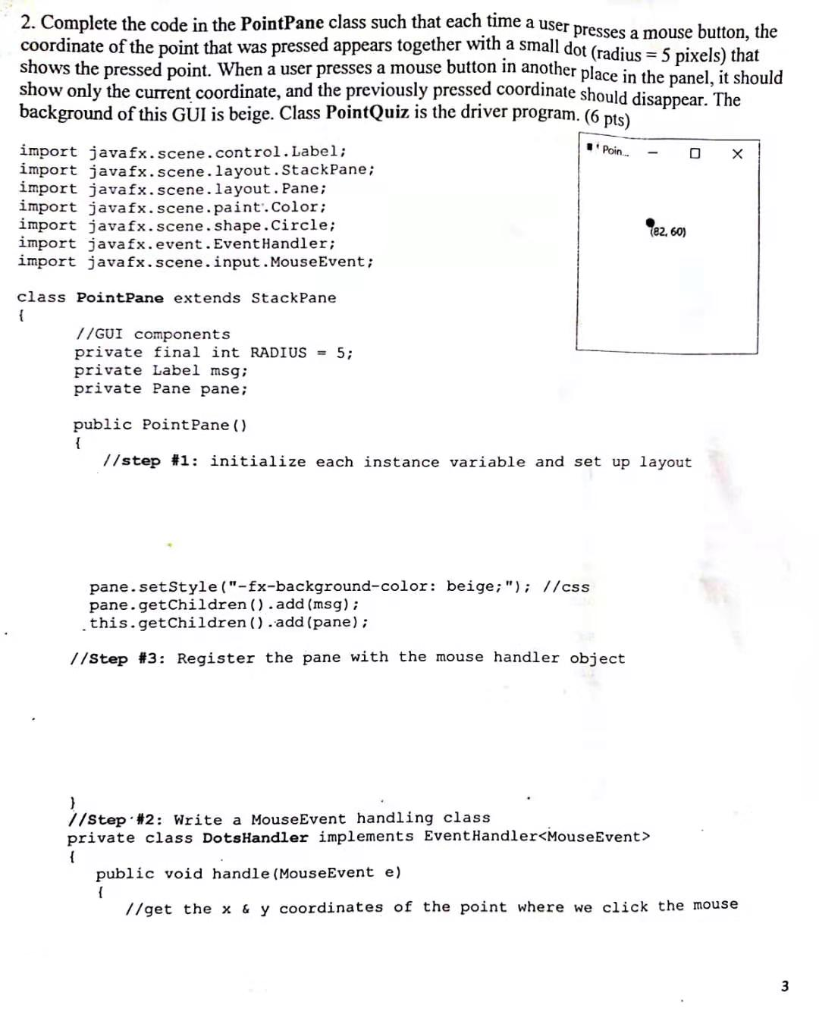
4
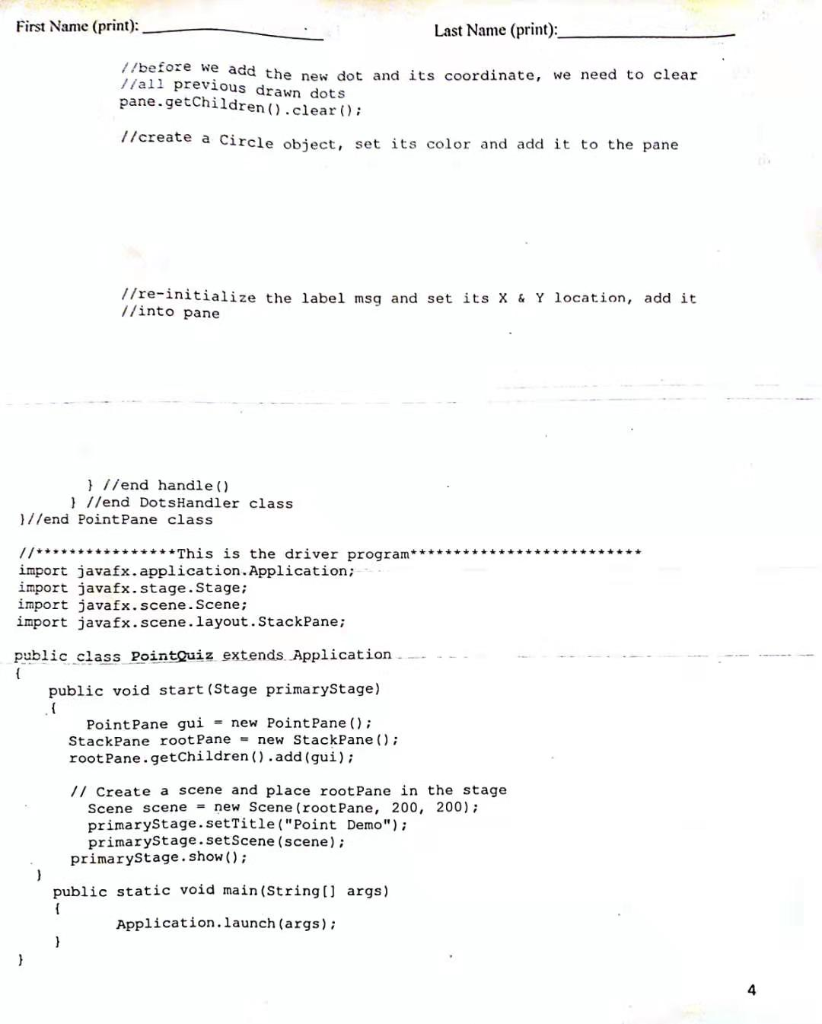
2. Complete the code in the PointPane class such that each time a us coordinate of the point that was pressed appears together with a small dot shows the pressed point. When a user presses a mouse button in another plac show only the current coordinate, and the previously pressed coordinate should disa er presses a mouse button, the (radius 5 pixels) that e in the panel, it should ppear. The background of this GUI is beige. Class PointQuiz is the driver program. (6 pts) import javafx.scene.control.Label: import javafx.scene.layout.StackPane: import javafx.scene.layout. Pane; import javafx.scene.paint.color; import javafx.scene.shape.Circle; import javafx.event.EventHandler import javafx.scene.input.MouseEvent: (82, 60) class PointPane extends StackPane //GUI components private final int RADIUS 5 private Label msg; private Pane pane; public PointPane () //step #1: initialize each instance variable and set up layout pane.setStyle ("-fx-background-color: beige"I/css pane.getChildren ).add (msg): .this.getChildren.add (pane) //step #3: Register the pane with the mouse handler object //Step. 2: rite a MouseEvent handling class private class DotsHandler implements EventHandler
Step by Step Solution
There are 3 Steps involved in it

Get step-by-step solutions from verified subject matter experts
 Study Help