







Question: I am trying to add some function to script or html to when you press the click me button, to only show the div id=noShow
I am trying to add some function to script or html to when you press the "click me" button, to only show the div id=noShow area when an age of 30 or greater
is entered into the Enter Your Age: box and if an age of less than 30 is entered into it, it will not show the div id=noShow area.
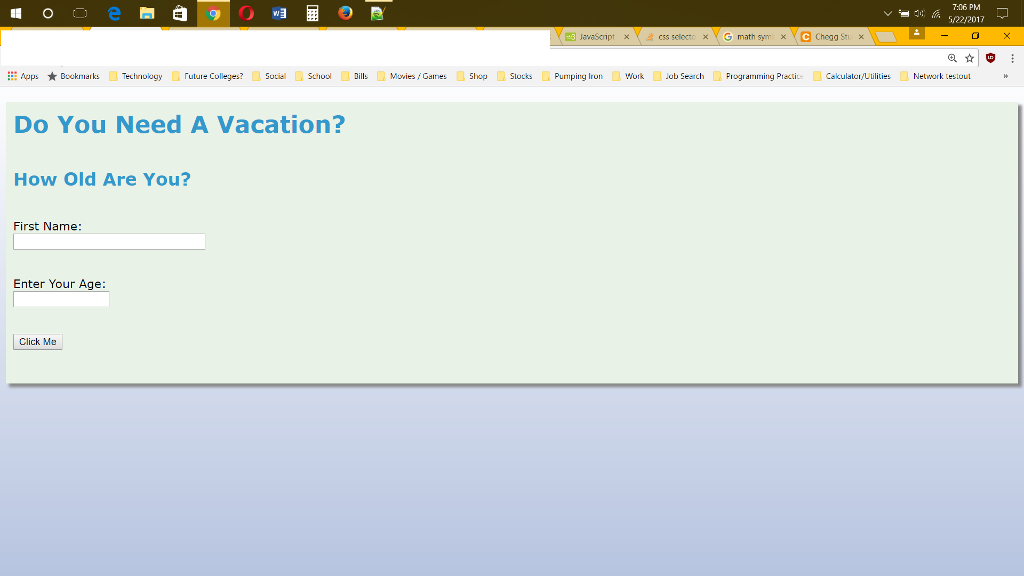
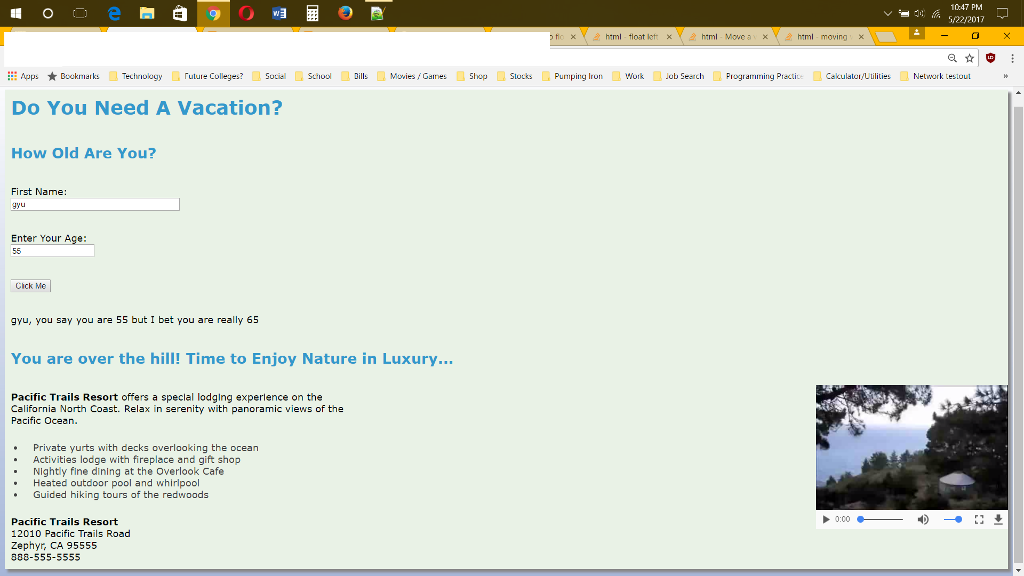
Do You Need A Vacation?
How Old Are You?
You are over the hill! Time to Enjoy Nature in Luxury...
Pacific Trails Resort offers a special lodging experience on the California North Coast. Relax in serenity with panoramic views of the Pacific Ocean.
Pacific Trails Resort 12010 Pacific Trails Road Zephyr, CA 95555 888-555-5555
css
body, html { font-family: Ariel, Verdana, sans-serif; background-image: url("background.jpg"); background-color: #E9F2E6; } h1 { color: #3399CC; padding: 10px; } h2 { color: #3399CC; padding: 10px; } p { padding: 10px; } #container { width:100%; background-color: #E9F2E6; box-shadow: 5px 5px 5px #888888; } #container-video { padding: 1px; z-index: -10; } li { color: #434343; padding-left: 15px; } video { float: right; }
7:06 PM a 5/2/2017 C Chogg Apps Bookmarks Technology rulure colleges? Social school Dills Movies Gaines shop slouks Pumping Iron work Job search Piogramining Practiue Cakulaloivuulities Network testouu Do You Need A Vacation? How Old Are You? First Name: Enter Your Age Click Me
Step by Step Solution
There are 3 Steps involved in it

Get step-by-step solutions from verified subject matter experts
 Study Help