



Question: I. Cell reference for the value you want to look up . For each movie in our data set, this will be the corresponding cell
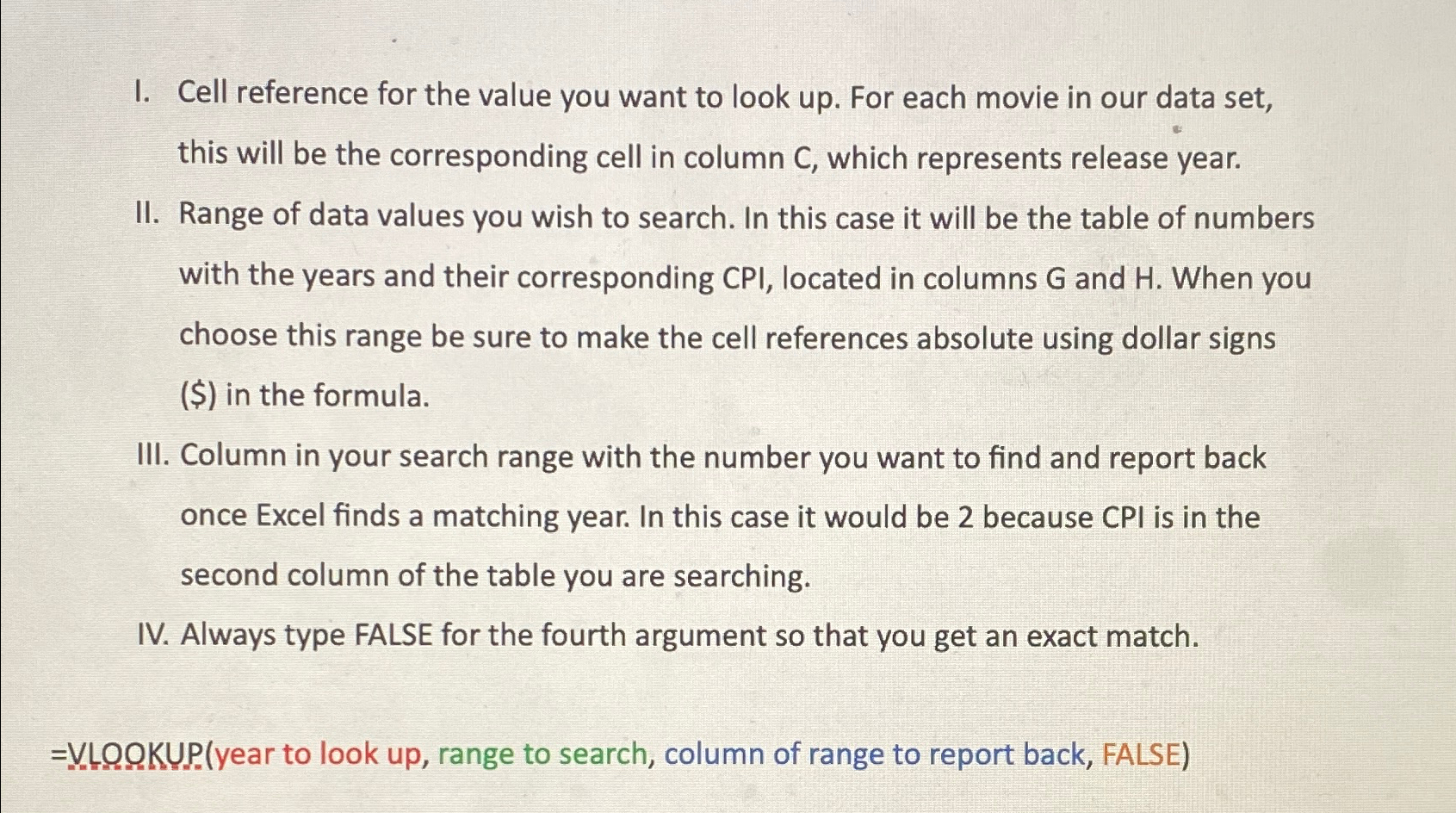
I. Cell reference for the value you want to look up For each movie in our data set, this will be the corresponding cell in column which represents release year.
II Range of data values you wish to search. In this case it will be the table of numbers with the years and their corresponding CPI, located in columns and When you choose this range be sure to make the cell references absolute using dollar signs $ in the formula.
III. Column in your search range with the number you want to find and report back once Excel finds a matching year. In this case it would be because CPI is in the second column of the table you are searching.
IV Always type FALSE for the fourth argument so that you get an exact match.
OKP. year to look up range to search, column of range to report back, FALSE
Step by Step Solution
There are 3 Steps involved in it
1 Expert Approved Answer
Step: 1 Unlock

Question Has Been Solved by an Expert!
Get step-by-step solutions from verified subject matter experts
Step: 2 Unlock
Step: 3 Unlock