







Question: I have the file written but I cannot get it to render an image like my instructor wants. externalfile = open(file_definition.txt, 'W') # create connection
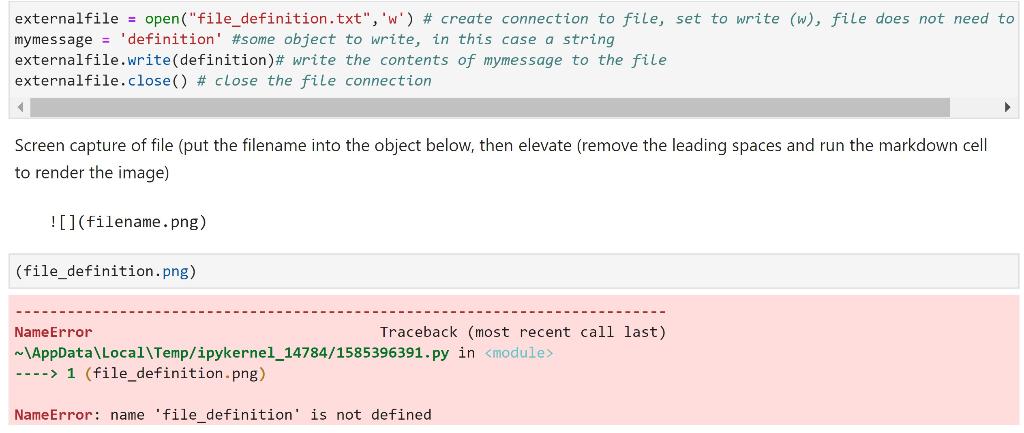 I have the file written but I cannot get it to render an image like my instructor wants.
externalfile = open("file_definition.txt", 'W') # create connection to file, set to write (w), file does not need to mymessage = 'definition' #some object to write, in this case a string externalfile.write(definition)# write the contents of mymessage to the file externalfile.close() # close the file connection Screen capture of file (put the filename into the object below, then elevate (remove the leading spaces and run the markdown cell to render the image)  (file_definition.png) NameError Traceback (most recent call last) ~\AppData\Local\Temp/ipykernel_14784/1585396391.py in
Step by Step Solution
There are 3 Steps involved in it

Get step-by-step solutions from verified subject matter experts
 Study Help