







Question: I need a help in lab 5. COMP 1020 Lab-5 Fall 2017 Evil Hangman This lab assumes that you have completed all steps involved in
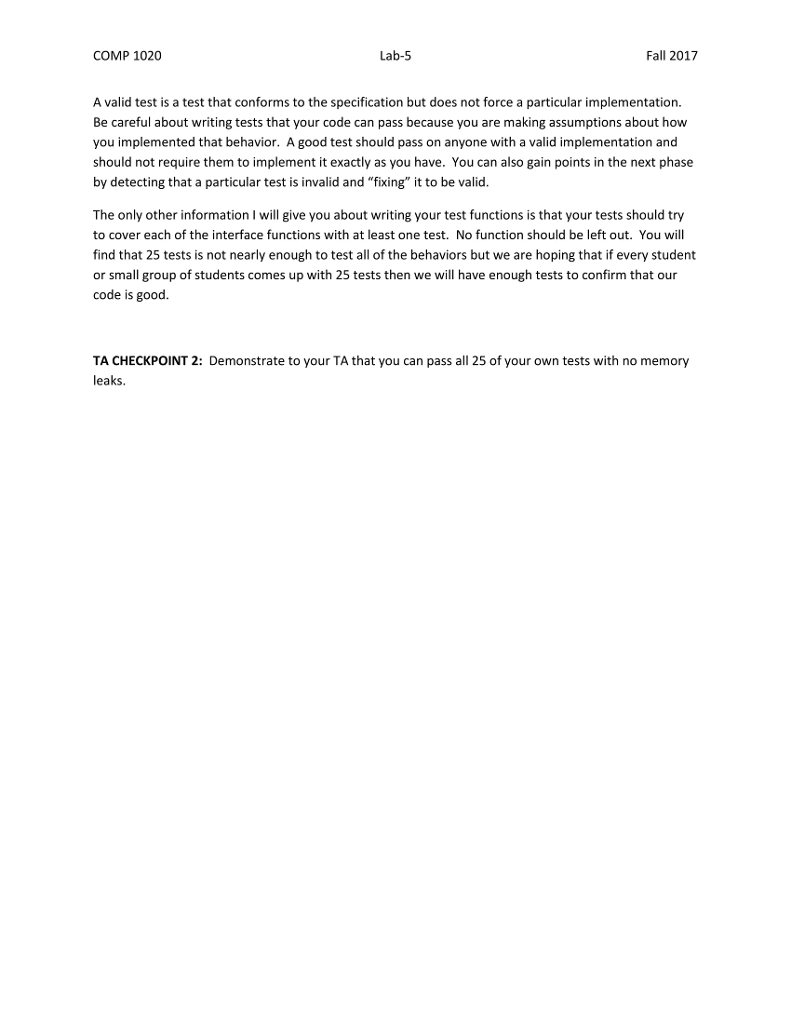 I need a help in lab 5.
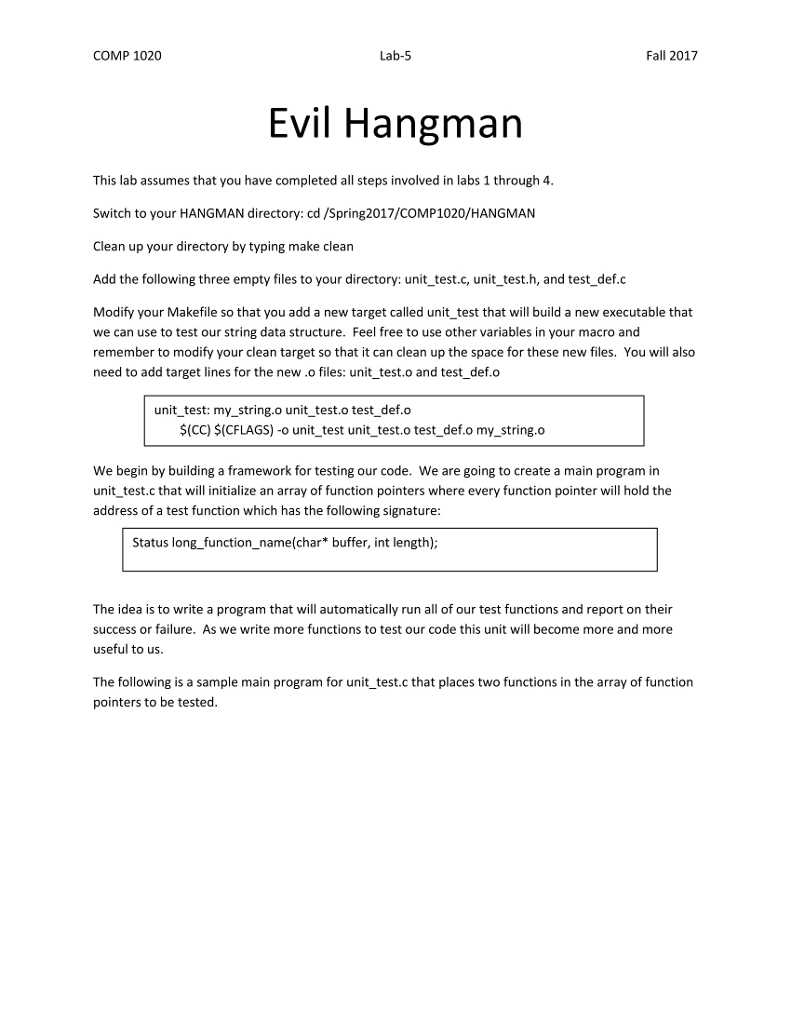
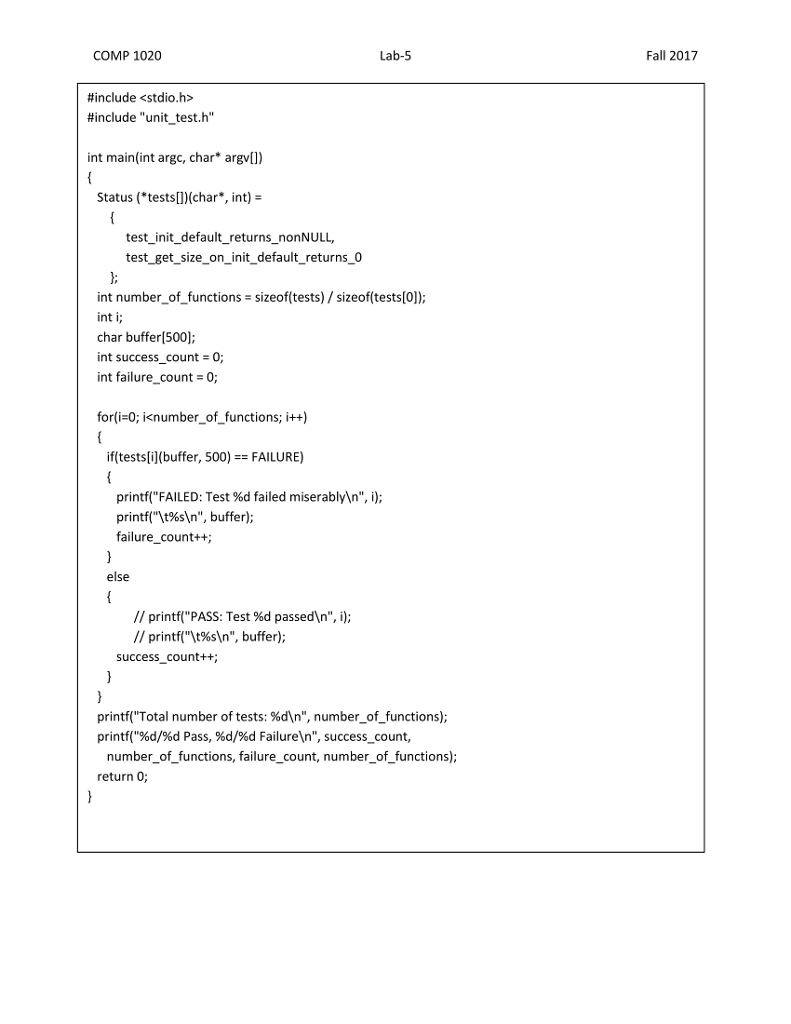
COMP 1020 Lab-5 Fall 2017 Evil Hangman This lab assumes that you have completed all steps involved in labs 1 through 4. Switch to your HANGMAN directory: cd /Spring2017/COMP1020/HANGMAN Clean up your directory by typing make clean Add the following three empty files to your directory: unit_test.c,unit_test.h, and test_def.c Modify your Makefile so that you add a new target called unit_test that will build a new executable that we can use to test our string data structure. Feel free to use other variables in your macro and remember to modify your clean target so that it can clean up the space for these new files. You will also need to add target lines for the new.o files: unit test.o and test def.o unit_test: my_string.o unit test.o test_def.o S(CC) S(CFLAGS)-o unit_test unit_test.o test_def.o my_string.o We begin by building a framework for testing our code. We are going to create a main program in unit_test.c that will initialize an array of function pointers where every function pointer will hold the address of a test function which has the following signature Status long._function_name(char* buffer, int length); The idea is to write a program that will automatically run all of our test functions and report on their success or failure. As we write more functions to test our code this unit will become more and more useful to us The following is a sample main program for unit test.c that places two functions in the array of function pointers to be tested COMP 1020 Lab-5 Fall 2017 Evil Hangman This lab assumes that you have completed all steps involved in labs 1 through 4. Switch to your HANGMAN directory: cd /Spring2017/COMP1020/HANGMAN Clean up your directory by typing make clean Add the following three empty files to your directory: unit_test.c,unit_test.h, and test_def.c Modify your Makefile so that you add a new target called unit_test that will build a new executable that we can use to test our string data structure. Feel free to use other variables in your macro and remember to modify your clean target so that it can clean up the space for these new files. You will also need to add target lines for the new.o files: unit test.o and test def.o unit_test: my_string.o unit test.o test_def.o S(CC) S(CFLAGS)-o unit_test unit_test.o test_def.o my_string.o We begin by building a framework for testing our code. We are going to create a main program in unit_test.c that will initialize an array of function pointers where every function pointer will hold the address of a test function which has the following signature Status long._function_name(char* buffer, int length); The idea is to write a program that will automatically run all of our test functions and report on their success or failure. As we write more functions to test our code this unit will become more and more useful to us The following is a sample main program for unit test.c that places two functions in the array of function pointers to be tested
Step by Step Solution
There are 3 Steps involved in it

Get step-by-step solutions from verified subject matter experts
 Study Help