







Question: I need help please to solve this with explanation how to make on excel. First Loop - Select sheet tab First Name the range B3
I need help please to solve this with explanation how to make on excel. 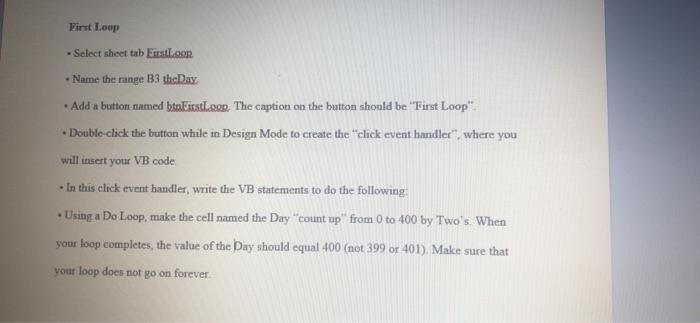
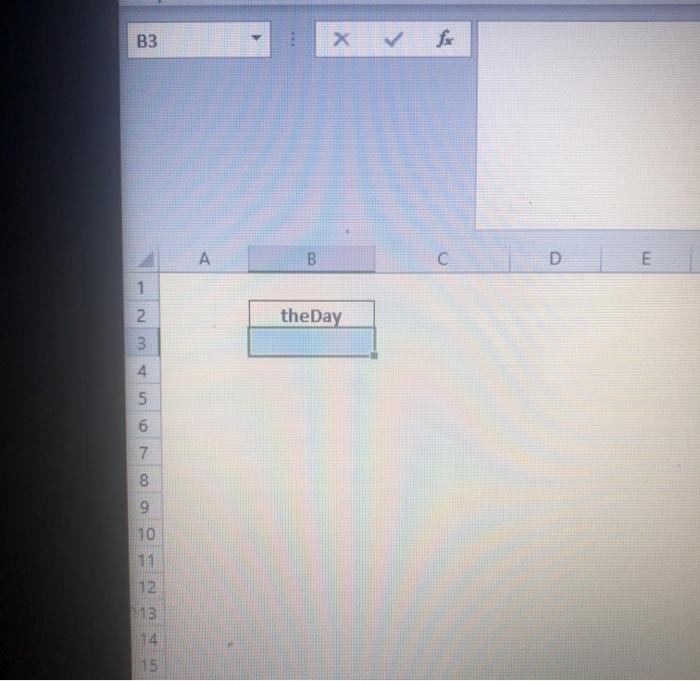
First Loop - Select sheet tab First Name the range B3 the Day Add a button named btaksstoon. The caption on the button should be "First Loop" Double-click the button while in Design Mode to create the "click event handler". where you will insert your VB code In this click event handler, write the VB statements to do the following . Using a Do Loop, make the cell named the Day "count up" from 0 to 400 by Two's. When your loop completes, the value of the Day should equal 400 (mot 399 or 401) Make sure that your loop does not go on forever B3 L A B D 1 1 2 theDay 3 4 5 6 5 7 8 9 10 11 12 13 14
Step by Step Solution
There are 3 Steps involved in it
1 Expert Approved Answer
Step: 1 Unlock

Question Has Been Solved by an Expert!
Get step-by-step solutions from verified subject matter experts
Step: 2 Unlock
Step: 3 Unlock
 Study Help