







Question: I seem to be having trouble doing this assignment. I really need someone to help me out here Chapter 8: C# Windows Forms Applicatin and
I seem to be having trouble doing this assignment. I really need someone to help me out here
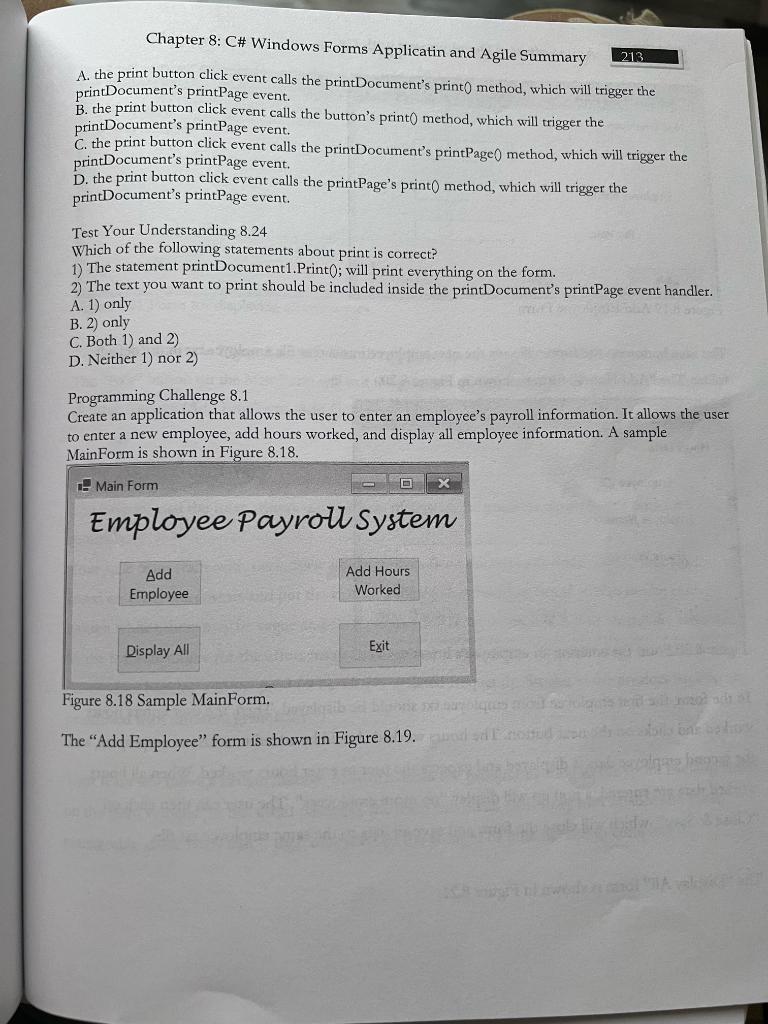
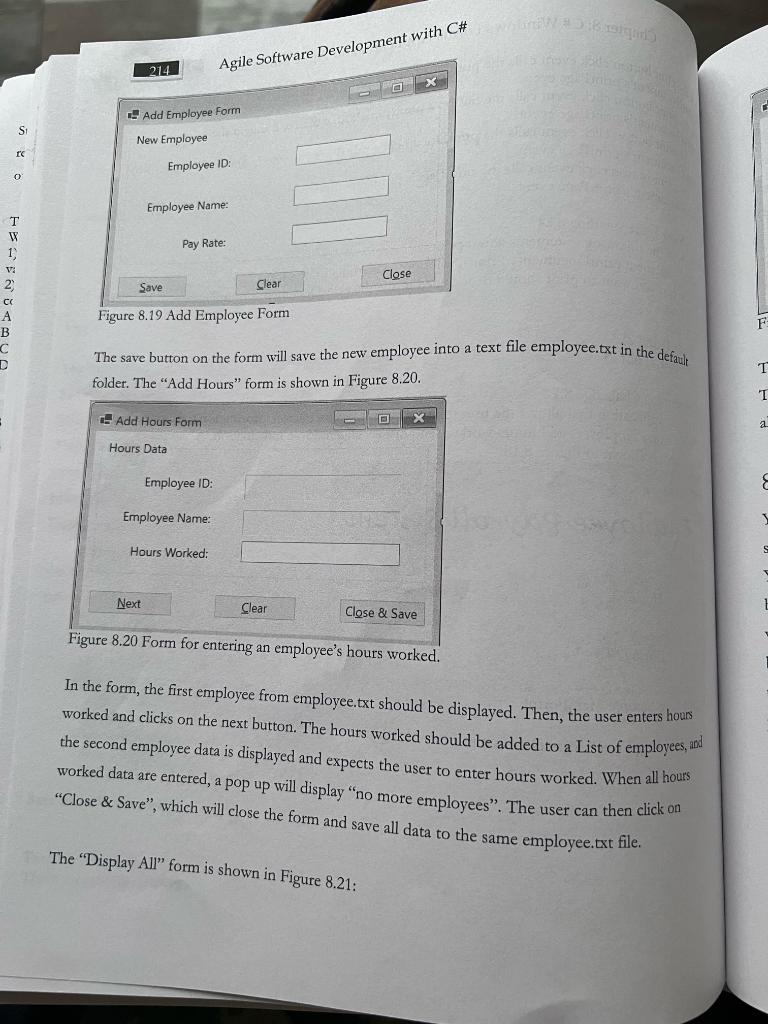
Chapter 8: C\# Windows Forms Applicatin and Agile Summary 213 A. the print button click event calls the printDocument's print0 method, which will trigger the printDocument's printPage event. B. the print button click event calls the button's print 0 method, which will trigger the printDocument's printPage event. C. the print button click event calls the printDocument's printPage0 method, which will trigger the printDocument's printPage event. D. the print button click event calls the printPage's print 0 method, which will trigger the printDocument's printPage event. Test Your Understanding 8.24 Which of the following statements about print is correct? 1) The statement printDocument1.Print 0 ; will print everything on the form. 2) The text you want to print should be included inside the printDocumen's printPage event handler. A. 1) only B. 2) only C. Both 1) and 2) D. Neither 1) nor 2) Programming Challenge 8.1 Create an application that allows the user to enter an employee's payroll information. It allows the user to enter a new employee, add hours worked, and display all employee information. A sample MainForm is shown in Figure 8.18. Figure 8.18 Sample MainForm. The "Add Employee" form is shown in Figure 8.19. Figure 8.19 Add Employee Form folder. The "Add Hours" form is shown in Figure 8.20. Figure 8.20 Form for entering an employee's hours worked. In the form, the first employee from employee.txt should be displayed. Then, the user enters hours worked and clicks on the next button. The hours worked should be added to a List of employees, and the second employee data is displayed and expects the user to enter hours worked. When all hours worked data are entered, a pop up will display "no more employees". The user can then click on "Close \& Save", which will close the form and save all data to the same employee.txt file. The "Display All" form is shown in Figure 8.21
Step by Step Solution
There are 3 Steps involved in it

Get step-by-step solutions from verified subject matter experts
 Study Help