



Question: I'm new to VB and I need help with this so I can Identify where I place what statement in the code window. In Visual
I'm new to VB and I need help with this so I can Identify where I place what statement in the code window.
In Visual Basic, create a multiplication table using the following:
Open the VB2015\Chap06\MultiplicationSolution(MultiplicationSolution.sln) file.
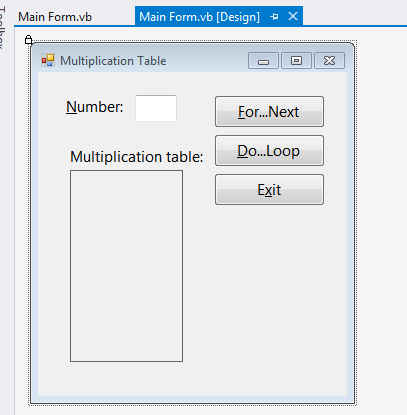
Code the application to display a multiplication table similar to the one shown in Figure 6-31 (Zak, 2016).
Use the For...Next statement in the btnForNext_Click procedure, and use the Do...Loop statement in the btnDoLoop_Click procedure. Test the application appropriately.
Note: the existing code is as follows:
lbltable

for...next / do...loop
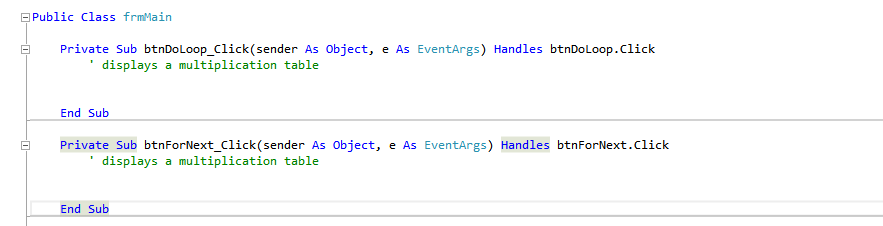
form
E Private sub lblTable Click (sender As object, e As Event Args) Handles lblTable.click End Sub End Class
Step by Step Solution
There are 3 Steps involved in it

Get step-by-step solutions from verified subject matter experts