







Question: Implement QU Computing responsive website as illustrated in the design provided in Figure 1,2 and 3 . Watch the Application Demo video for further clarifications.
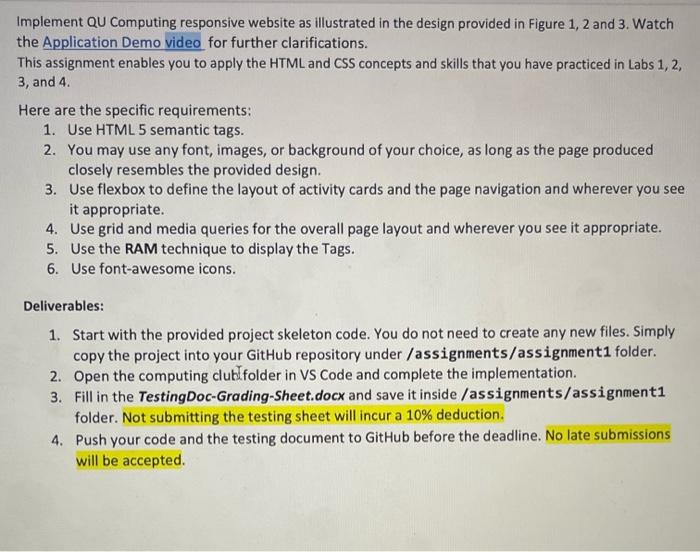
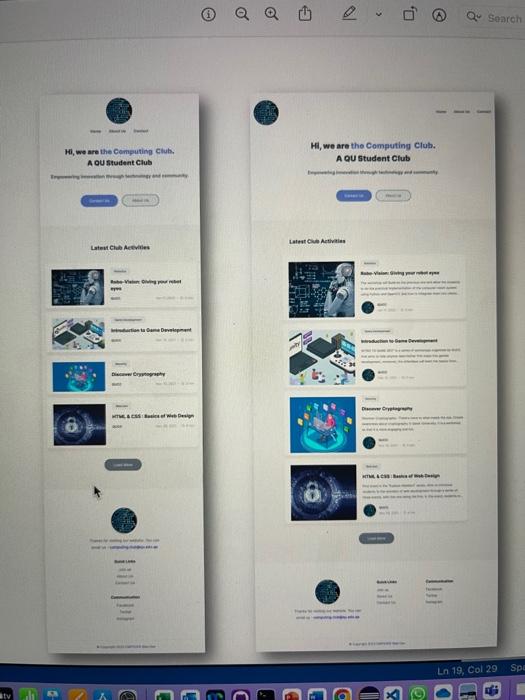
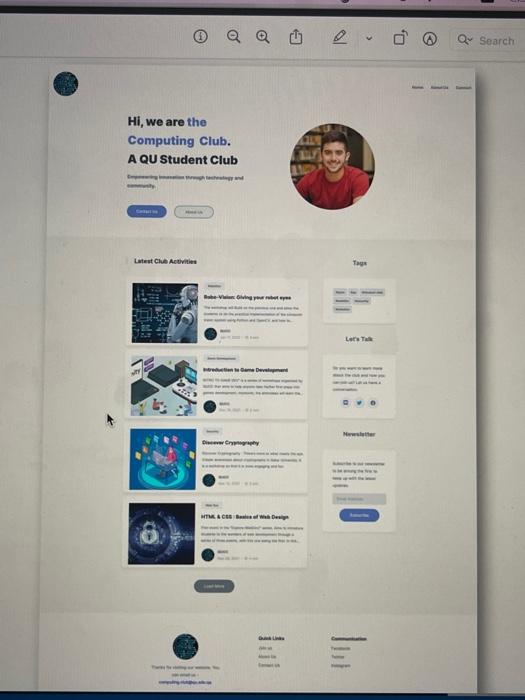
Implement QU Computing responsive website as illustrated in the design provided in Figure 1,2 and 3 . Watch the Application Demo video for further clarifications. This assignment enables you to apply the HTML and CSS concepts and skills that you have practiced in Labs 1,2, 3 , and 4 . Here are the specific requirements: 1. Use HTML 5 semantic tags. 2. You may use any font, images, or background of your choice, as long as the page produced closely resembles the provided design. 3. Use flexbox to define the layout of activity cards and the page navigation and wherever you see it appropriate. 4. Use grid and media queries for the overall page layout and wherever you see it appropriate. 5. Use the RAM technique to display the Tags. 6. Use font-awesome icons. Deliverables: 1. Start with the provided project skeleton code. You do not need to create any new files. Simply copy the project into your GitHub repository under /assignments/assignment1 folder. 2. Open the computing clublfolder in VS Code and complete the implementation. 3. Fill in the TestingDoc-Grading-Sheet.docx and save it inside /assignments/assignment1 folder. Not submitting the testing sheet will incur a 10% deduction. 4. Push your code and the testing document to GitHub before the deadline. No late submissions will be accepted. Hi, we are the Computing Club. A QU Student Club
Step by Step Solution
There are 3 Steps involved in it

Get step-by-step solutions from verified subject matter experts
 Study Help