







Question: In Cloud9, create a new file called arrayLoops.cpp. If you aren't sure how to create a new.cpp file, refer to the Cloud9 FolderFileCreation Slideshow Write
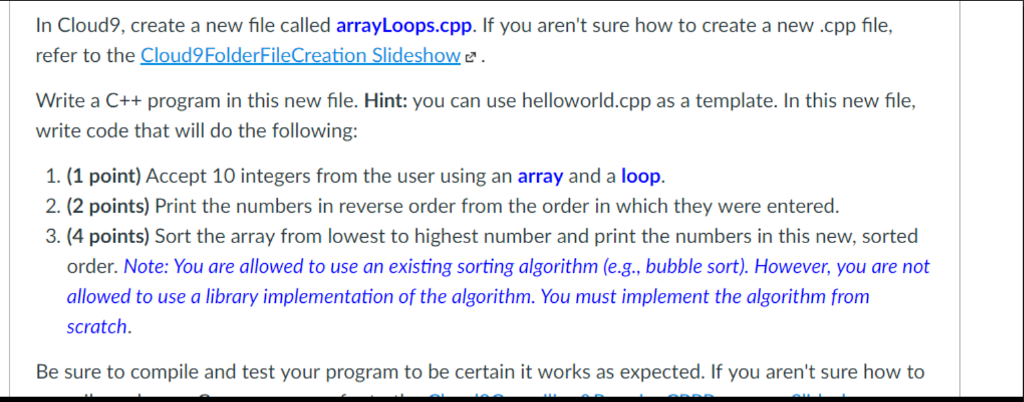
In Cloud9, create a new file called arrayLoops.cpp. If you aren't sure how to create a new.cpp file, refer to the Cloud9 FolderFileCreation Slideshow Write a C++ program in this new file. Hint: you can use helloworld.cpp as a template. In this new file, write code that will do the following: 1. (1 point) Accept 10 integers from the user using an array and a loop. 2. (2 points) Print the numbers in reverse order from the order in which they were entered. 3. (4 points) Sort the array from lowest to highest number and print the numbers in this new, sorted order. Note: You are allowed to use an existing sorting algorithm (e.g., bubble sort). However, you are not allowed to use a library implementation of the algorithm. You must implement the algorithm from scratch. Be sure to compile and test your program to be certain it works as expected. If you aren't sure how to
Step by Step Solution
There are 3 Steps involved in it

Get step-by-step solutions from verified subject matter experts
 Study Help