







Question: In Java! Calculator. Thanks 6.12 LAB: Calculator The template provided implements the add and subtract options on a simple calculator. Run the program and notice
In Java!
Calculator.
Thanks
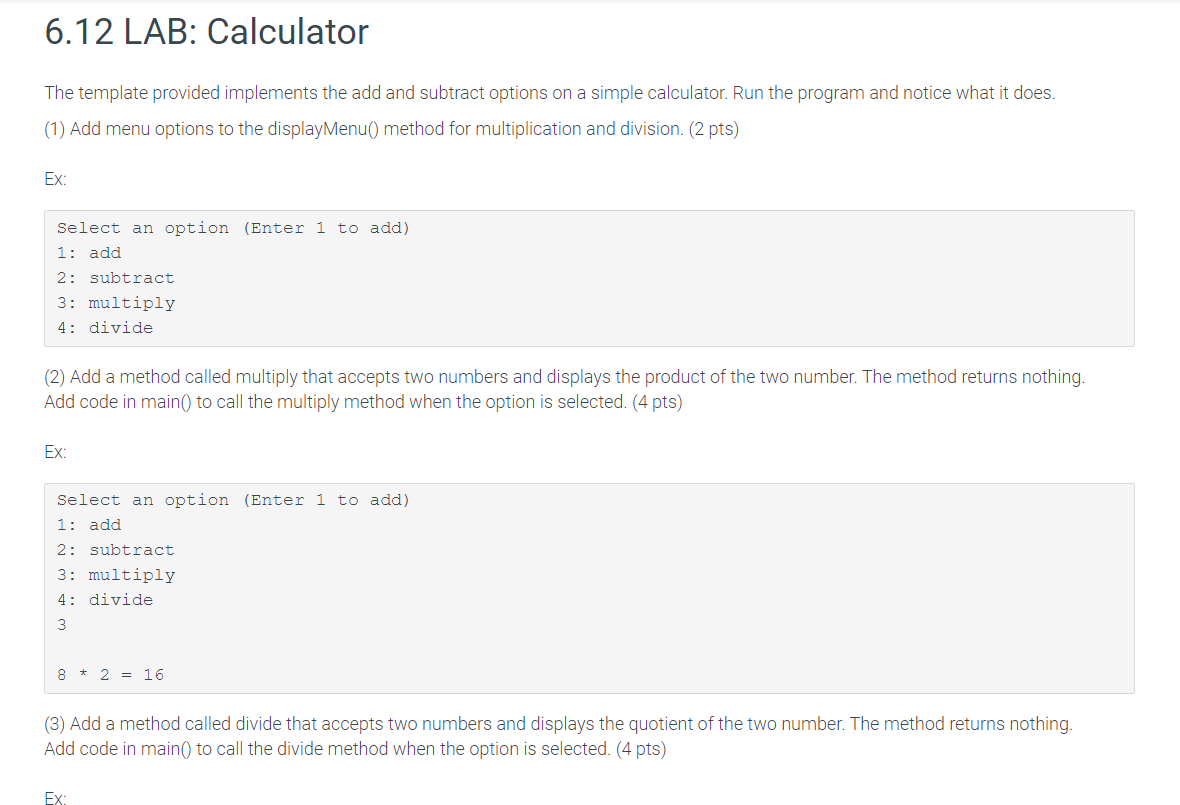
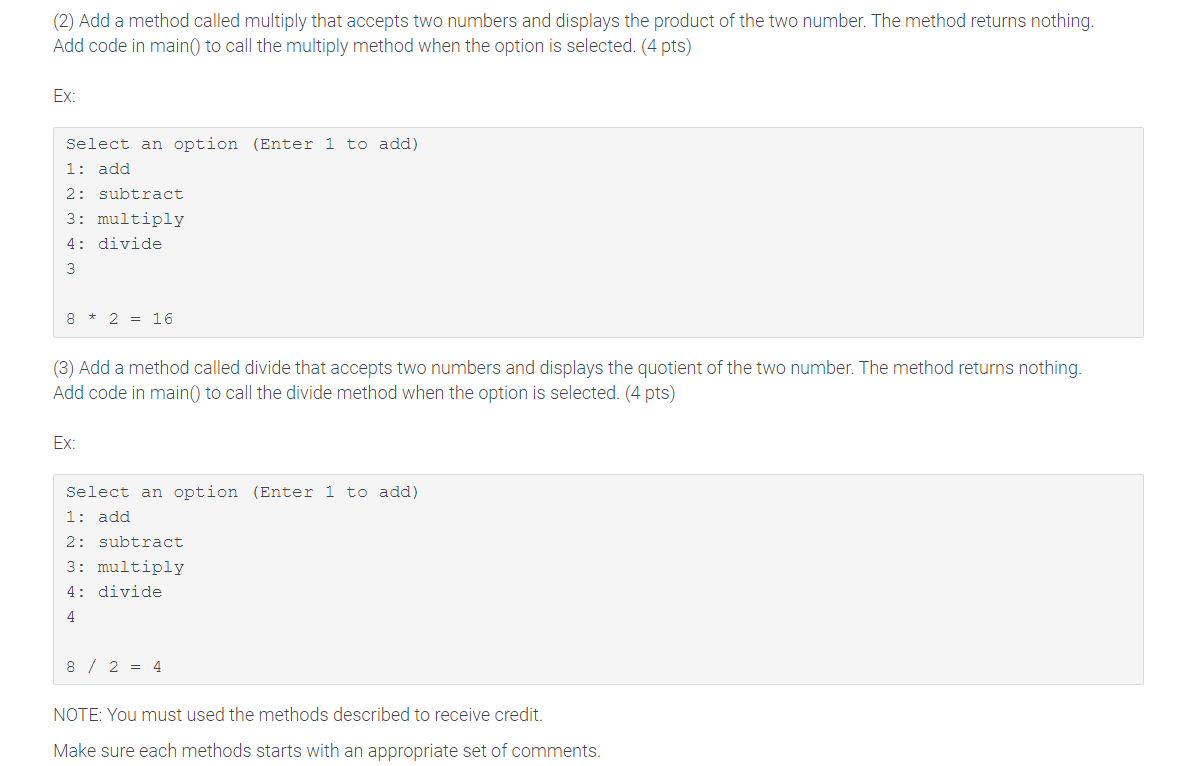
6.12 LAB: Calculator The template provided implements the add and subtract options on a simple calculator. Run the program and notice what it does. (1) Add menu options to the displayMenu() method for multiplication and division. (2 pts) Ex: Select an option (Enter 1 to add) 1: add 2: subtract 3: multiply 4: divide (2) Add a method called multiply that accepts two numbers and displays the product of the two number. The method returns nothing. Add code in main() to call the multiply method when the option is selected. (4 pts) Ex: Select an option (Enter 1 to add) 1: add 2: subtract 3: multiply 4: divide 8 * 2 = 16 (3) Add a method called divide that accepts two numbers and displays the quotient of the two number. The method returns nothing. Add code in main to call the divide method when the option is selected. (4 pts) EX (2) Add a method called multiply that accepts two numbers and displays the product of the two number. The method returns nothing. Add code in main to call the multiply method when the option is selected. (4 pts) Ex: Select an option (Enter 1 to add) 1: add 2: subtract 3: multiply 4: divide 8 + 2 = 16 (3) Add a method called divide that accepts two numbers and displays the quotient of the two number. The method returns nothing. Add code in main to call the divide method when the option is selected. (4 pts) EX. Select an option (Enter 1 to add) 1: add 2: subtract 3: multiply 4: divide 8 / 2 = 4 NOTE: You must used the methods described to receive credit. Make sure each methods starts with an appropriate set of comments
Step by Step Solution
There are 3 Steps involved in it

Get step-by-step solutions from verified subject matter experts
 Study Help