







Question: in java Create a new project and the main class. Created a project called CSC170Labs with the main class called Main Driver within NetBeans. int
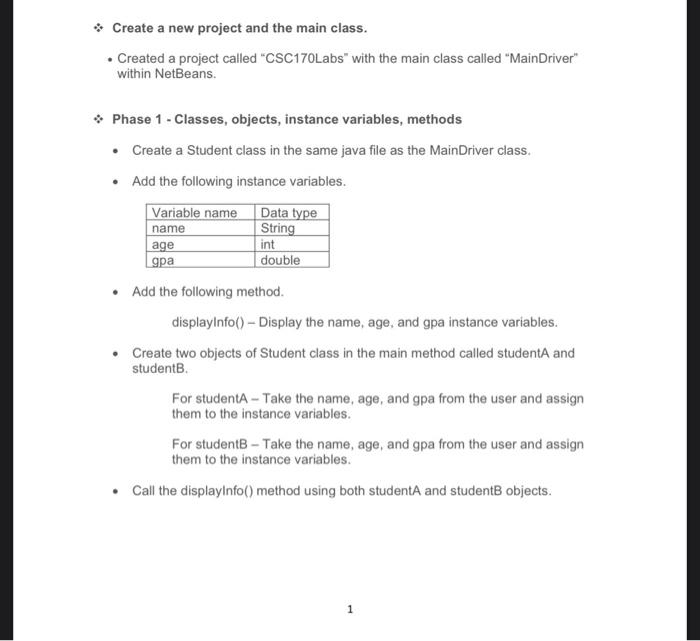
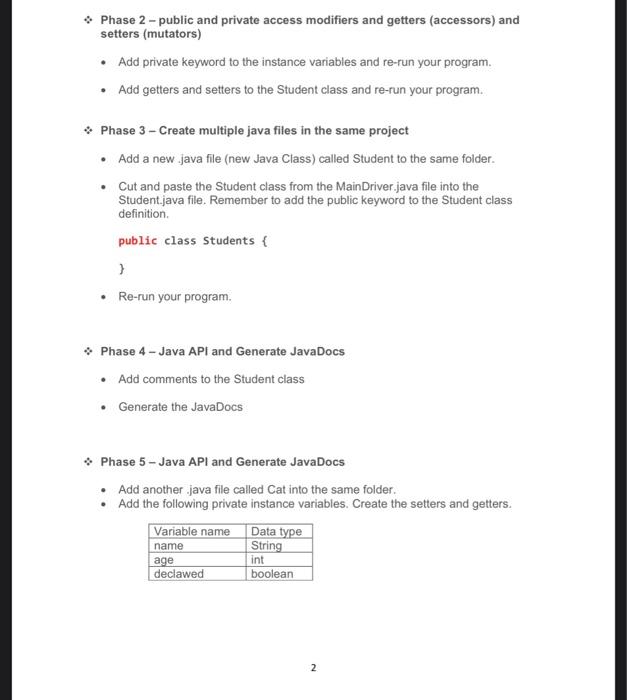
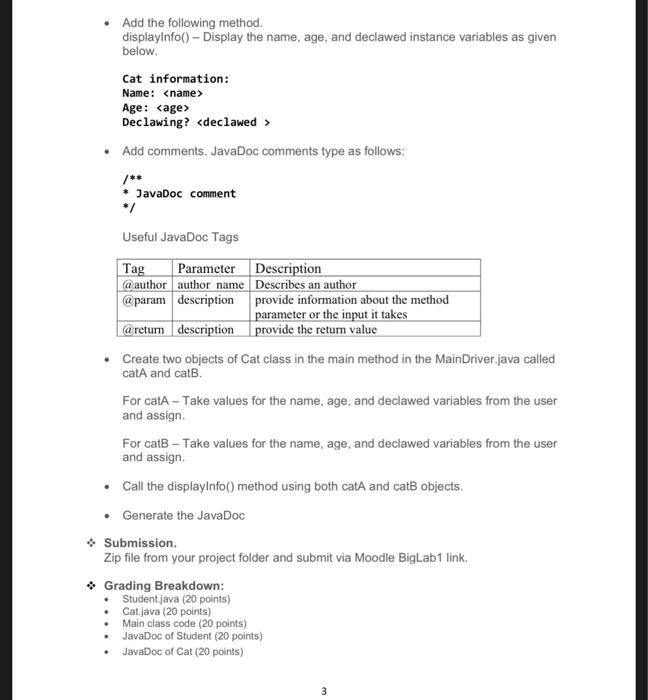
Create a new project and the main class. Created a project called "CSC170Labs" with the main class called "Main Driver within NetBeans. int Phase 1 - Classes, objects, instance variables, methods Create a Student class in the same java file as the Main Driver class. Add the following instance variables. Variable name Data type name String age gpa double Add the following method. displayInfo() - Display the name, age, and gpa instance variables. Create two objects of Student class in the main method called student and student For studentA - Take the name, age, and gpa from the user and assign them to the instance variables. For students - Take the name, age, and gpa from the user and assign them to the instance variables. Call the displayInfo() method using both student and students objects. 1 Phase 2 - public and private access modifiers and getters (accessors) and setters (mutators) Add private keyword to the instance variables and re-run your program. Add getters and setters to the Student class and re-run your program. Phase 3 - Create multiple java files in the same project Add a new java file (new Java Class) called Student to the same folder. Cut and paste the Student class from the Main Driver.java file into the Student.java file. Remember to add the public keyword to the Student class definition public class Students { } Re-run your program. Phase 4 - Java API and Generate JavaDocs Add comments to the Student class Generate the JavaDocs Phase 5 - Java API and Generate JavaDocs Add another java file called Cat into the same folder. Add the following private instance variables. Create the setters and getters. Variable name Data type name String age int declawed boolean 2 Add the following method. displayinfo() - Display the name, age, and declawed instance variables as given below. Cat information: Name:
Step by Step Solution
There are 3 Steps involved in it

Get step-by-step solutions from verified subject matter experts
 Study Help