







Question: in matlab code pls 2 Gaussian Smoothing The first step in the Canny Edge Detector is to apply a Gaussian smogthing kernel to your image.
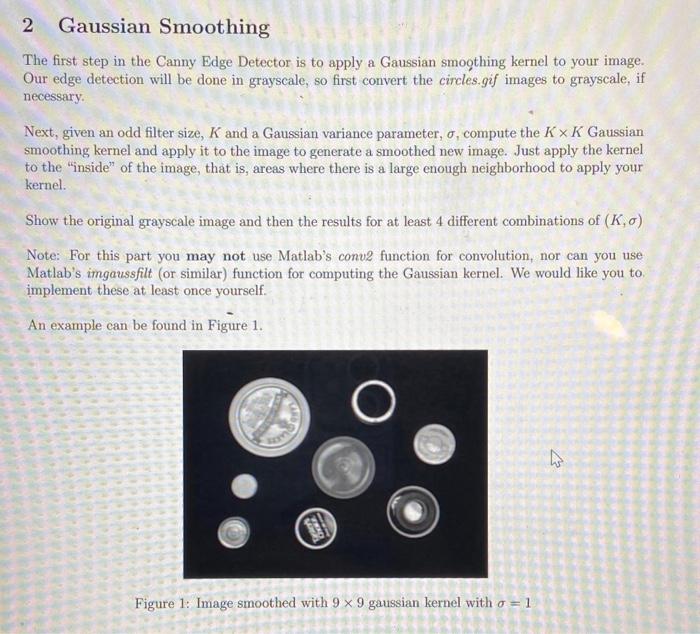
2 Gaussian Smoothing The first step in the Canny Edge Detector is to apply a Gaussian smogthing kernel to your image. Our edge detection will be done in grayscale, so first convert the circles.gif images to grayscale, if necessary. Next, given an odd filter size, K and a Gaussian variance parameter, , compute the KK Gaussian smoothing kernel and apply it to the image to generate a smoothed new image. Just apply the kernel to the "inside" of the image, that is, areas where there is a large enough neighborhood to apply your kernel. Show the original grayscale image and then the results for at least 4 different combinations of (K,) Note: For this part you may not use Matlab's conv2 function for convolution, nor can you use Matlab's imgaussfilt (or similar) function for computing the Gaussian kernel. We would like you to. implement these at least once yourself. An example can be found in Figure 1. Figure 1: Image smoothed with 99 gaussian kernel with =1
Step by Step Solution
There are 3 Steps involved in it

Get step-by-step solutions from verified subject matter experts
 Study Help