







Question: Please implement Canny Edge Detector in MatLab. 1 . Using a Gaussian filter to smooth a given gray scale image. Your prototype could be S
Please implement Canny Edge Detector in MatLab.
Using a Gaussian filter to smooth a given gray scale image. Your prototype could be S GaussSmoothingI N Sigma
Once you get the smoothed version of the input image, you need to get the image gradient of it You can use the Roberts cross or Sobel or whatever to produce the magnitude and direction of your edge map. The prototype could be Mag Theta ImageGradientS
Determine two thresholds for later edge processing. Use the histogram of the image gradient to find the threshold, although you need some magic numbers, eg percentageOfNonEdge is the specified percentage of Nonedge area in Mag. Prototype could be T low, T high FindThresholdMag percentageOfNonEdge where You can use T low T high.
One important idea in Canny edge detector is finding local maxima of image gradient based on nonmaxima supressing techniques. The quantization method and the interpolation method, you can use either of them or both of them You can use a LUT to simplify your implementation. The prototype could be Mag NonmaximaSupressMag Theta, method;
The nonmaxima supressing techniques will give you quite good thin edges. The next step is to link the edges based on the two thresholds determined before. The high threshold produces strong edges, and the low threshold produces weak edges. The idea of Canny detector is to first recursively link the strong edges. When a strong edge ends, keep growing the weak edges to fill the gaps between strong edges. Weve discussed that in class. The prototype could be E EdgeLinkingMag low, Mag high
Play with different parameters, mainly, the Gaussian smoothing parameters N Sigma and percentageOfNonEdge, to see different outputs.
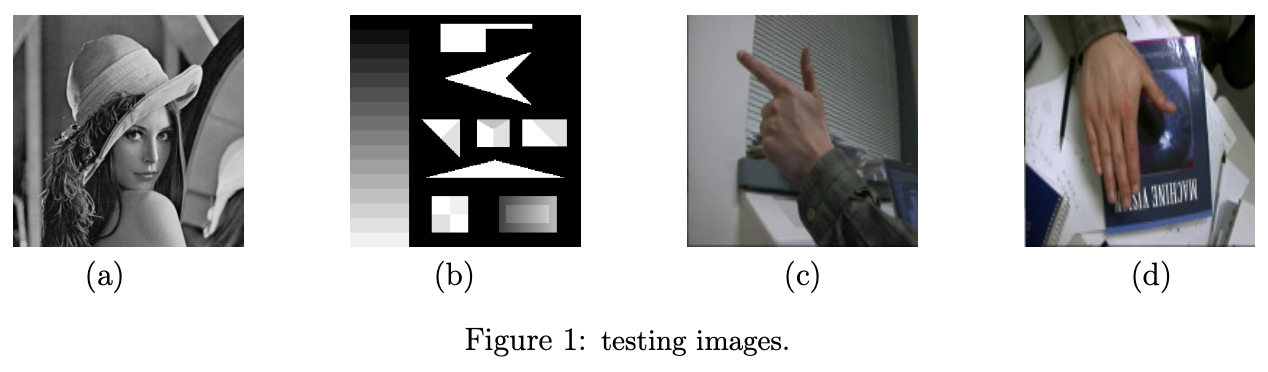
See if Canny detector works better than other edge detectors, youd better just compare different detectors on different testing images. Here, you can use the functions provided by Matlab, eg
E edgeimginputsobel
E edgeimginputroberts
E edgeimginputzerocross
You can use setRecursionLimitN to specify a larger stack, say N
Step by Step Solution
There are 3 Steps involved in it
1 Expert Approved Answer
Step: 1 Unlock

Question Has Been Solved by an Expert!
Get step-by-step solutions from verified subject matter experts
Step: 2 Unlock
Step: 3 Unlock
 Study Help