







Question: In python plz 7.15 Programming Assignment 2, Question 2 We are trying to make sure your passphrase is acceptable! Write a script that asks for
In python plz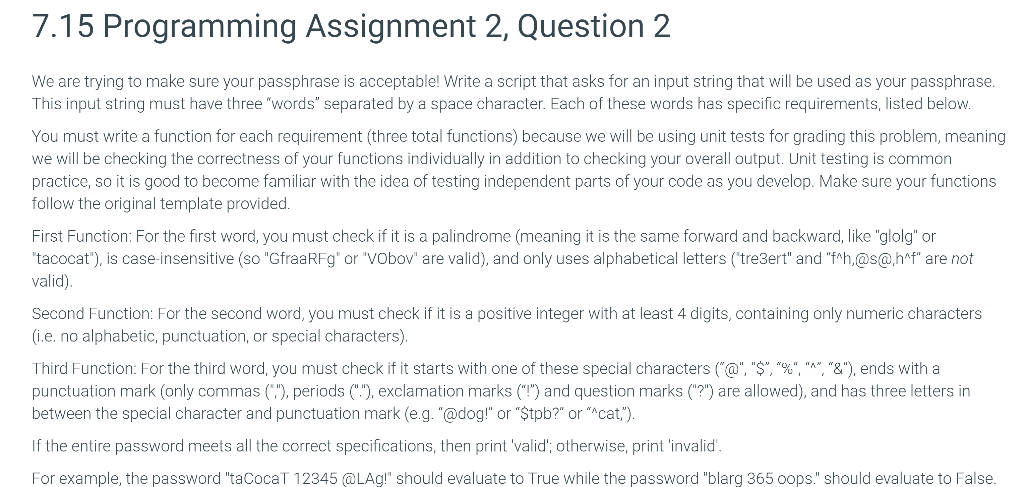
7.15 Programming Assignment 2, Question 2 We are trying to make sure your passphrase is acceptable! Write a script that asks for an input string that will be used as your passphrase This input string must have three "words" separated by a space character. Each of these words has specific requirements, listed below. You must write a function for each requirement (three total functions) because we will be using unit tests for grading this problem, meaning we will be checking the correctness of your functions individually in addition to checking your overall output. Unit testing is common practice, so it is good to become familiar with the idea of testing independent parts of your code as you develop. Make sure your functions follow the original template provided. First Function: For the first word, you must check if it is a palindrome (meaning it is the same forward and backward, like "glolg" or "tacocat"), is case-insensitive (so "GfraaRFg" or "Vobov" are valid), and only uses alphabetical letters (tre3ert" and "f^h,@s@haf" are not valid). Second Function: For the second word, you must check if it is a positive integer with at least 4 digits, containing only numeric characters (ie, no alphabetic, punctuation, or special characters). Third Function: For the third word, you must check if it starts with one of these special characters ("@", "$", "%", "*", "&"), ends with a punctuation mark (only commas ("), periods (""), exclamation marks ("!") and question marks "?") are allowed), and has three letters in between the special character and punctuation mark (e.g. "@dog!" or "Stpb?" or "Acat,"). If the entire password meets all the correct specifications, then print 'valid; otherwise, print 'invalid. For example, the password "taCocaT 12345 @LA!" should evaluate to True while the password "blarg 365 oops." should evaluate to False
Step by Step Solution
There are 3 Steps involved in it

Get step-by-step solutions from verified subject matter experts
 Study Help