







Question: In the Problem 4 tab there is a table with a list of tasks and due dates for a project. You will need to apply
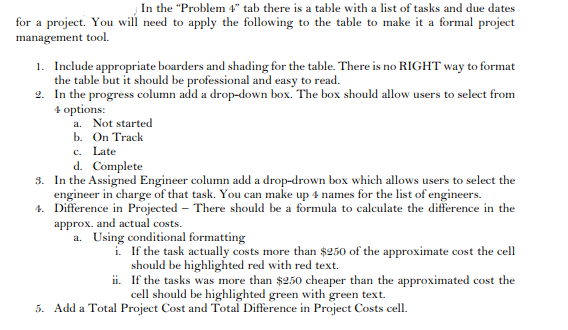
In the "Problem 4" tab there is a table with a list of tasks and due dates for a project. You will need to apply the following to the table to make it a formal project management tool. 1. Include appropriate boarders and shading for the table. There is no RIGHT way to format the table but it should be professional and easy to read. 9. In the progress column add a drop-down box. The box should allow users to select from 4 options: a. Not started b. On Track c. Late d. Complete 3. In the Assigned Engineer column add a drop-drown box which allows users to select the engineer in charge of that task. You can make up 4 names for the list of engineers. Difference in Projected - There should be a formula to calculate the difference in the approx. and actual costs. a. Using conditional formatting i. If the task actually costs more than $250 of the approximate cost the cell should be highlighted red with red text. ii. If the tasks was more than $2.50 cheaper than the approximated cost the cell should be highlighted green with green text. 5. Add a Total Project Cost and Total Difference in Project Costs cell. In the "Problem 4" tab there is a table with a list of tasks and due dates for a project. You will need to apply the following to the table to make it a formal project management tool. 1. Include appropriate boarders and shading for the table. There is no RIGHT way to format the table but it should be professional and easy to read. 9. In the progress column add a drop-down box. The box should allow users to select from 4 options: a. Not started b. On Track c. Late d. Complete 3. In the Assigned Engineer column add a drop-drown box which allows users to select the engineer in charge of that task. You can make up 4 names for the list of engineers. Difference in Projected - There should be a formula to calculate the difference in the approx. and actual costs. a. Using conditional formatting i. If the task actually costs more than $250 of the approximate cost the cell should be highlighted red with red text. ii. If the tasks was more than $2.50 cheaper than the approximated cost the cell should be highlighted green with green text. 5. Add a Total Project Cost and Total Difference in Project Costs cell
Step by Step Solution
There are 3 Steps involved in it

Get step-by-step solutions from verified subject matter experts
 Study Help