







Question: In this example, we will create a new user account using the PC Settings found in Windows 10. Match each step with its applicable description.
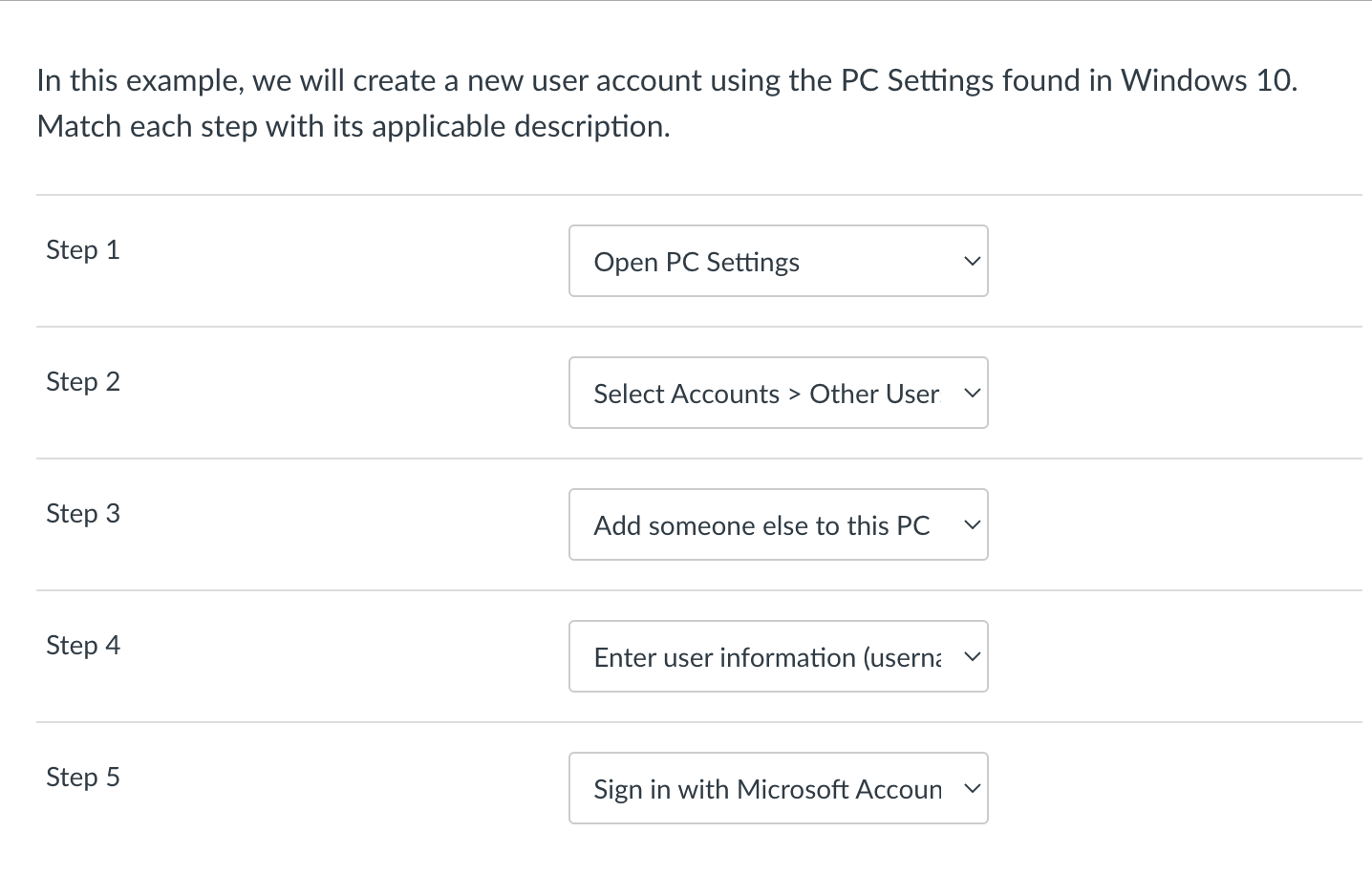
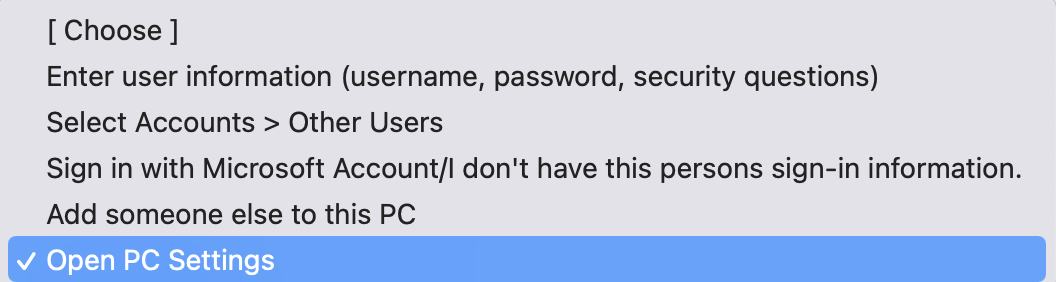
In this example, we will create a new user account using the PC Settings found in Windows 10. Match each step with its applicable description. Step 1 Step 2 Step 3 Step 4 Step 5 [Choose ] Enter user information (username, password, security questions) Select Accounts > Other Users Sign in with Microsoft Account/I don't have this persons sign-in information. Add someone else to this PC
Step by Step Solution
There are 3 Steps involved in it
1 Expert Approved Answer
Step: 1 Unlock

Question Has Been Solved by an Expert!
Get step-by-step solutions from verified subject matter experts
Step: 2 Unlock
Step: 3 Unlock
 Study Help