







Question: in visual studio 2015 using visual basic HP 15 Feature rich. Budget friendly See it clearly with HD HD display optimized for Windows 81 HP
in visual studio 2015 using visual basic
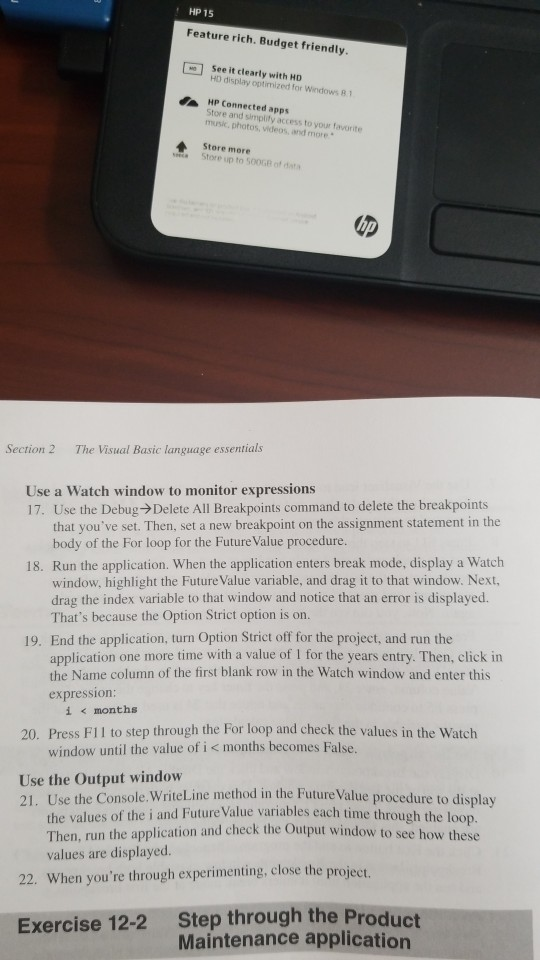
HP 15 Feature rich. Budget friendly See it clearly with HD HD display optimized for Windows 81 HP Connected apps Store and simplity access to your favorite music. photos, videos, and more Store more Store up to 500G of data Section 2 The Visual Basic language essentials Use a Watch window to monitor expressions 17. Use the Debug- Delete All Breakpoints command to delete the breakpoints that you've set. Then, set a new breakpoint on the assignment statement in the body of the For loop for the Future Value procedure. 18. Run the application. When the application enters break mode, display a Watch window, highlight the Future Value variable, and drag it to that window. Next, drag the index variable to that window and notice that an error is displayed. That's because the Option Strict option is on. 19. End the application, turn Option Strict off for the project, and run the application one more time with a value of I for the years entry. Then, click in the Name column of the first blank row in the Watch window and enter this expression: i
Step by Step Solution
There are 3 Steps involved in it

Get step-by-step solutions from verified subject matter experts
 Study Help