







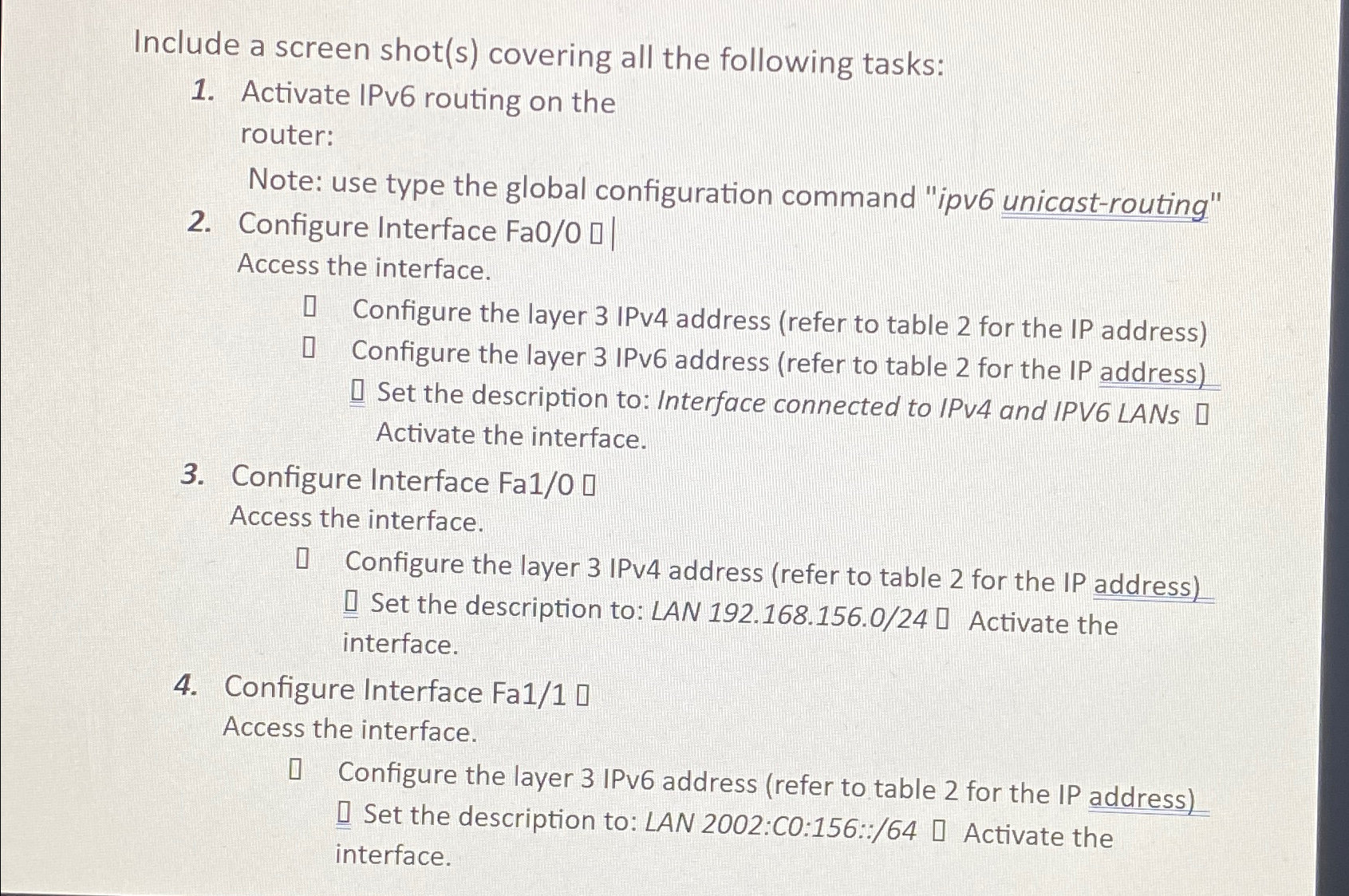
Question: Include a screen shot ( s ) covering all the following tasks: Activate IPv 6 routing on the router: Note: use type the global configuration
Include a screen shots covering all the following tasks:
Activate IPv routing on the router:
Note: use type the global configuration command "ipv unicastrouting"
Configure Interface Access the interface.
Configure the layer IPv address refer to table for the IP address
Configure the layer IPv address refer to table for the IP address
Set the description to: Interface connected to IPv and IPV LANs Activate the interface.
Configure Interface
Access the interface.
Configure the layer IPv address refer to table for the IP address Q Set the description to: LAN Activate the interface.
Configure Interface Fa
Access the interface.
Configure the layer IPv address refer to table for the IP address Q Set the description to: LAN :C::: Activate the interface.
By using packet tracer
Step by Step Solution
There are 3 Steps involved in it
1 Expert Approved Answer
Step: 1 Unlock

Question Has Been Solved by an Expert!
Get step-by-step solutions from verified subject matter experts
Step: 2 Unlock
Step: 3 Unlock
 Study Help